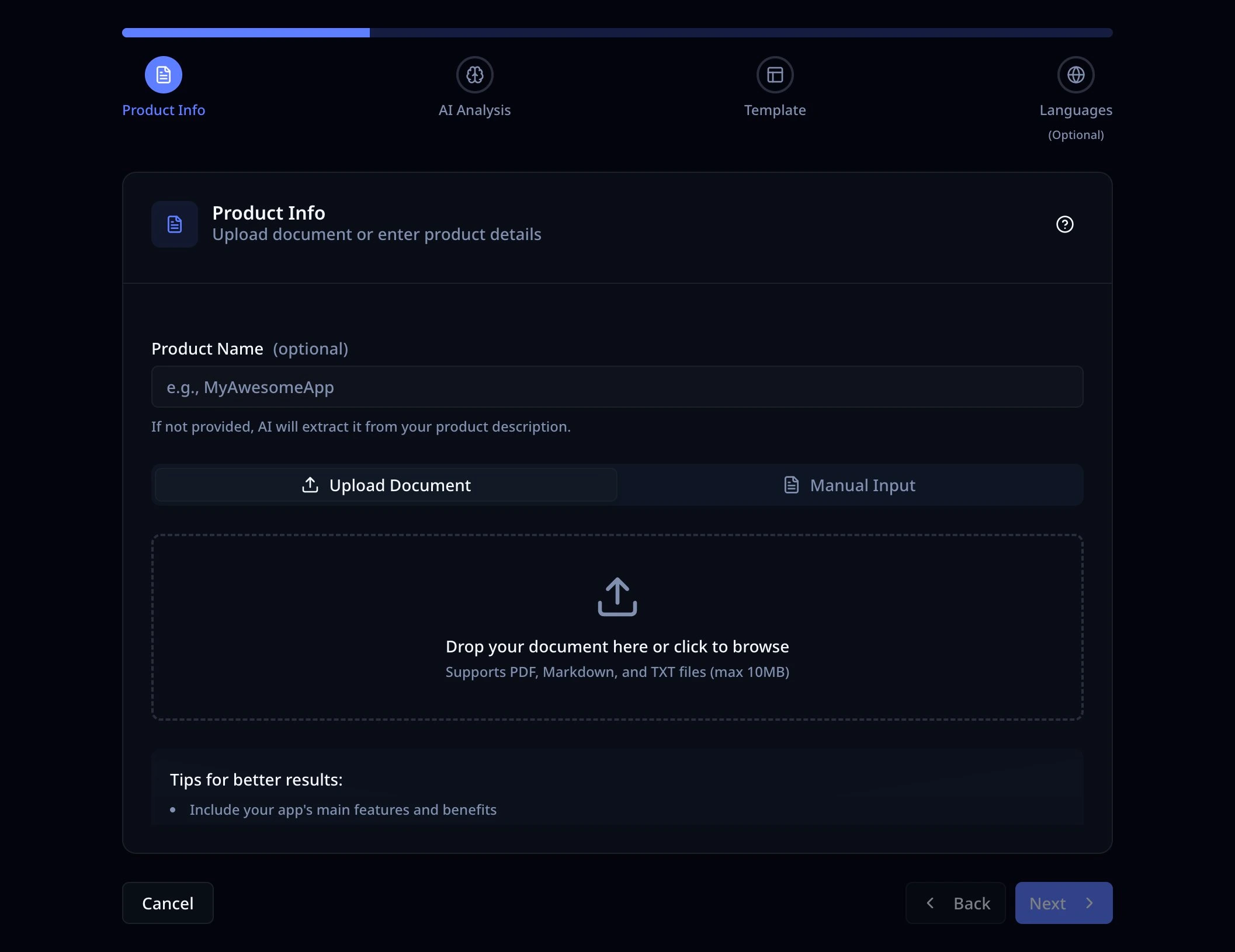
100% Free
All Platforms

App Screenshot Generator for App Store & Google Play

Create Professional iOS and Android App Screenshots in Minutes

No account required. It's fast & free.

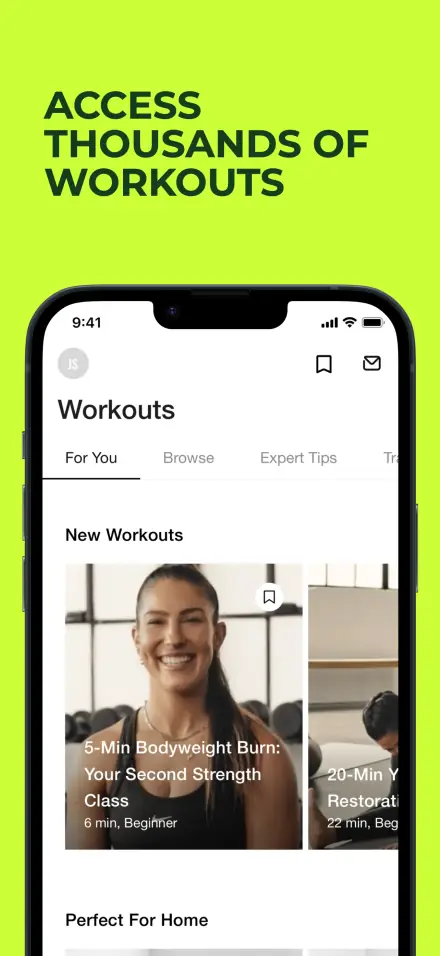
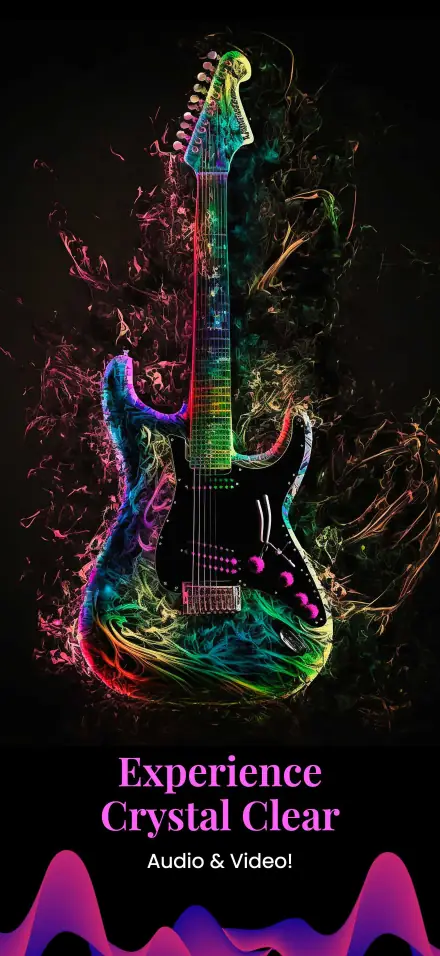
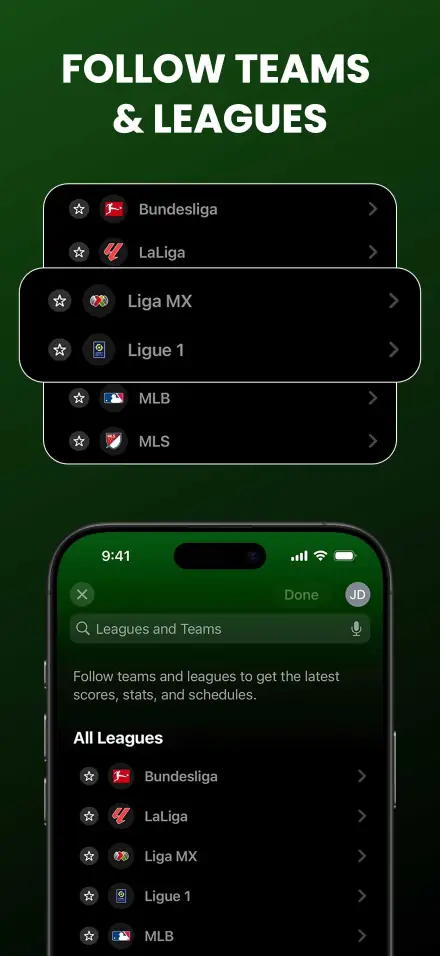
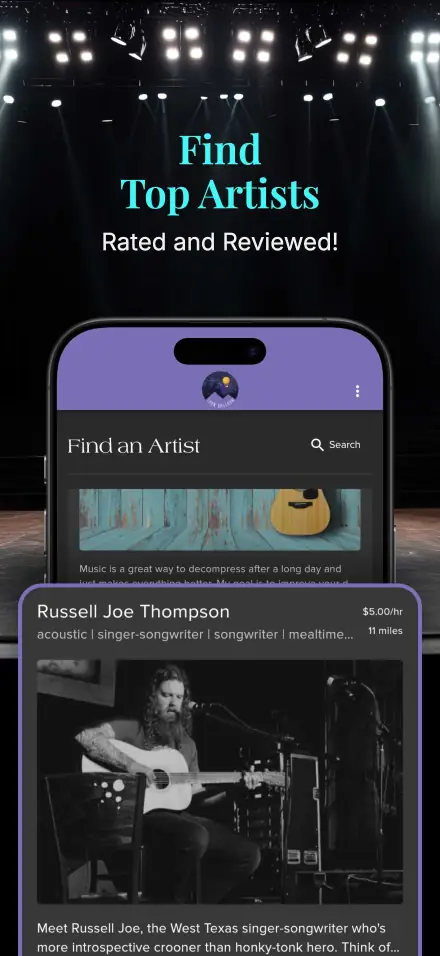
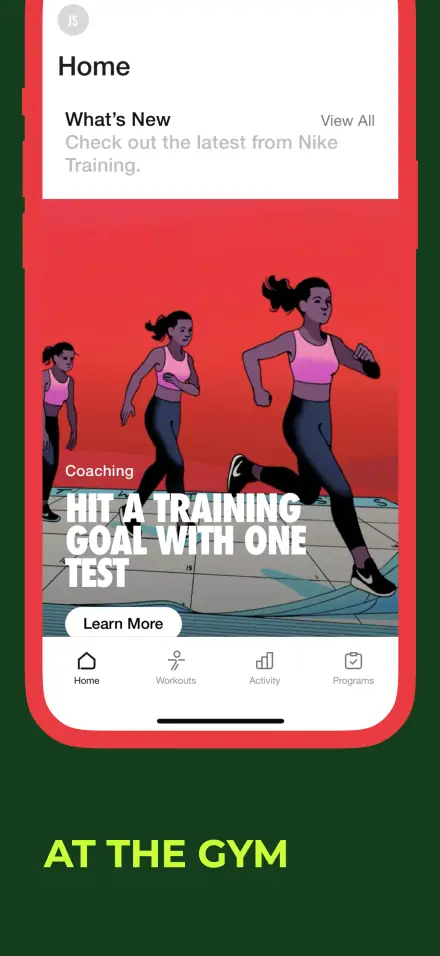
App screenshot
App screenshot
App screenshot
App screenshot
App screenshot

DEMO VIDEO

See It in Action

Watch how easy it is to create stunning app screenshots in just a few minutes.

App Screenshot Generator demo video thumbnail
2:30

Scroll here to auto-play the 2-minute demo

Indie Developer on Product Hunt

"For the first time, I didn't dread making store screenshots. I finished a polished set in one sitting."

SHOWCASE

Beautiful Screenshots for Every App Category

See how top apps present their screenshots. Get inspired and create your own stunning visuals.
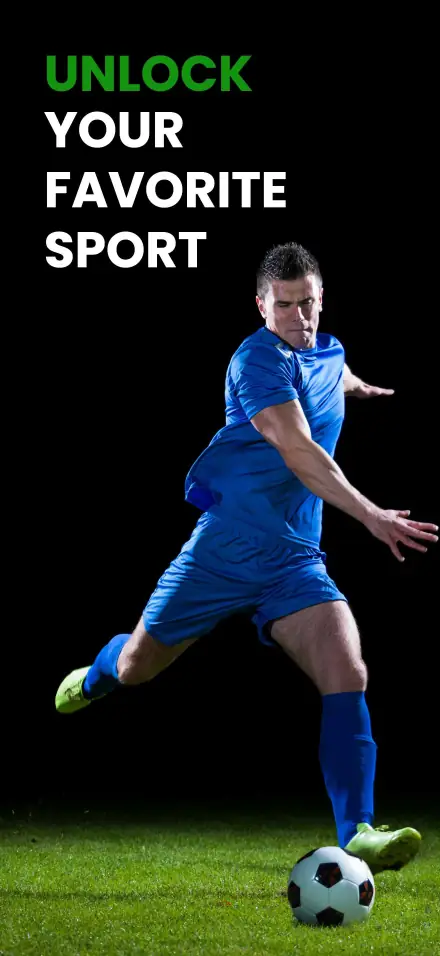
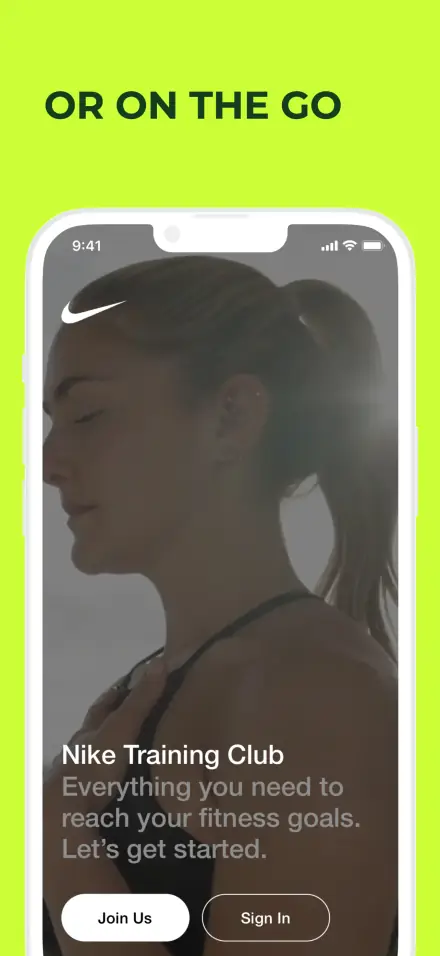
Fitness app screenshot
Fitness
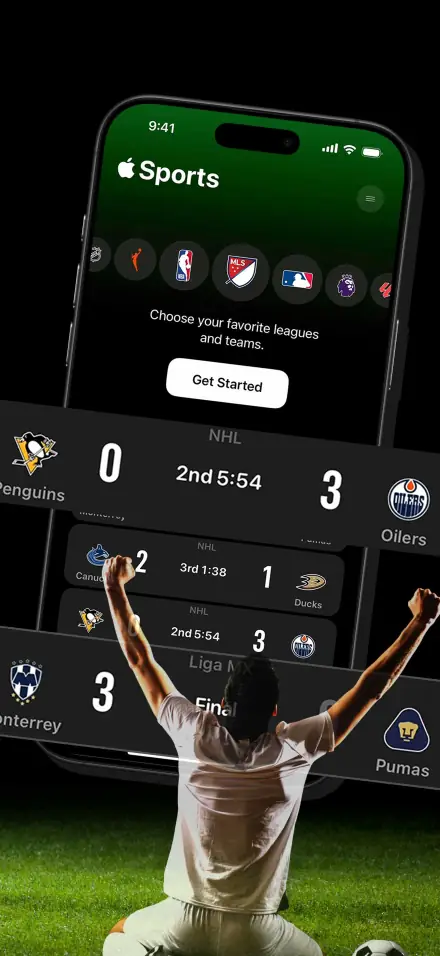
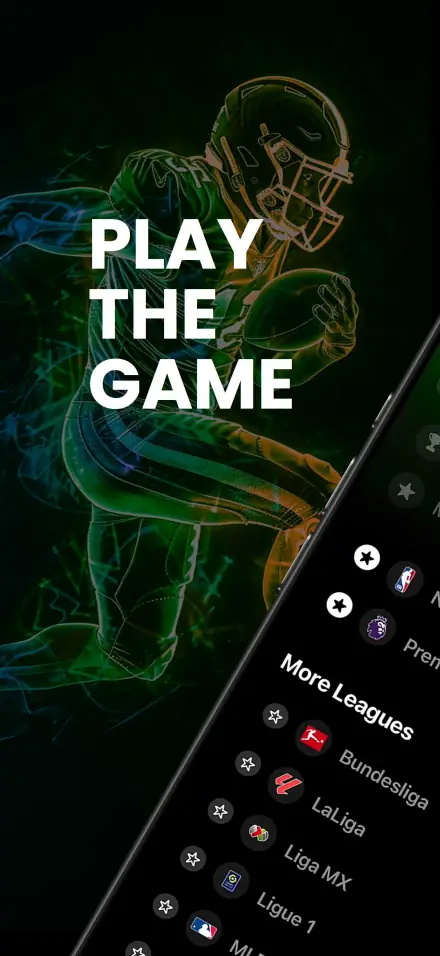
Sports app screenshot
Sports
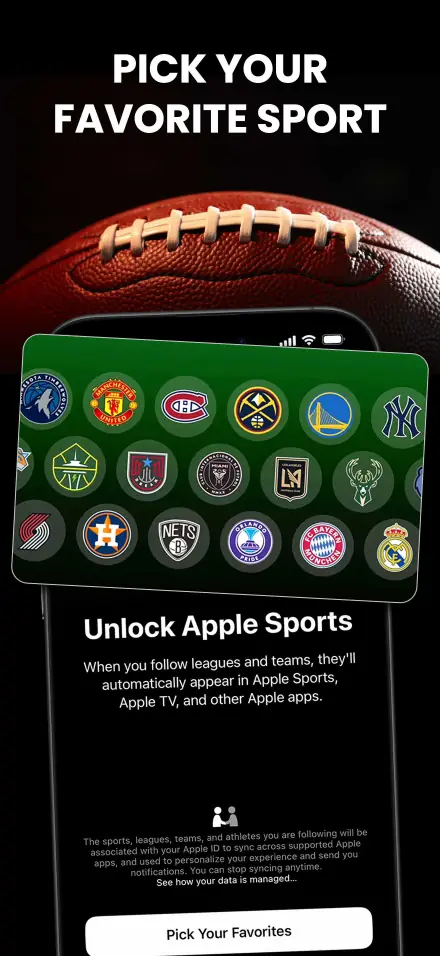
Sports app screenshot
Sports
Sports app screenshot
Sports
Sports app screenshot
Sports
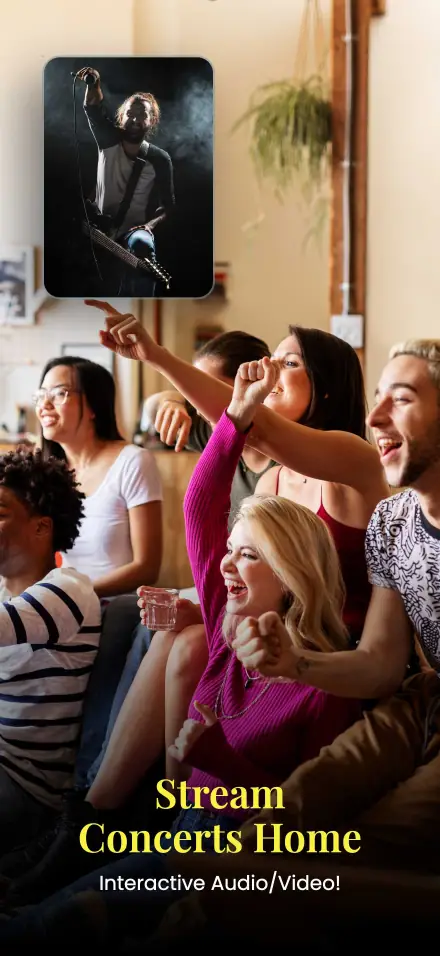
Music app screenshot
Music
Music app screenshot
Music
Music app screenshot
Music

FEATURES

Everything You Need to Create Stunning Screenshots

Design Anytime Anywhere

Create stunning screenshots from any device, anywhere in the world.
Design Anytime Anywhere

Highlight

Draw attention to key features with professional highlights.
Highlight

Export in all sizes with one click

Instantly export for App Store, Google Play, and more.

Export in all sizes with one click

DEVICES

All Device Sizes Supported

Generate pixel-perfect screenshots for every device size required by App Store and Google Play.

iPhone

6.7", 6.5", 5.5"

iPad

12.9", 11"

Android

Phone & Tablet

Apple Watch

Series 9, Ultra

App Store
Google Play
AI Powered

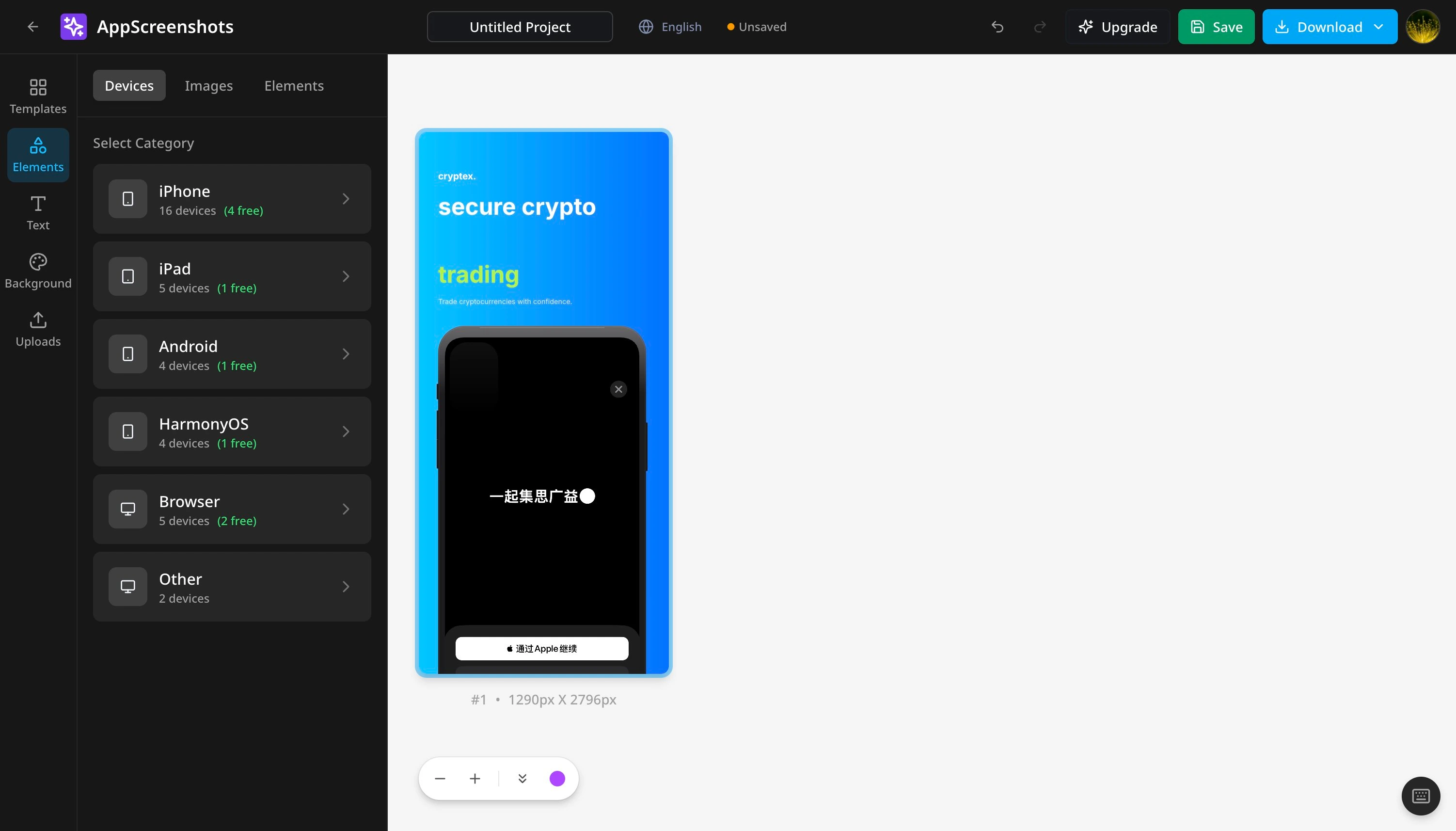
Generate Screenshots with AI

Describe your app and let AI create professional app store screenshots. No design skills required.

AI-Powered Generation

Simply describe your app and AI creates stunning screenshots automatically.

Smart Layouts

AI intelligently arranges elements for maximum visual impact.

Instant Export

Generate all App Store and Play Store sizes in one click.

Try AI Generator

Free to start. No credit card required.

AI Screenshot Generator Preview
Multi-Language Support

One Design, All Languages

Create screenshots once and instantly localize for all your target markets. Our built-in translation tools make global app launches effortless.

🇺🇸English
🇨🇳简体中文
🇨🇳繁體中文
🇯🇵日本語
🇰🇷한국어
🇪🇸Español
🇫🇷Français
🇩🇪Deutsch
🇧🇷Português
🇷🇺Русский
🇸🇦العربية
🇮🇳हिन्दी
🇹🇭ไทย
🇻🇳Tiếng Việt

14+ Languages Supported

Manage content for English, Chinese, Japanese, Korean, Spanish, French, German, and more - all in one project.

AI-Powered Translation

Translate all your screenshot text with one click using AI. Supports batch translation across all languages.

Smart Font Recommendations

Automatically recommend and apply the best fonts for each language. Perfect CJK, Cyrillic, Arabic, and more.

Batch Export to ZIP

Export all language versions at once. Organized by language folders or filename suffixes - ready for App Store Connect.

Save 10x time on localization
No separate design files needed
Professional translations instantly
New Feature

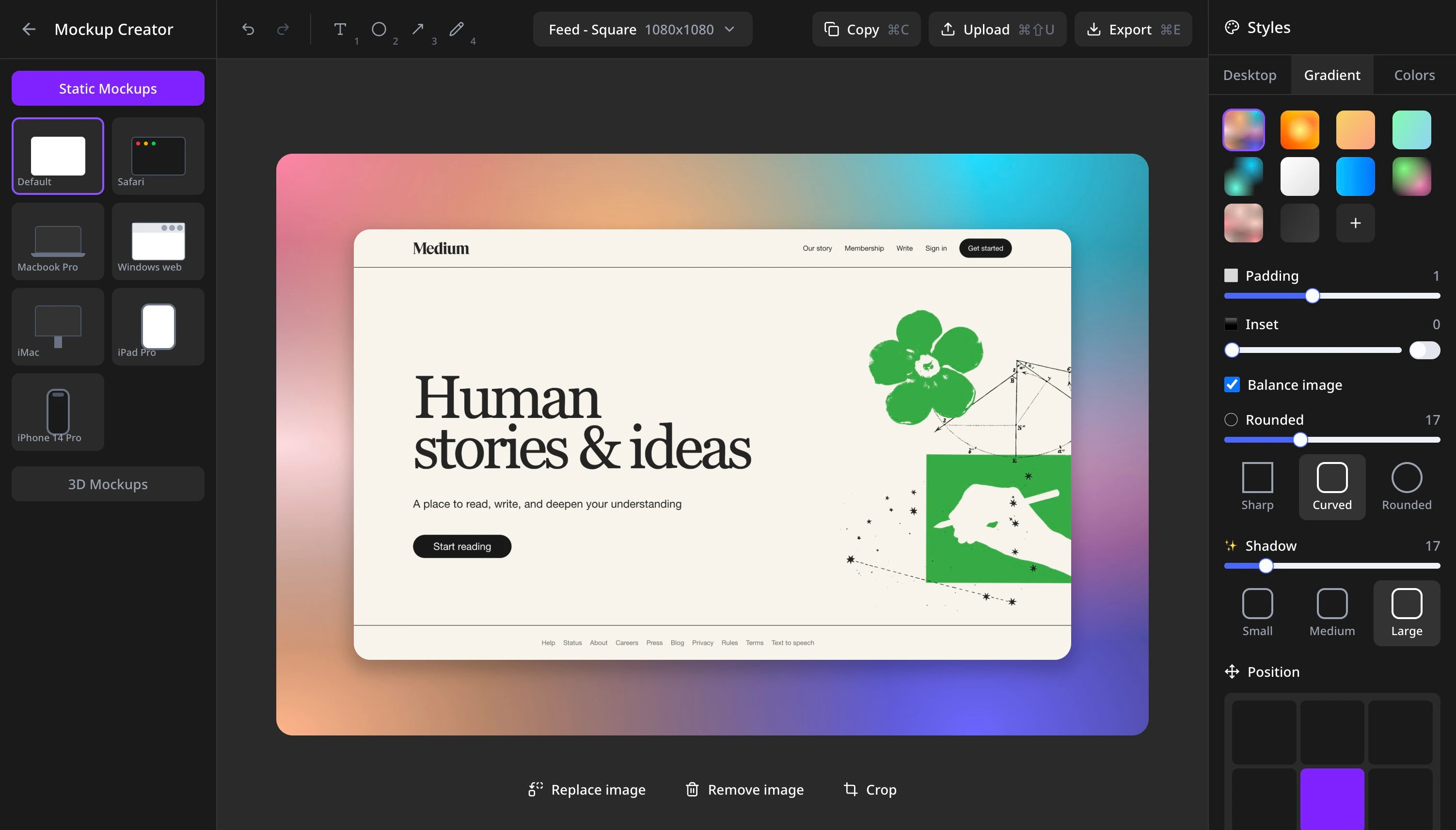
Professional App Mockup Creator

Create stunning device mockups for your app store listings. Add your screenshots to realistic iPhone, Android, and tablet frames with beautiful backgrounds.

50+ Device Frames

Latest iPhone, Android, iPad, and desktop frames with pixel-perfect accuracy.

Custom Backgrounds

Solid colors, gradients, or upload your own images to match your brand.

One-Click Export

Export in perfect App Store and Google Play dimensions instantly.

Try Mockup Creator

Free to use. No signup required.

Mockup Creator Editor Preview

What developers say about AppScreenshots Studio

Ava Chen, indie developer

I finally stopped paying a designer every time I needed new store screenshots. This made the whole workflow fast, affordable, and surprisingly polished.

Lucas Meyer, app growth lead

The screenshot generator is genuinely good. I uploaded my assets, adjusted the copy, and exported a full set in minutes.

Mina Patel, solo founder

I expected a simple editor, but it helped me produce launch-ready screenshots without touching Figma. Huge time saver.

Omar Hassan, startup founder

Fast, browser-based, and easy to use. I can create iOS and Android screenshots from anywhere without installing anything.

Elena Petrova, product designer

Super intuitive. I was able to update screenshots for multiple app releases without starting from scratch every time.

Ryan Cooper, mobile developer

Clean UI, solid templates, and no learning curve. It gives solo developers a professional result very quickly.

Camila Rocha, product manager

This made my app page look far more credible. The screenshots feel consistent, polished, and ready for the store.

Tara Nguyen, indie maker

As someone new to app marketing, I found this incredibly easy to use. The final screenshots looked much more professional than what I could make on my own.

Ava Chen, indie developer

I finally stopped paying a designer every time I needed new store screenshots. This made the whole workflow fast, affordable, and surprisingly polished.

Lucas Meyer, app growth lead

The screenshot generator is genuinely good. I uploaded my assets, adjusted the copy, and exported a full set in minutes.

Mina Patel, solo founder

I expected a simple editor, but it helped me produce launch-ready screenshots without touching Figma. Huge time saver.

Omar Hassan, startup founder

Fast, browser-based, and easy to use. I can create iOS and Android screenshots from anywhere without installing anything.

Elena Petrova, product designer

Super intuitive. I was able to update screenshots for multiple app releases without starting from scratch every time.

Ryan Cooper, mobile developer

Clean UI, solid templates, and no learning curve. It gives solo developers a professional result very quickly.

Camila Rocha, product manager

This made my app page look far more credible. The screenshots feel consistent, polished, and ready for the store.

Tara Nguyen, indie maker

As someone new to app marketing, I found this incredibly easy to use. The final screenshots looked much more professional than what I could make on my own.

Ava Chen, indie developer

I finally stopped paying a designer every time I needed new store screenshots. This made the whole workflow fast, affordable, and surprisingly polished.

Lucas Meyer, app growth lead

The screenshot generator is genuinely good. I uploaded my assets, adjusted the copy, and exported a full set in minutes.

Mina Patel, solo founder

I expected a simple editor, but it helped me produce launch-ready screenshots without touching Figma. Huge time saver.

Omar Hassan, startup founder

Fast, browser-based, and easy to use. I can create iOS and Android screenshots from anywhere without installing anything.

Elena Petrova, product designer

Super intuitive. I was able to update screenshots for multiple app releases without starting from scratch every time.

Ryan Cooper, mobile developer

Clean UI, solid templates, and no learning curve. It gives solo developers a professional result very quickly.

Camila Rocha, product manager

This made my app page look far more credible. The screenshots feel consistent, polished, and ready for the store.

Tara Nguyen, indie maker

As someone new to app marketing, I found this incredibly easy to use. The final screenshots looked much more professional than what I could make on my own.

Ava Chen, indie developer

I finally stopped paying a designer every time I needed new store screenshots. This made the whole workflow fast, affordable, and surprisingly polished.

Lucas Meyer, app growth lead

The screenshot generator is genuinely good. I uploaded my assets, adjusted the copy, and exported a full set in minutes.

Mina Patel, solo founder

I expected a simple editor, but it helped me produce launch-ready screenshots without touching Figma. Huge time saver.

Omar Hassan, startup founder

Fast, browser-based, and easy to use. I can create iOS and Android screenshots from anywhere without installing anything.

Elena Petrova, product designer

Super intuitive. I was able to update screenshots for multiple app releases without starting from scratch every time.

Ryan Cooper, mobile developer

Clean UI, solid templates, and no learning curve. It gives solo developers a professional result very quickly.

Camila Rocha, product manager

This made my app page look far more credible. The screenshots feel consistent, polished, and ready for the store.

Tara Nguyen, indie maker

As someone new to app marketing, I found this incredibly easy to use. The final screenshots looked much more professional than what I could make on my own.

Ava Chen, indie developer

I finally stopped paying a designer every time I needed new store screenshots. This made the whole workflow fast, affordable, and surprisingly polished.

Lucas Meyer, app growth lead

The screenshot generator is genuinely good. I uploaded my assets, adjusted the copy, and exported a full set in minutes.

Mina Patel, solo founder

I expected a simple editor, but it helped me produce launch-ready screenshots without touching Figma. Huge time saver.

Omar Hassan, startup founder

Fast, browser-based, and easy to use. I can create iOS and Android screenshots from anywhere without installing anything.

Elena Petrova, product designer

Super intuitive. I was able to update screenshots for multiple app releases without starting from scratch every time.

Ryan Cooper, mobile developer

Clean UI, solid templates, and no learning curve. It gives solo developers a professional result very quickly.

Camila Rocha, product manager

This made my app page look far more credible. The screenshots feel consistent, polished, and ready for the store.

Tara Nguyen, indie maker

As someone new to app marketing, I found this incredibly easy to use. The final screenshots looked much more professional than what I could make on my own.

Ava Chen, indie developer

I finally stopped paying a designer every time I needed new store screenshots. This made the whole workflow fast, affordable, and surprisingly polished.

Lucas Meyer, app growth lead

The screenshot generator is genuinely good. I uploaded my assets, adjusted the copy, and exported a full set in minutes.

Mina Patel, solo founder

I expected a simple editor, but it helped me produce launch-ready screenshots without touching Figma. Huge time saver.

Omar Hassan, startup founder

Fast, browser-based, and easy to use. I can create iOS and Android screenshots from anywhere without installing anything.

Elena Petrova, product designer

Super intuitive. I was able to update screenshots for multiple app releases without starting from scratch every time.

Ryan Cooper, mobile developer

Clean UI, solid templates, and no learning curve. It gives solo developers a professional result very quickly.

Camila Rocha, product manager

This made my app page look far more credible. The screenshots feel consistent, polished, and ready for the store.

Tara Nguyen, indie maker

As someone new to app marketing, I found this incredibly easy to use. The final screenshots looked much more professional than what I could make on my own.

Ava Chen, indie developer

I finally stopped paying a designer every time I needed new store screenshots. This made the whole workflow fast, affordable, and surprisingly polished.

Lucas Meyer, app growth lead

The screenshot generator is genuinely good. I uploaded my assets, adjusted the copy, and exported a full set in minutes.

Mina Patel, solo founder

I expected a simple editor, but it helped me produce launch-ready screenshots without touching Figma. Huge time saver.

Omar Hassan, startup founder

Fast, browser-based, and easy to use. I can create iOS and Android screenshots from anywhere without installing anything.

Elena Petrova, product designer

Super intuitive. I was able to update screenshots for multiple app releases without starting from scratch every time.

Ryan Cooper, mobile developer

Clean UI, solid templates, and no learning curve. It gives solo developers a professional result very quickly.

Camila Rocha, product manager

This made my app page look far more credible. The screenshots feel consistent, polished, and ready for the store.

Tara Nguyen, indie maker

As someone new to app marketing, I found this incredibly easy to use. The final screenshots looked much more professional than what I could make on my own.

Ava Chen, indie developer

I finally stopped paying a designer every time I needed new store screenshots. This made the whole workflow fast, affordable, and surprisingly polished.

Lucas Meyer, app growth lead

The screenshot generator is genuinely good. I uploaded my assets, adjusted the copy, and exported a full set in minutes.

Mina Patel, solo founder

I expected a simple editor, but it helped me produce launch-ready screenshots without touching Figma. Huge time saver.

Omar Hassan, startup founder

Fast, browser-based, and easy to use. I can create iOS and Android screenshots from anywhere without installing anything.

Elena Petrova, product designer

Super intuitive. I was able to update screenshots for multiple app releases without starting from scratch every time.

Ryan Cooper, mobile developer

Clean UI, solid templates, and no learning curve. It gives solo developers a professional result very quickly.

Camila Rocha, product manager

This made my app page look far more credible. The screenshots feel consistent, polished, and ready for the store.

Tara Nguyen, indie maker

As someone new to app marketing, I found this incredibly easy to use. The final screenshots looked much more professional than what I could make on my own.

Frequently Asked Questions

Everything you need to know about AppScreenshots

We definitely have more features coming soon.