Google Play Screenshot Generator
Create professional Android app screenshots that convert. Design stunning Play Store visuals in minutes with our free online tool.
No account required. Free to use.
Screenshot Sizes
Google Play Screenshot Size Requirements
Google Play requires specific screenshot sizes for different devices. Our tool exports every Play Store image at the required dimensions — from phone and tablet screenshots to the 1024×500 feature graphic.
| Device | Display Size | Resolution (px) | Aspect Ratio | Required |
|---|---|---|---|---|
Phone (Standard) | 16:9 | 1080 × 1920 | 9:16 | Required |
Phone (Full HD+) | 19.5:9 | 1080 × 2340 | 9:19.5 | Optional |
Phone (Pixel 8 Pro) | 20:9 | 1344 × 2992 | 9:20 | Optional |
7-inch Tablet | 7" | 1200 × 1920 | 10:16 | Required |
10-inch Tablet | 10" | 1600 × 2560 | 10:16 | Optional |
Chromebook | Laptop | 1920 × 1080 | 16:9 | Optional |
Wear OS | Watch | 384 × 384 | 1:1 | Optional |
Feature Graphic | Banner | 1024 × 500 | 2.05:1 | Required |
Google Play requires at least 2 screenshots for phones (up to 8). For tablets, you need at least 1 screenshot for 7-inch and 10-inch devices. The Feature Graphic (1024×500) is required for all apps.
Also required
Need the Google Play Feature Graphic too?
Every Play Store listing also needs a 1024 × 500 feature graphic. Our dedicated generator opens a canvas locked to that exact size — add your headline and device mockup, then export a Play-Console-ready banner.
Features
Why Use Our Play Store Screenshot Generator?
Everything you need to create Google Play screenshots that drive downloads.
All Android Devices Supported
Generate screenshots for Pixel phones, Samsung Galaxy, tablets, Chromebooks, and Wear OS. All required Play Store sizes in one click.
Material Design Templates
100+ professionally designed templates following Google's Material Design guidelines. Perfect for any app category.
One-Click Export
Export all required screenshot sizes instantly. No need to manually resize for different devices.
Full Customization
Customize backgrounds, text, device frames, and layouts. Match your app's branding perfectly.
Multi-Language Support
Create localized screenshots for all your target markets. Easily duplicate and translate for different locales.
Privacy First
All processing happens in your browser. Your app screenshots never leave your device.
How It Works
Create Play Store Screenshots in 3 Simple Steps
No design skills required. Our intuitive editor makes it easy to create professional Google Play screenshots.
Upload Your App Screenshots
Take screenshots from your Android Emulator or device. Drag and drop them into our editor.
Customize Your Design
Add compelling text, choose device frames, customize backgrounds, and apply professional layouts.
Export for Google Play
Download all required sizes for Google Play Console. Ready to upload in seconds.
Templates
Android Screenshot Templates by Category
Browse our collection of professionally designed templates for every app category.
Productivity & Tools
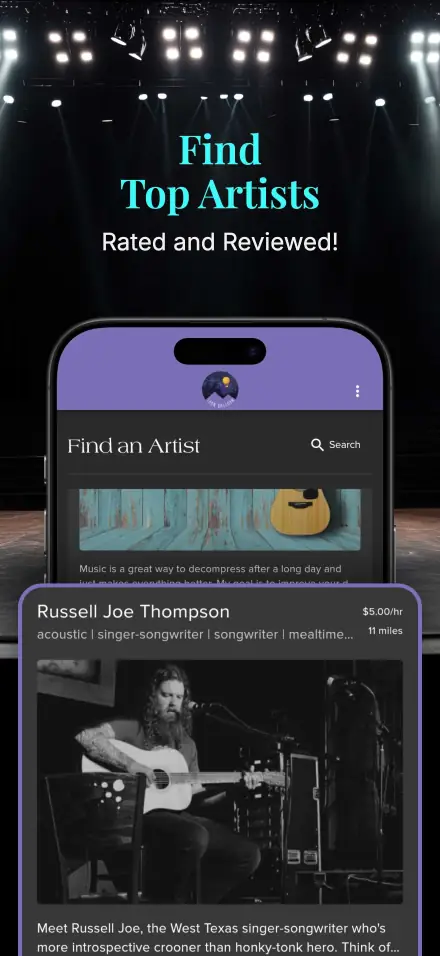
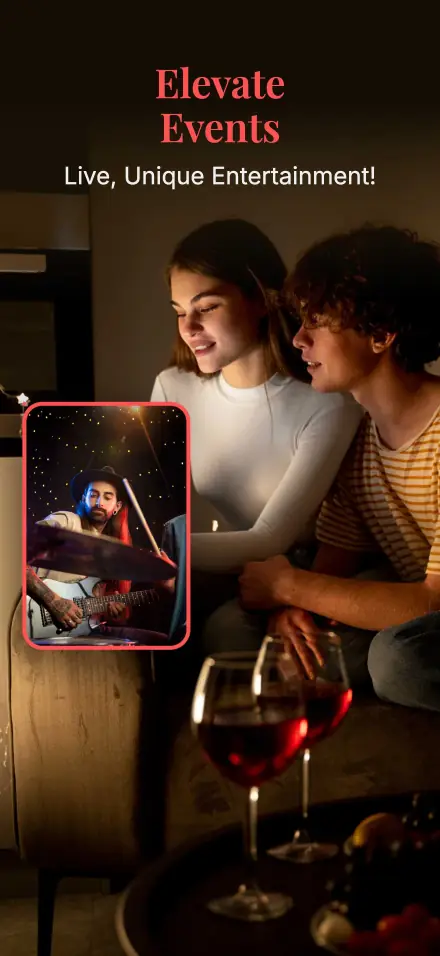
Clean templates for task management and utility apps
Social & Communication
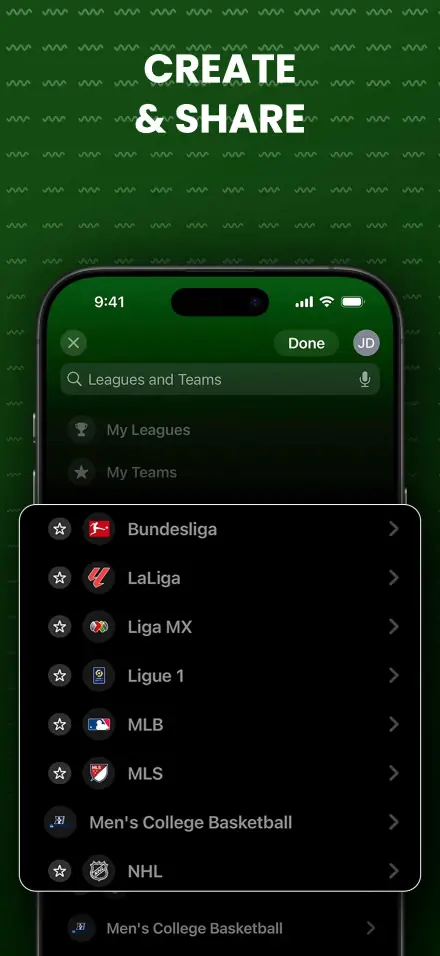
Engaging designs for social networking apps
Games & Entertainment
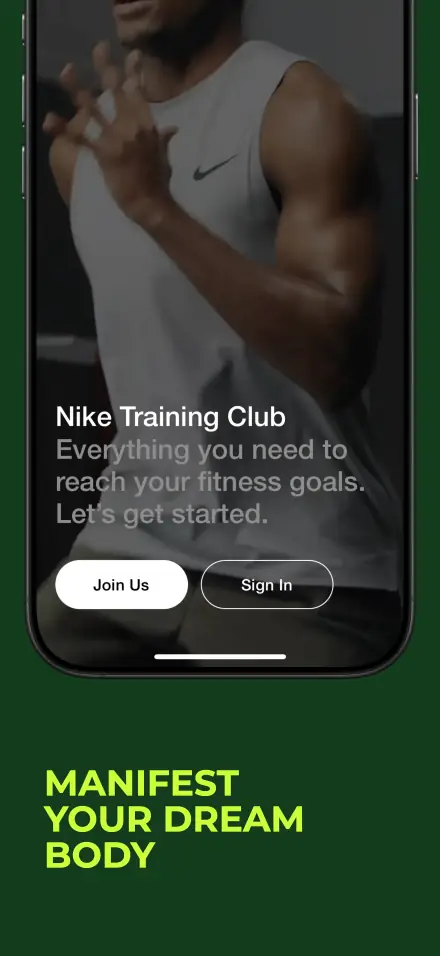
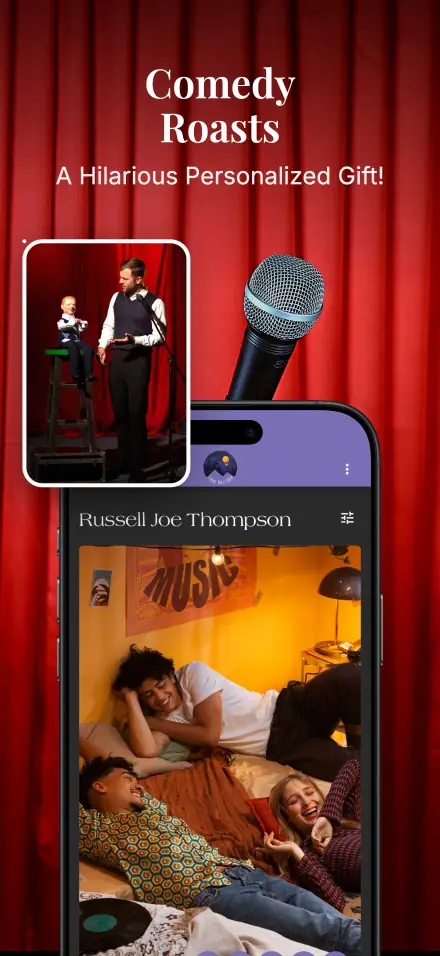
Eye-catching templates for gaming apps
FAQ
Frequently Asked Questions
Common questions about creating Google Play Store screenshots.
Ready to Create Stunning Android Screenshots?
Use our tool to create professional Play Store screenshots.