iOS App Store Screenshot Generator
Create professional iPhone and iPad screenshots that convert. Design stunning App Store visuals in minutes with our free online tool.
No account required. Free to use.
Screenshot Sizes
App Store Screenshot Size Requirements
Apple requires specific screenshot sizes for different devices. Our tool automatically generates all required dimensions.
| Device | Display Size | Resolution (px) | Required |
|---|---|---|---|
iPhone 15 Pro Max / 16 Pro Max | 6.7" | 1320 × 2868 | Required |
iPhone 15 Plus / 16 Plus | 6.7" | 1290 × 2796 | Required |
iPhone 15 Pro / 16 Pro | 6.1" | 1206 × 2622 | Optional |
iPhone SE (3rd gen) | 4.7" | 750 × 1334 | Optional |
iPad Pro 12.9" | 12.9" | 2048 × 2732 | Required |
iPad Pro 11" | 11" | 1668 × 2388 | Optional |
Apple Watch Ultra 2 | 49mm | 410 × 502 | Optional |
Apple Watch Series 9 | 45mm | 396 × 484 | Optional |
Mac App Store | Desktop | 1280 × 800 | Optional |
Apple requires at least one screenshot for the 6.7" display (iPhone 15 Pro Max) and one for the 12.9" iPad Pro. Other sizes are optional but recommended for better App Store presentation.
Features
Why Use Our iOS Screenshot Generator?
Everything you need to create App Store screenshots that drive downloads.
All iOS Devices Supported
Generate screenshots for iPhone 15/16 Pro Max, iPhone SE, iPad Pro, and Apple Watch. All required App Store sizes in one click.
iOS-Optimized Templates
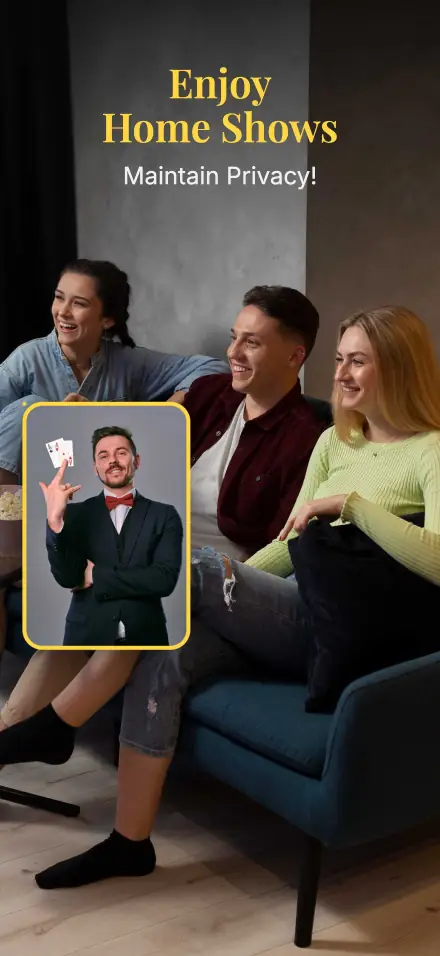
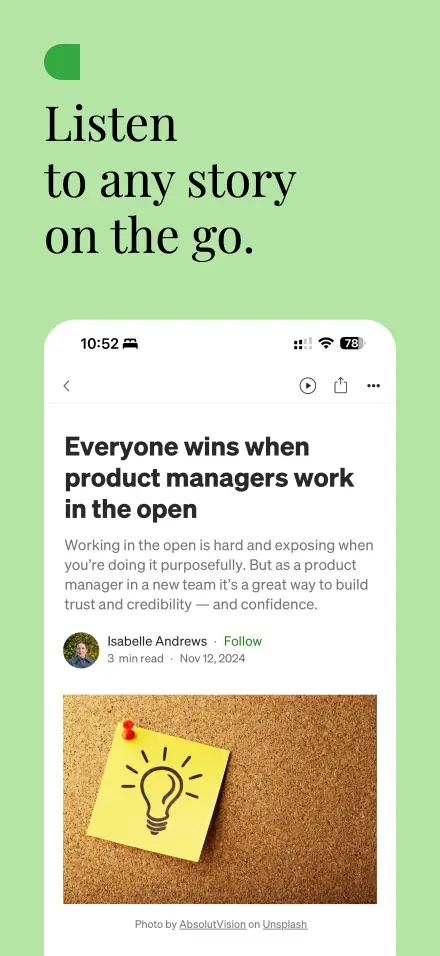
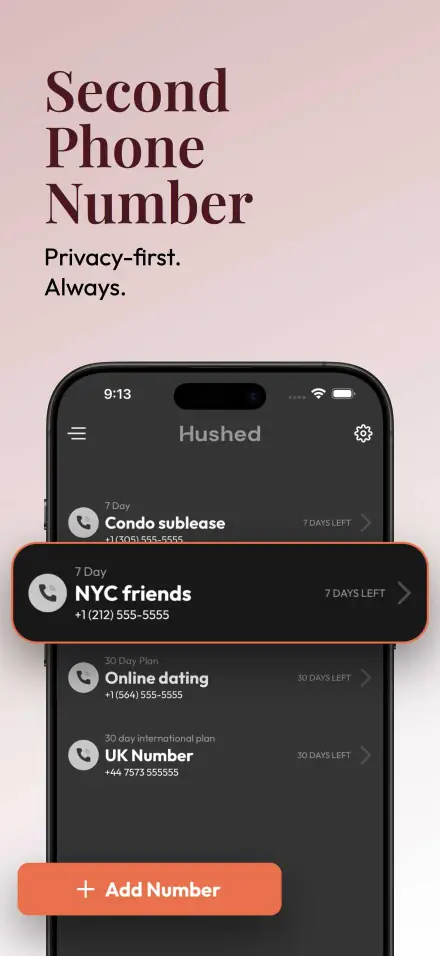
100+ professionally designed templates following Apple's Human Interface Guidelines. Perfect for any app category.
One-Click Export
Export all required screenshot sizes instantly. No need to manually resize for different devices.
Full Customization
Customize backgrounds, text, device frames, and layouts. Match your app's branding perfectly.
Lightning Fast
Real-time preview and instant generation. Create a complete set of App Store screenshots in under 5 minutes.
Privacy First
All processing happens in your browser. Your app screenshots never leave your device.
Let AI Create Your Screenshots
Don't want to design manually? Our AI generator creates professional screenshots from your app description.
Describe & Generate
Just describe your app features and AI handles the rest.
ASO Optimized
AI writes conversion-focused copy based on best practices.
Multi-Language
Generate screenshots in any language instantly.
Save Hours
Create a full set of screenshots in minutes, not hours.
Works for iOS, Android, and more
How It Works
Create iOS Screenshots in 3 Simple Steps
No design skills required. Our intuitive editor makes it easy to create professional App Store screenshots.
Upload Your App Screenshots
Take screenshots from your iOS Simulator or device. Drag and drop them into our editor.
Customize Your Design
Add compelling text, choose device frames, customize backgrounds, and apply professional layouts.
Export for App Store
Download all required sizes for App Store Connect. Ready to upload in seconds.
Templates
iOS Screenshot Templates by Category
Browse our collection of professionally designed templates for every app category.
Lifestyle & Shopping
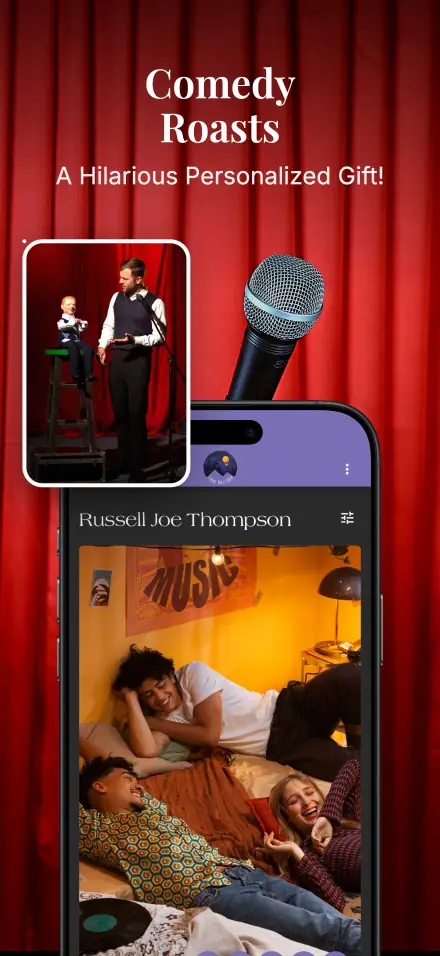
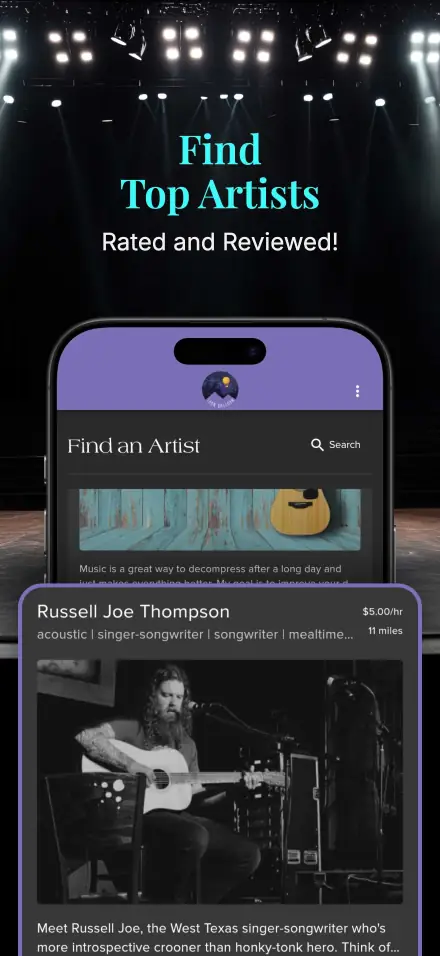
Perfect for fashion, e-commerce, and lifestyle apps
Finance & Crypto
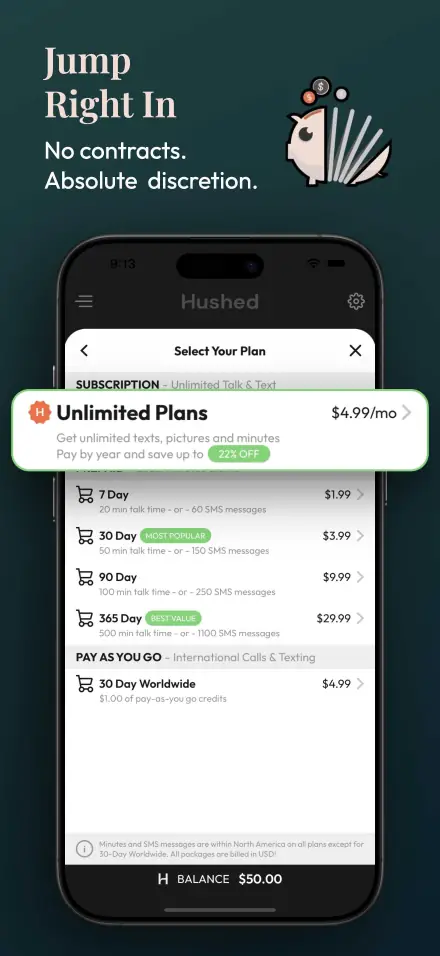
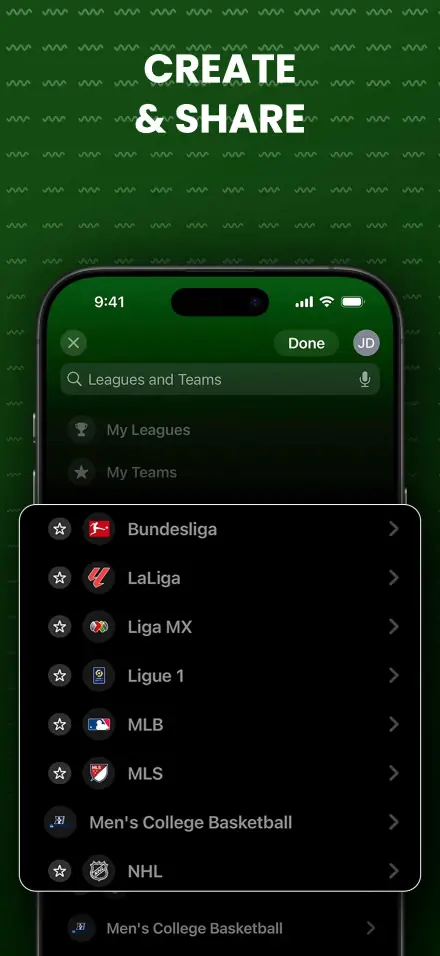
Professional templates for fintech and banking apps
Entertainment & Music
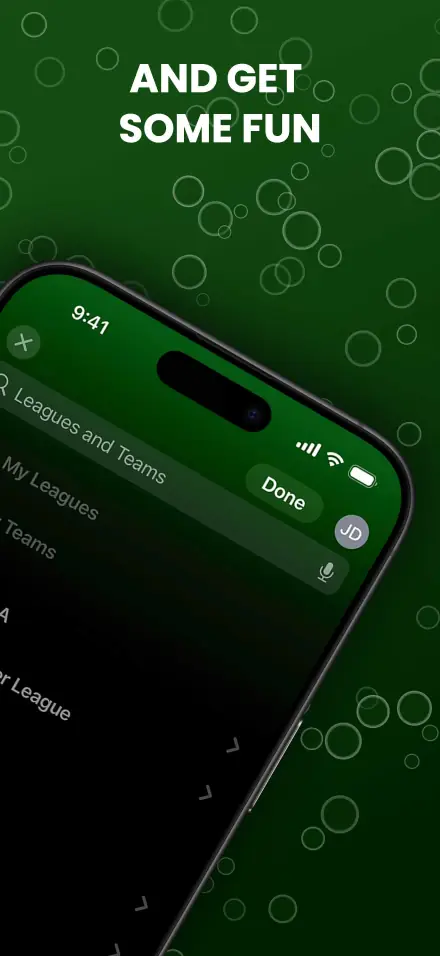
Eye-catching designs for media and entertainment apps
FAQ
Frequently Asked Questions
Common questions about creating iOS App Store screenshots.
Ready to Create Stunning iOS Screenshots?
Use our tool to create professional App Store screenshots.
Also launching on Google Play? Create your 1024×500 feature graphic →