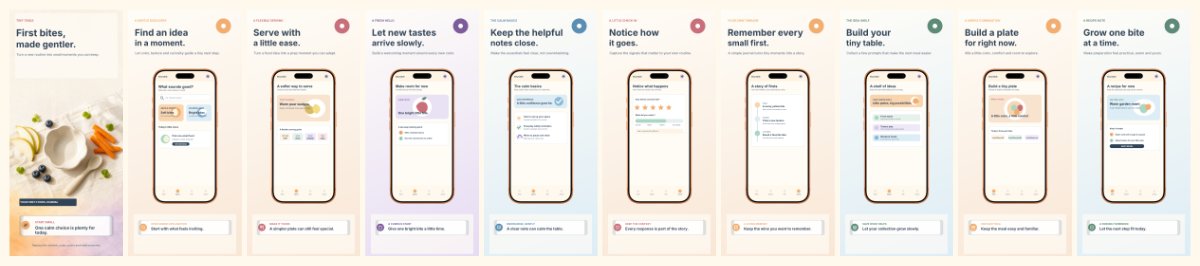
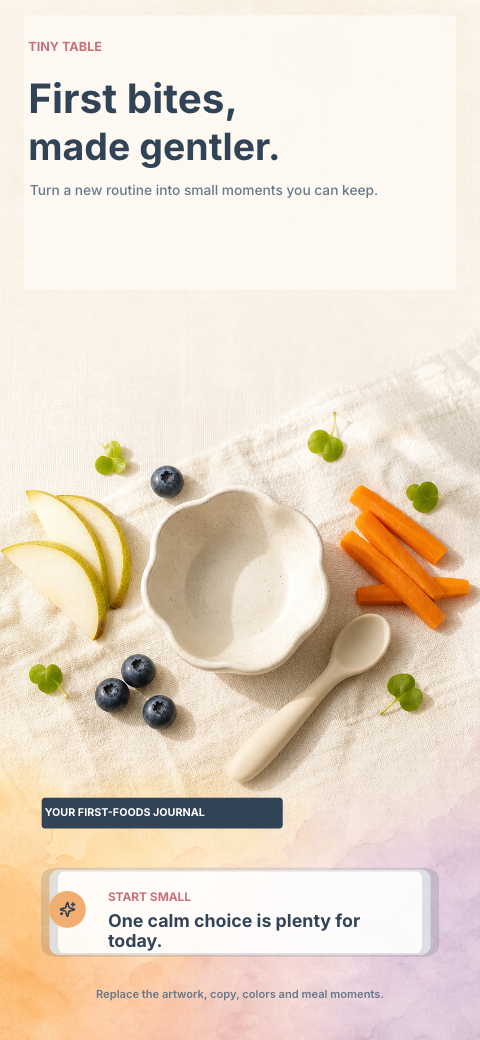
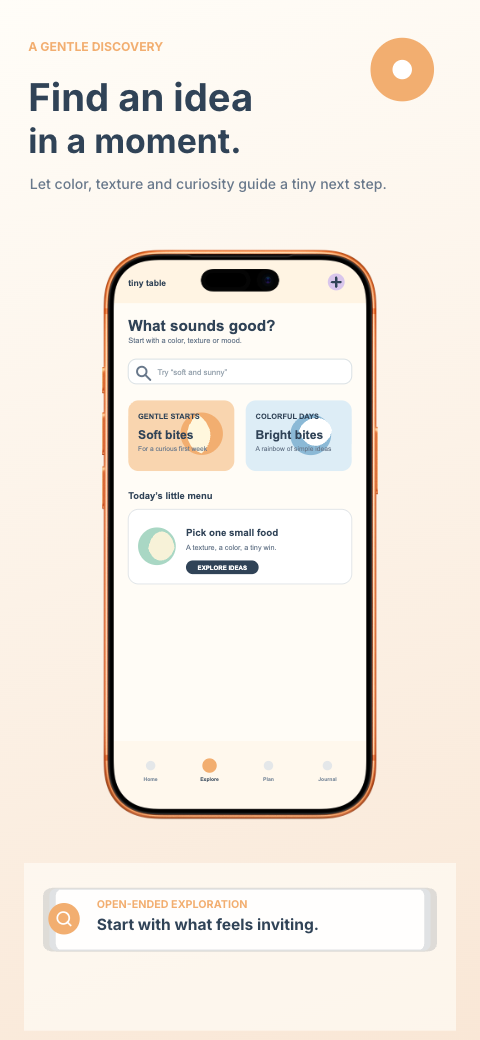
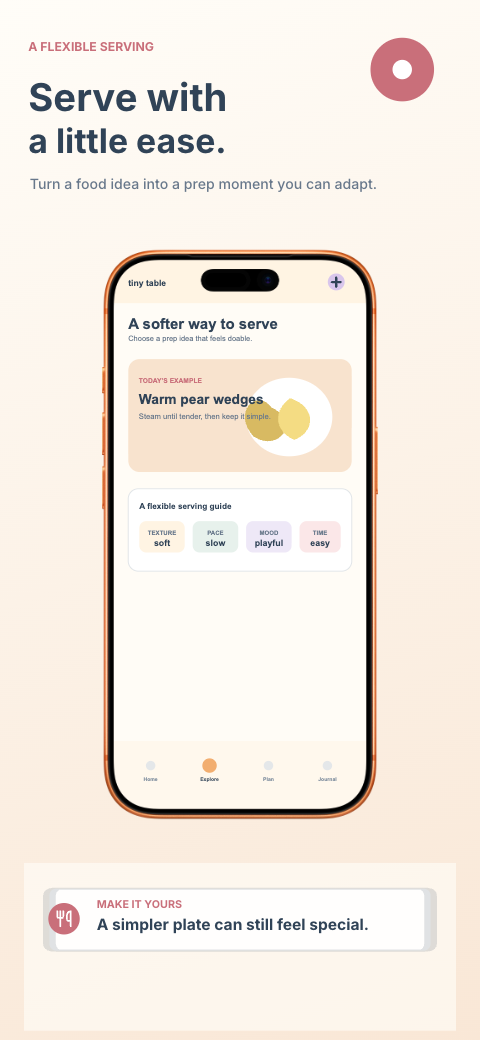
Tiny Table — First Foods Journal
food · iphone
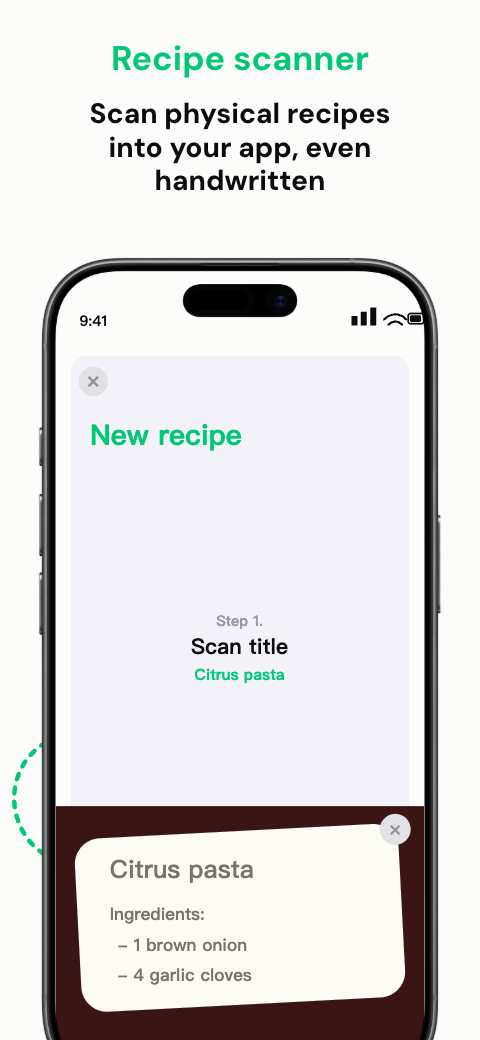
10 frames
100 credits
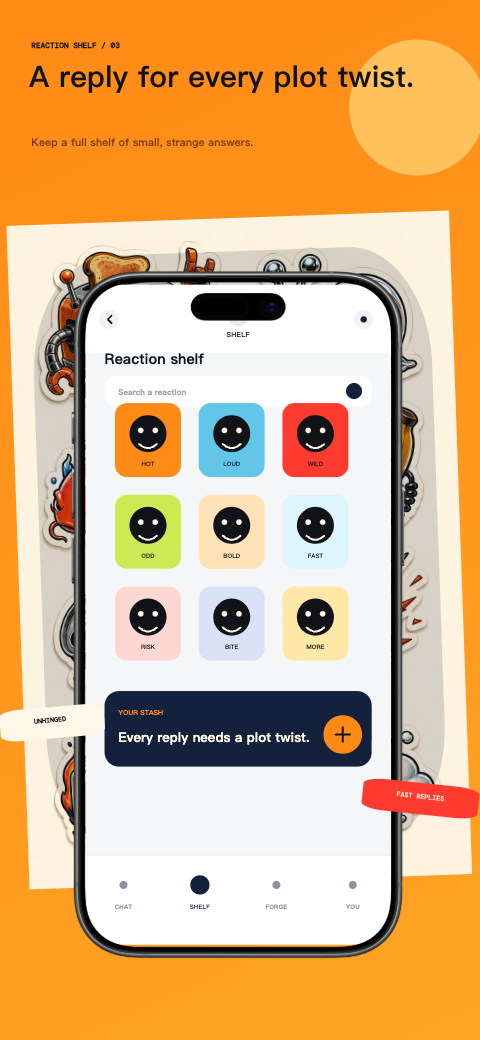
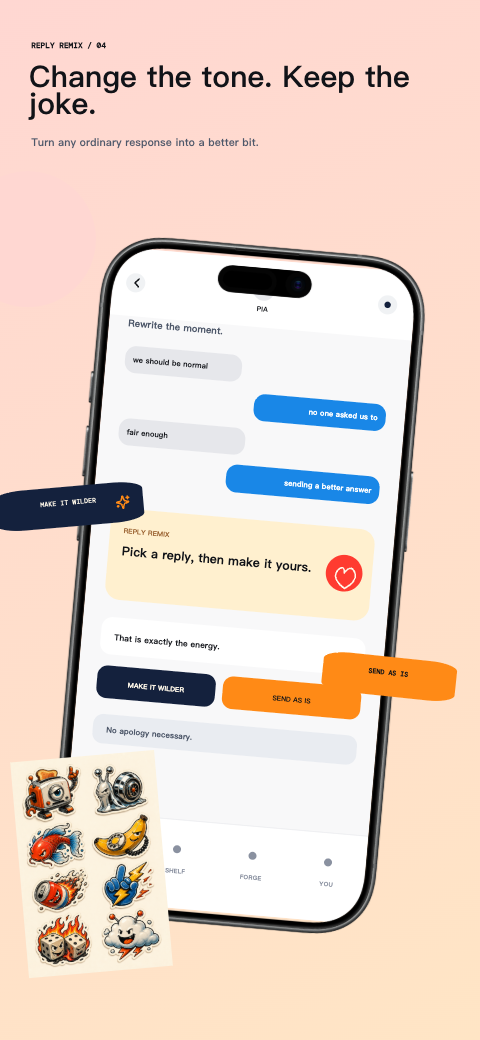
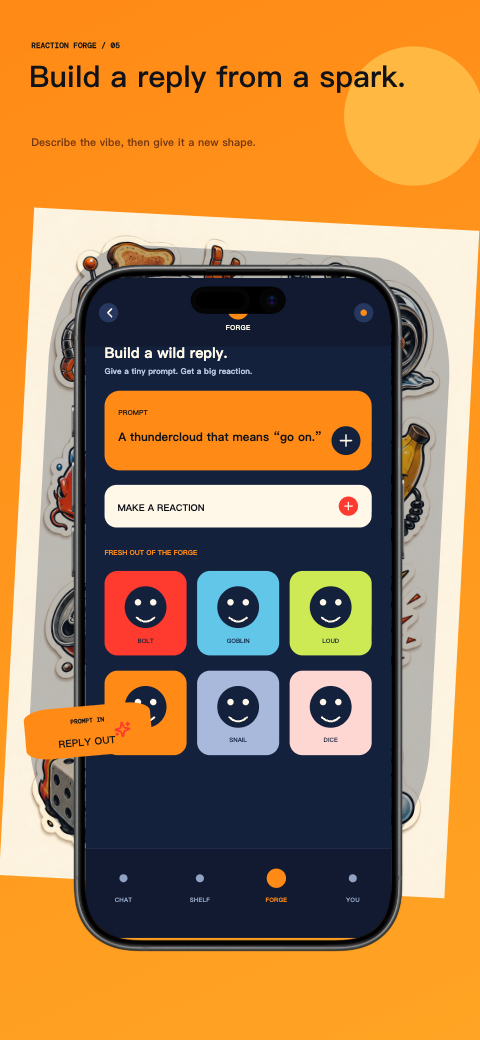
Choose an App Store screenshot template that fits your app’s story. Replace sample captures and captions, check the template’s access rules, then validate the exported artwork for the devices you support.
55 templates
food · iphone
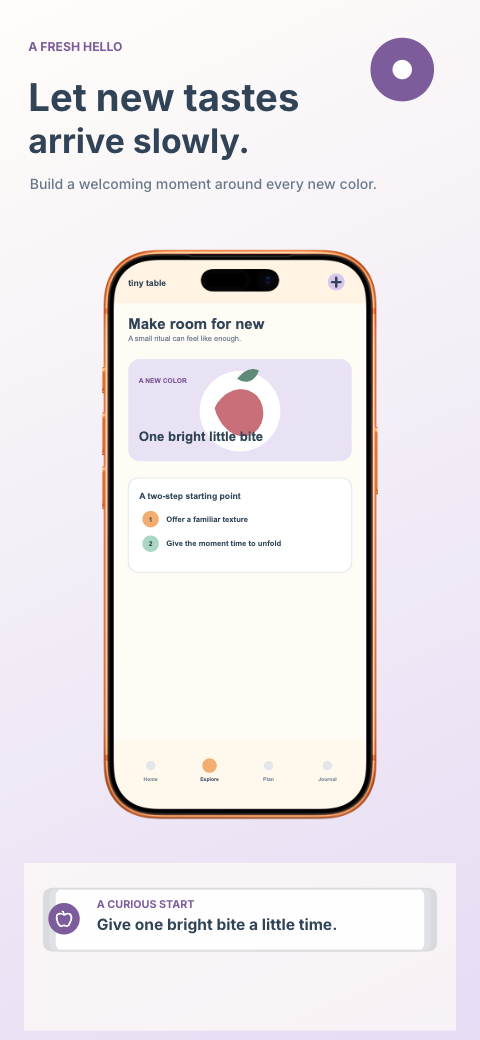
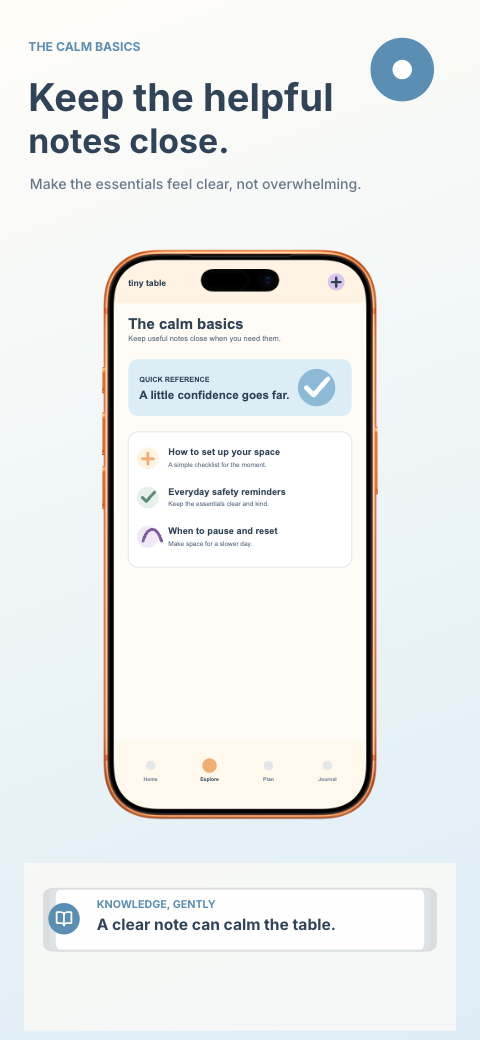
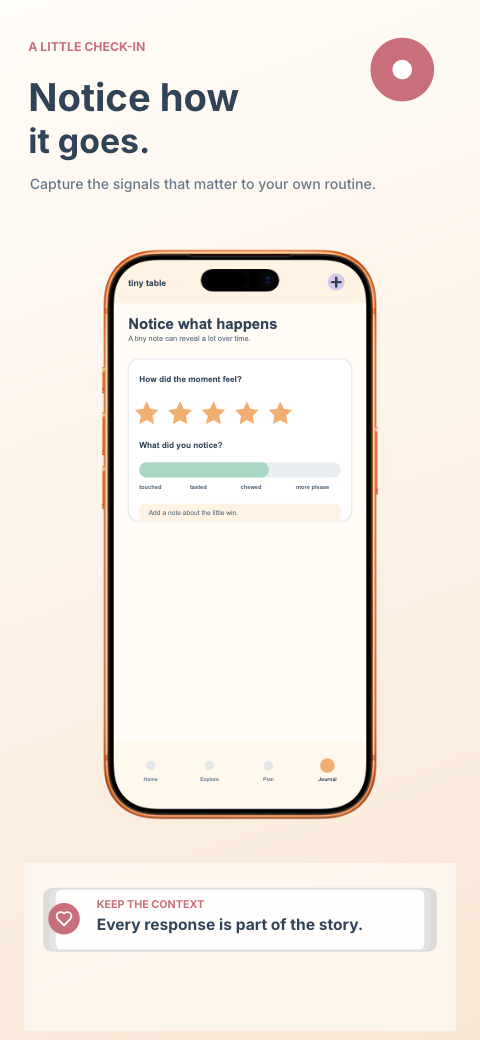
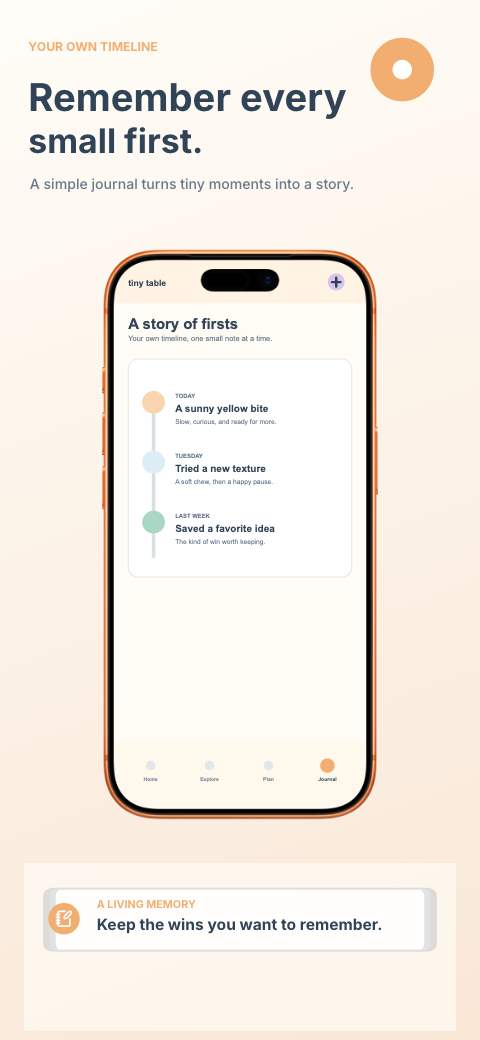
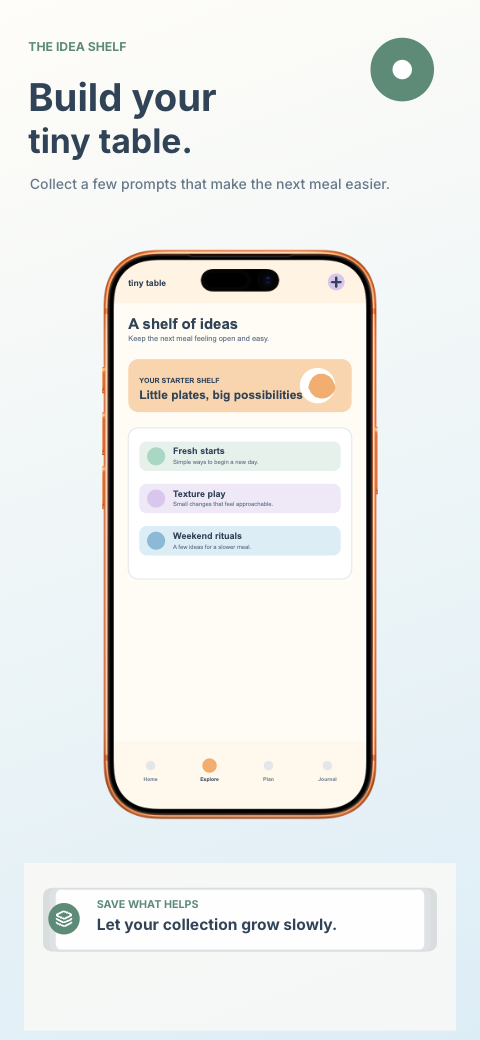
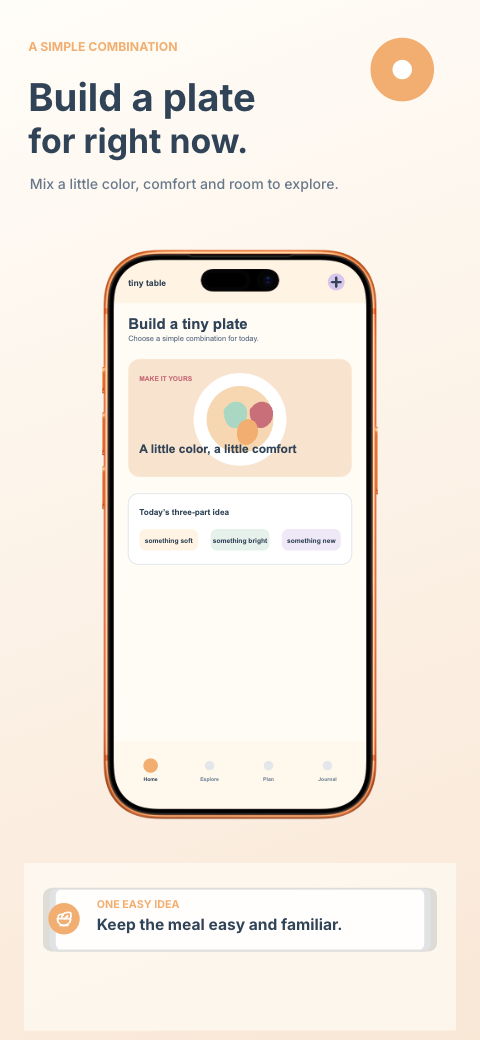
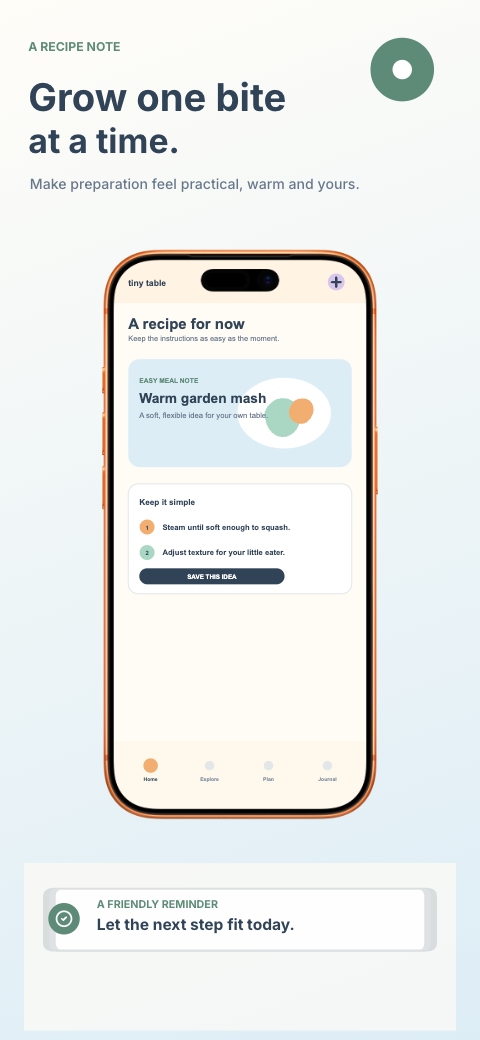
health · iphone
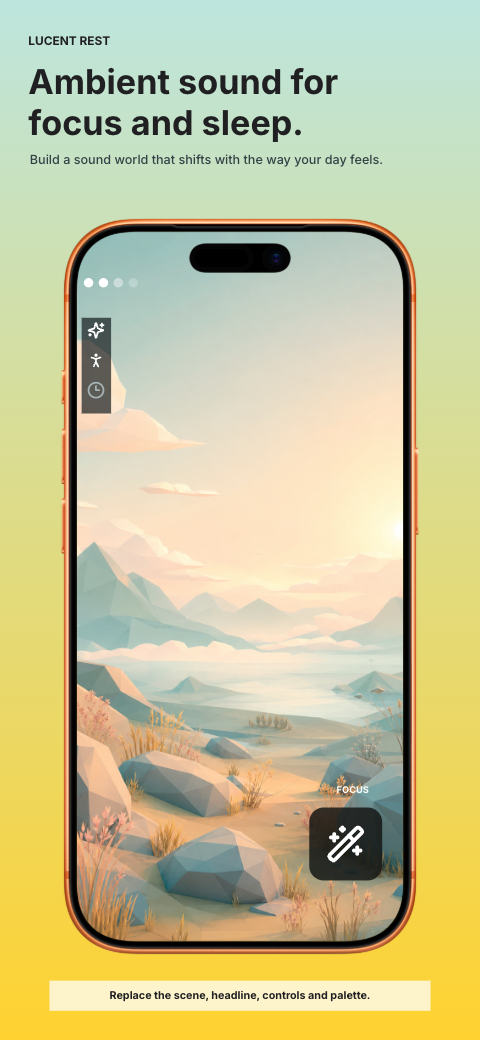
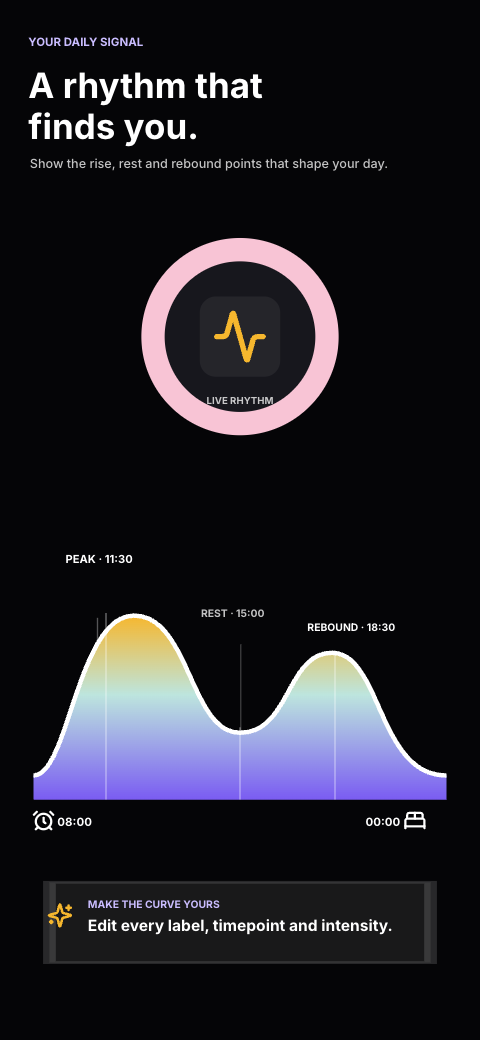
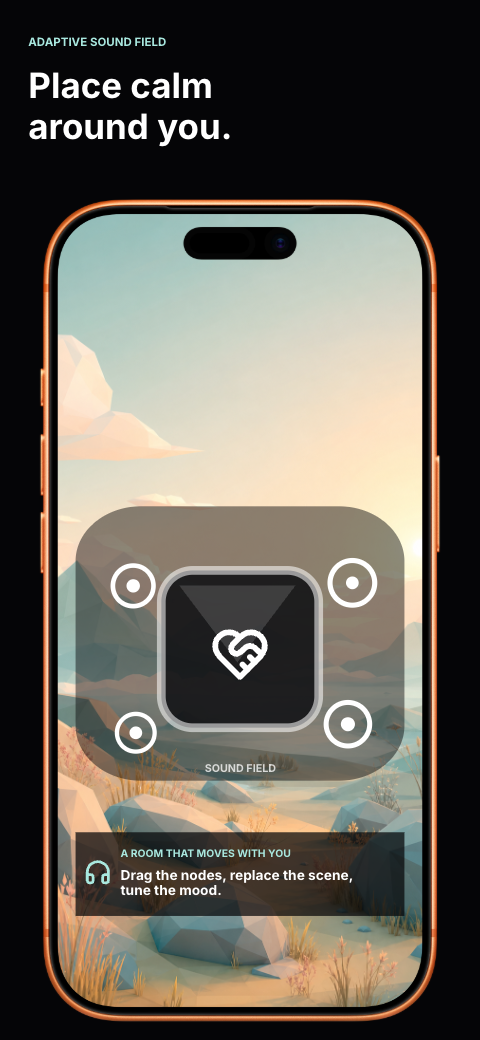
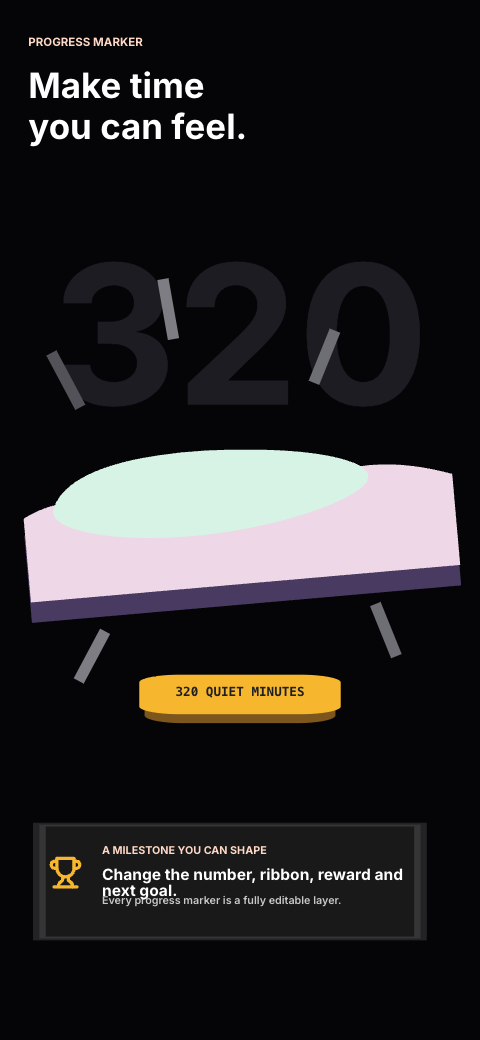
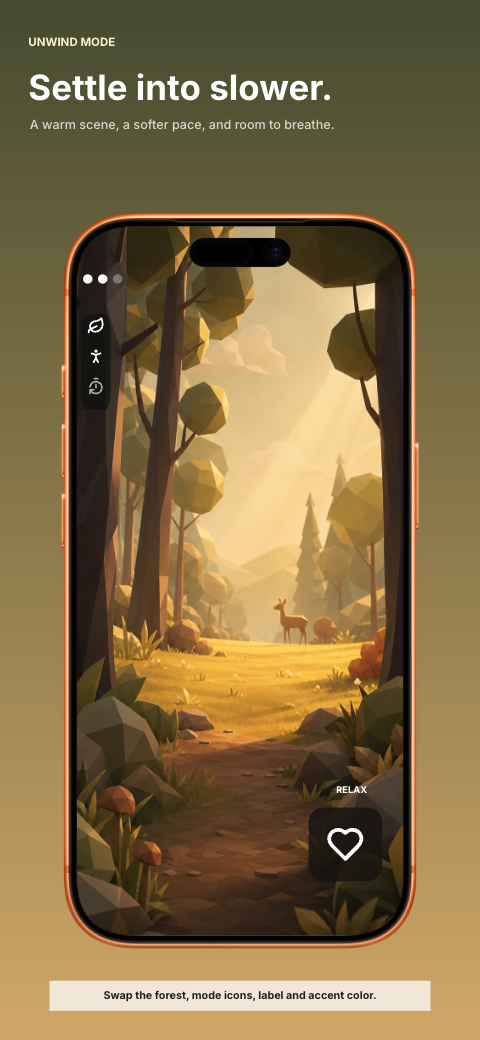
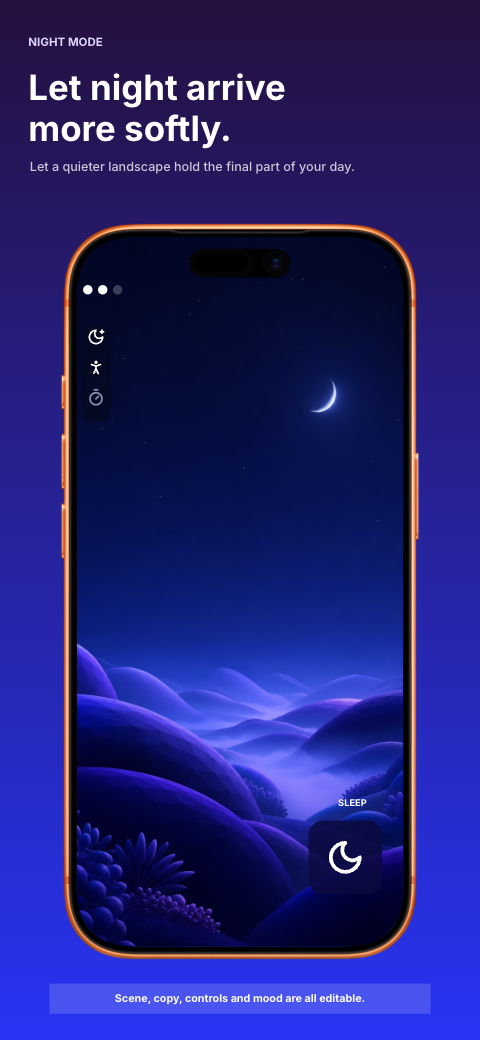
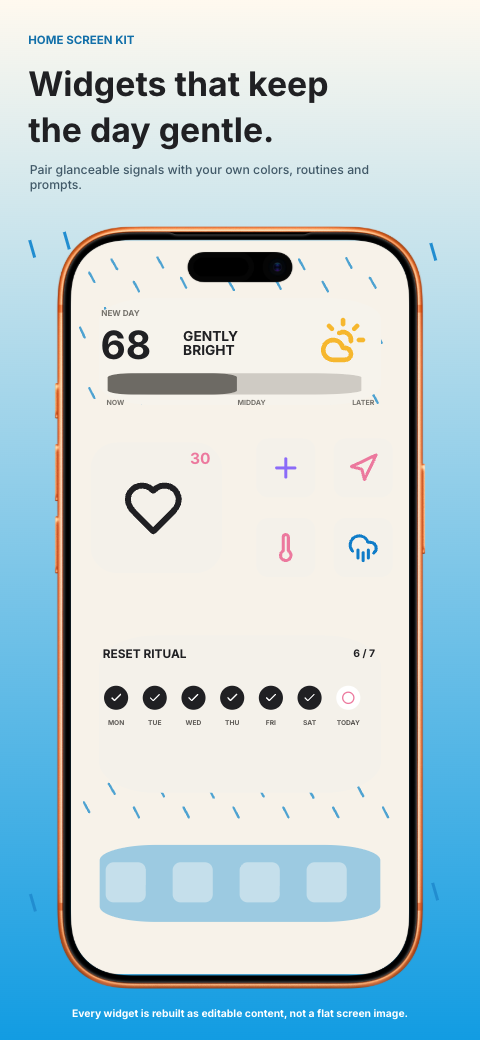
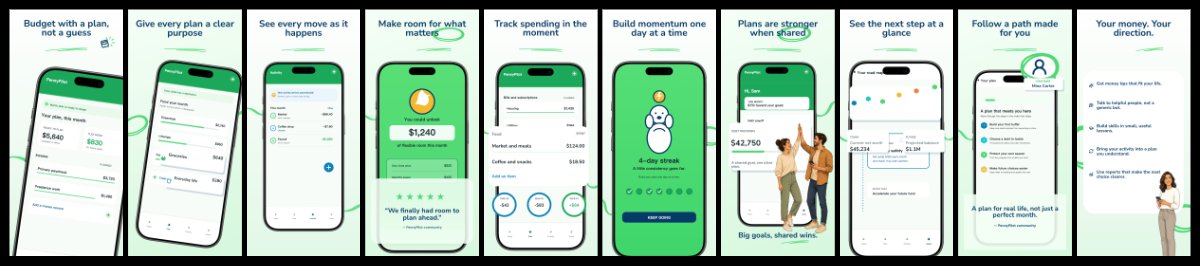
finance · iphone
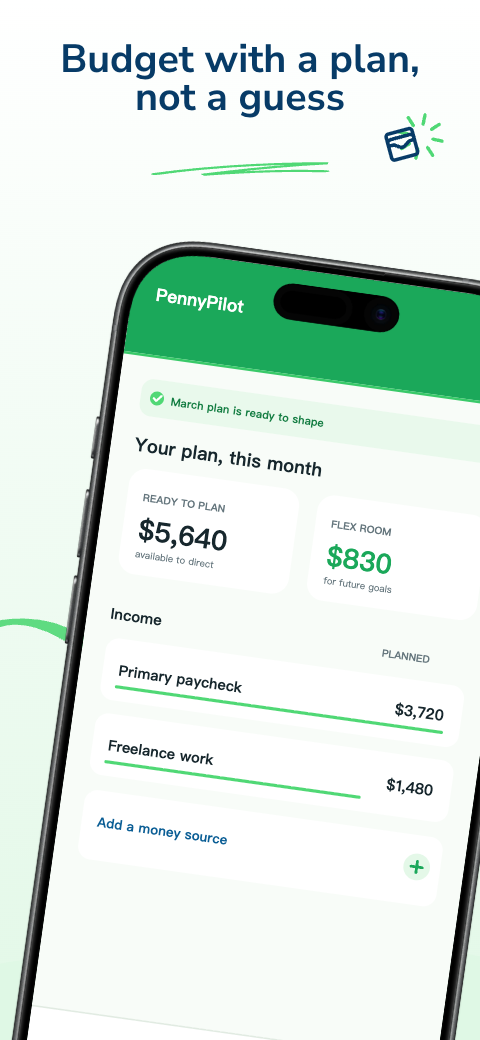
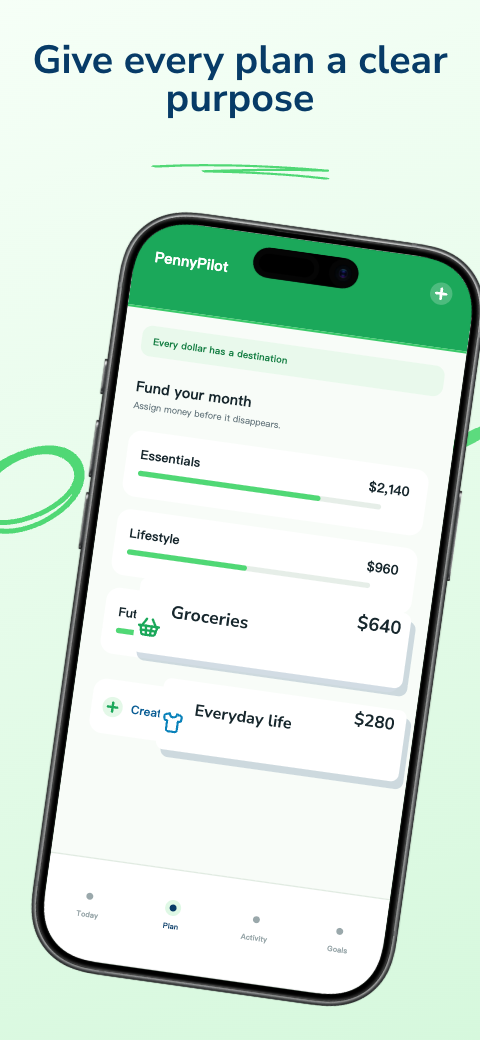
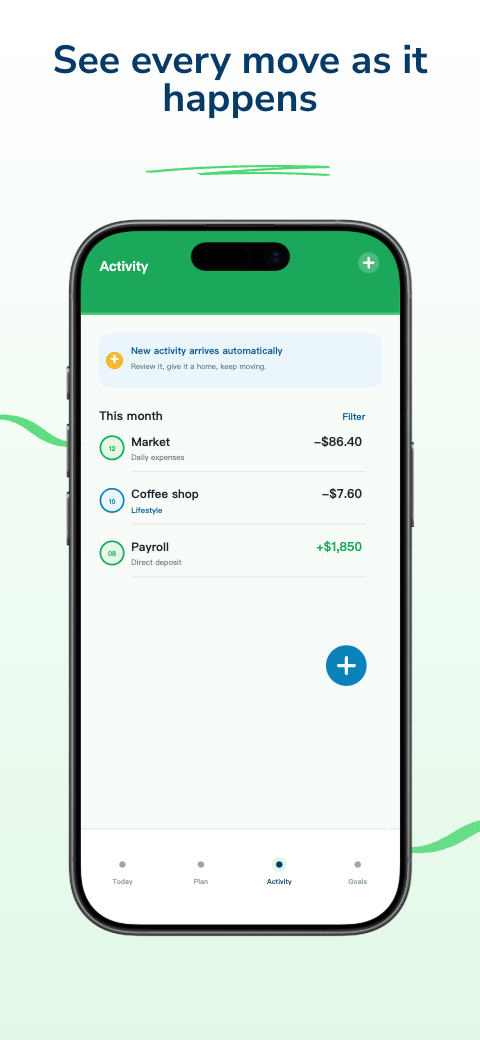
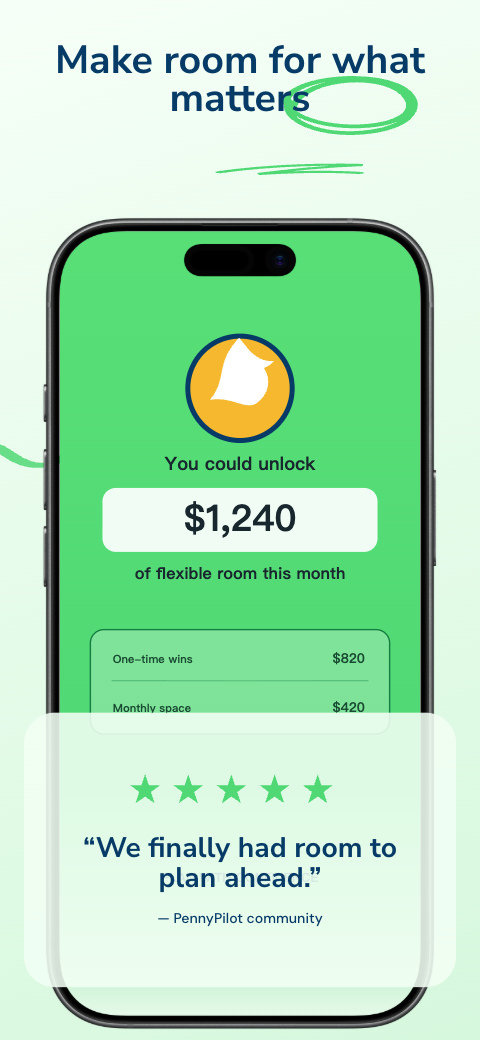
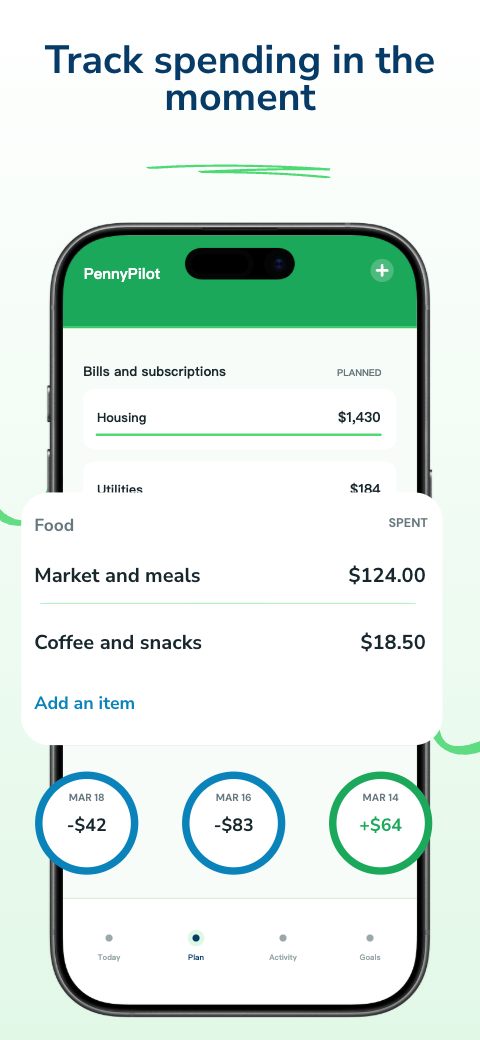
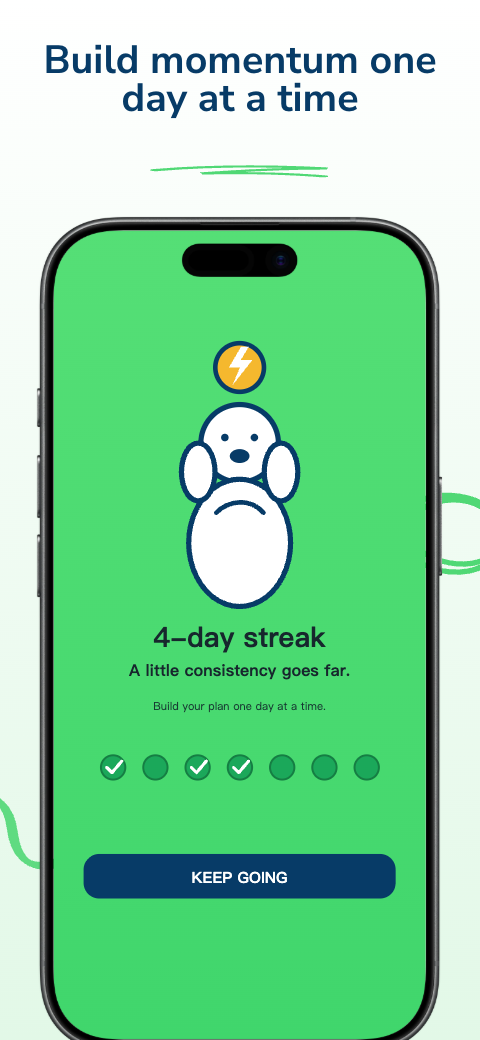
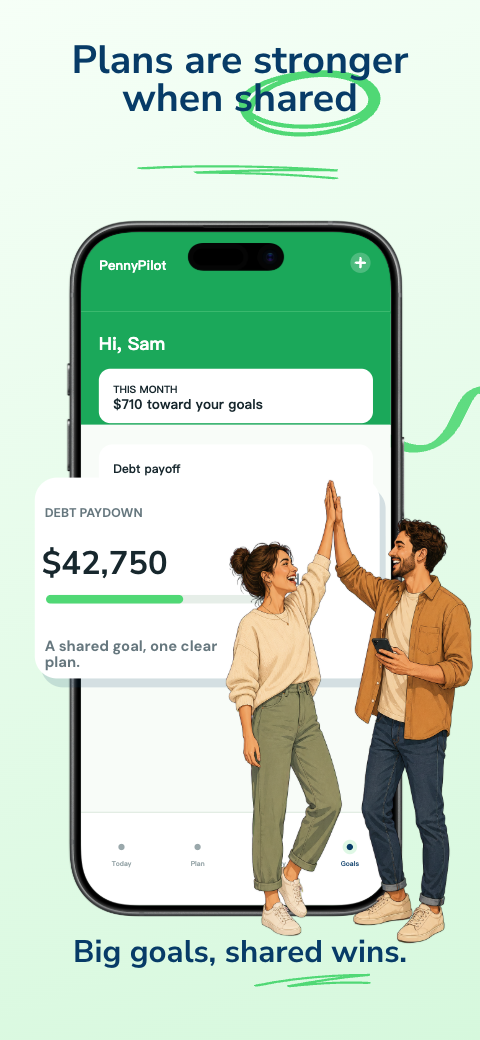
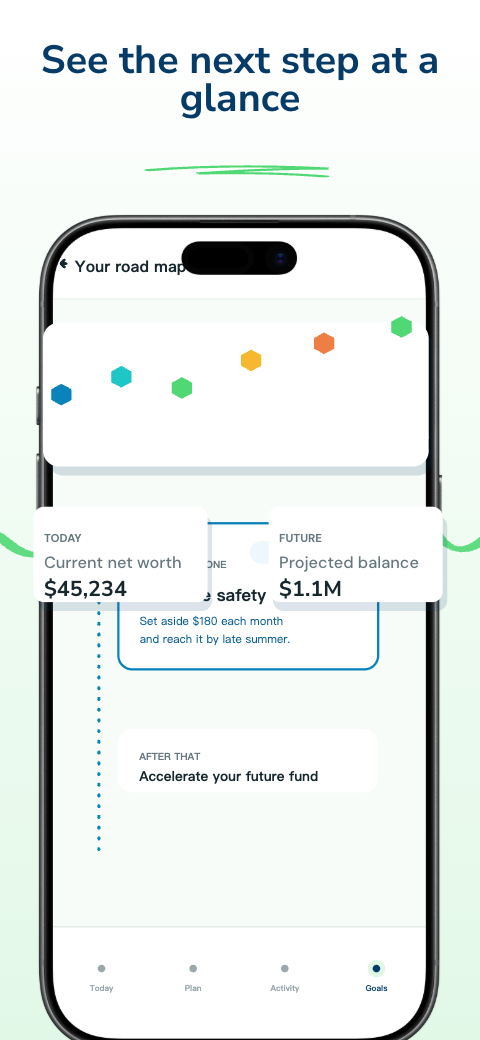
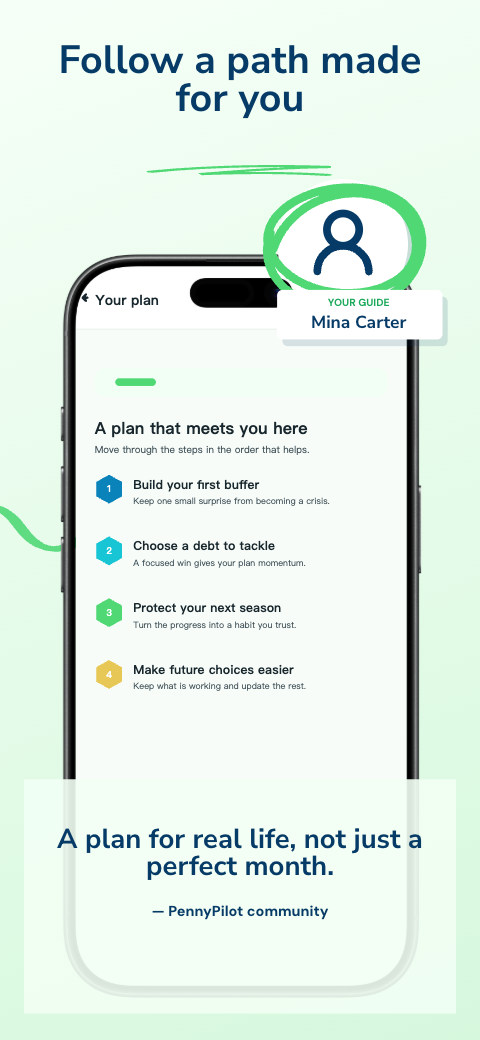
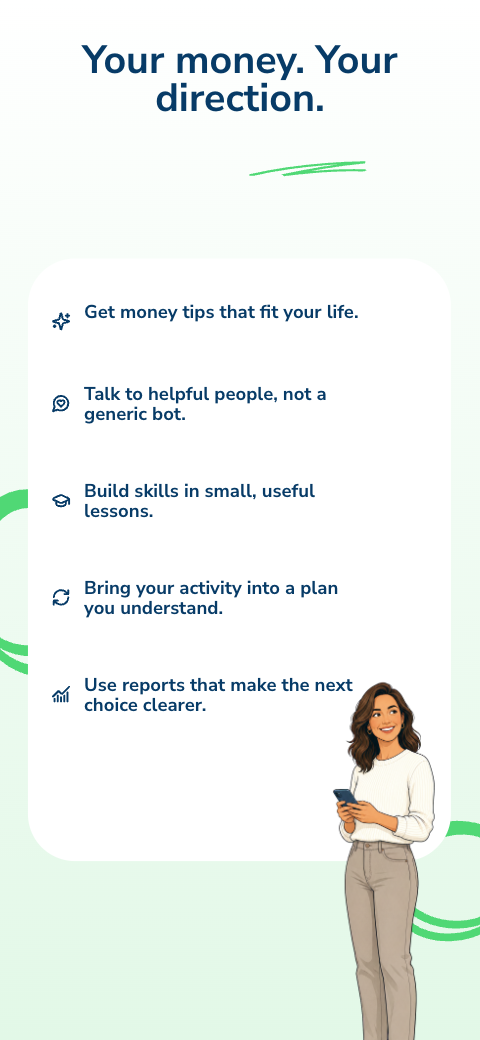
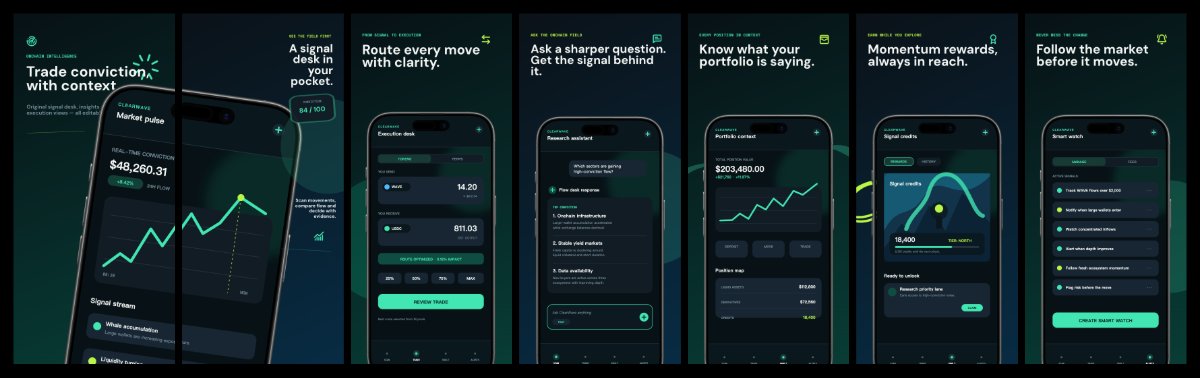
finance · iphone
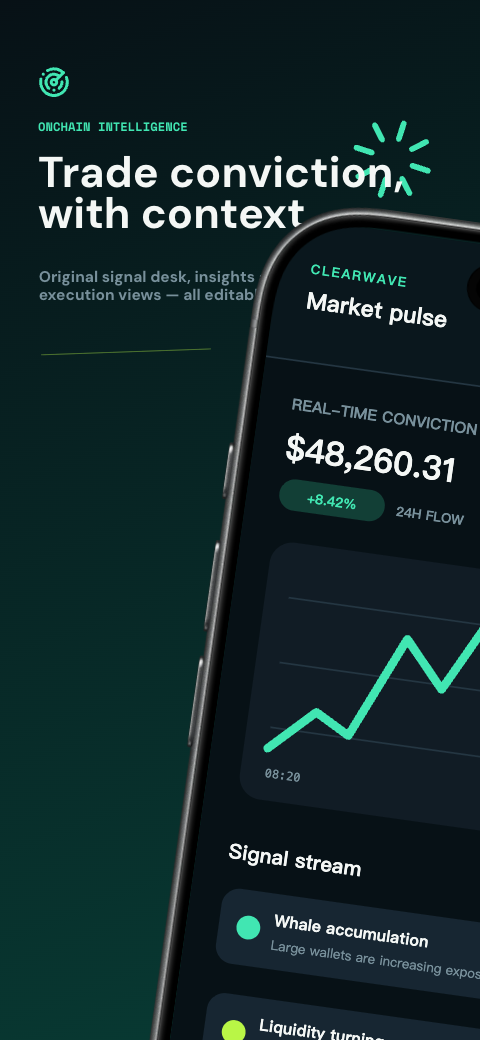
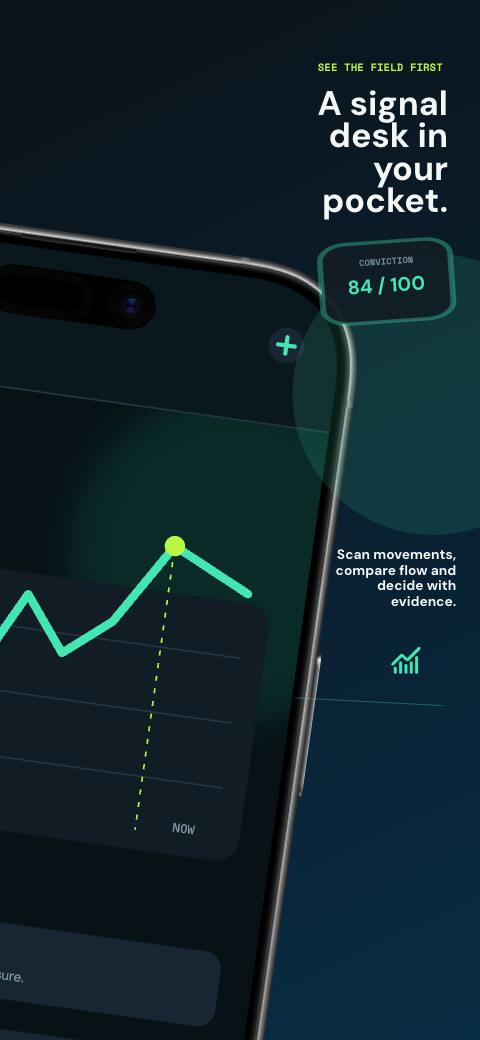
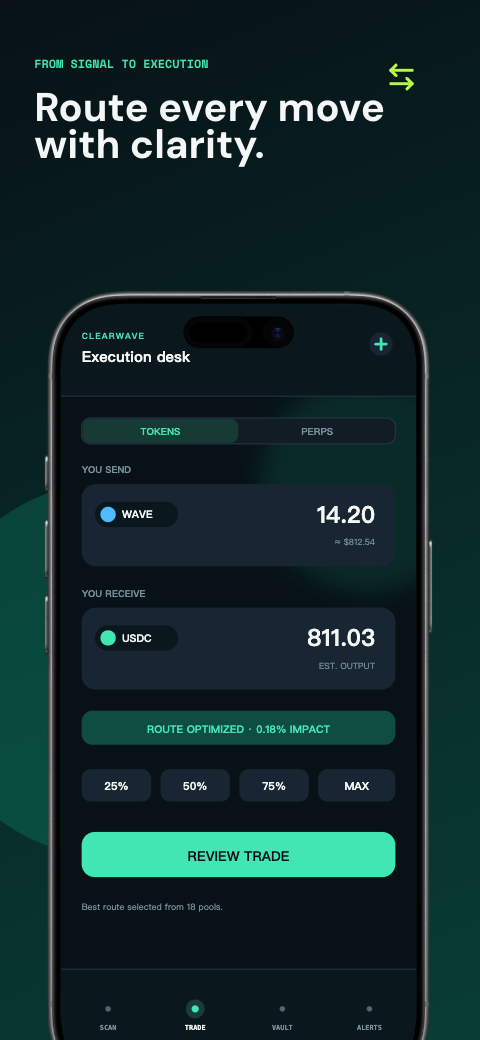
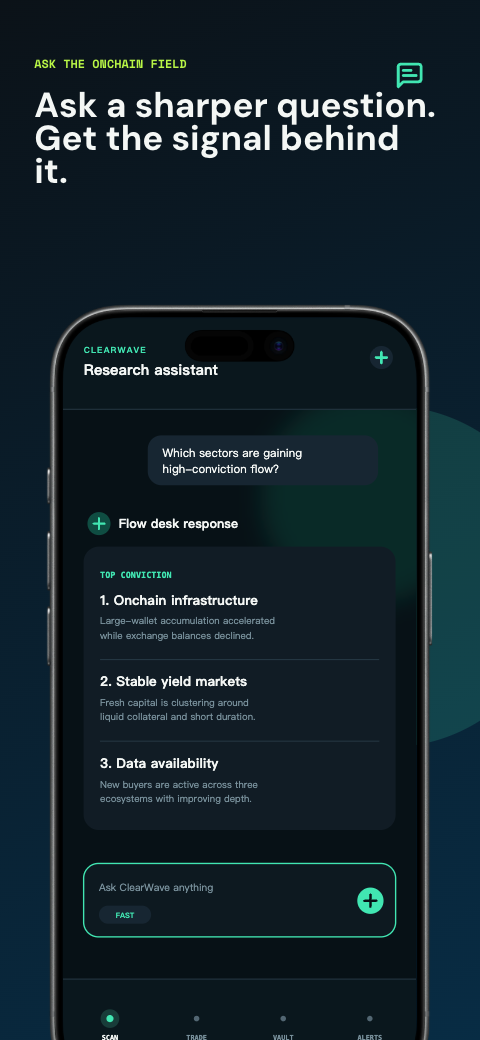
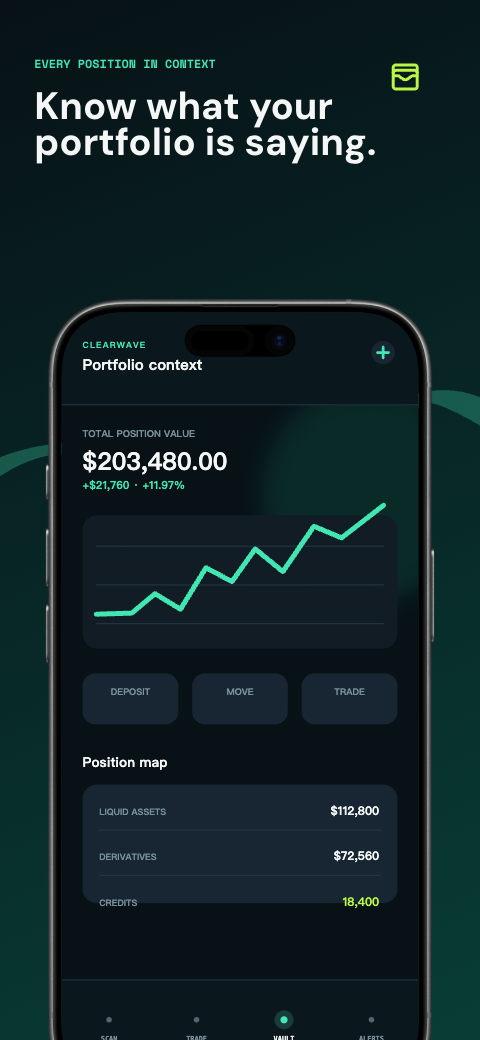
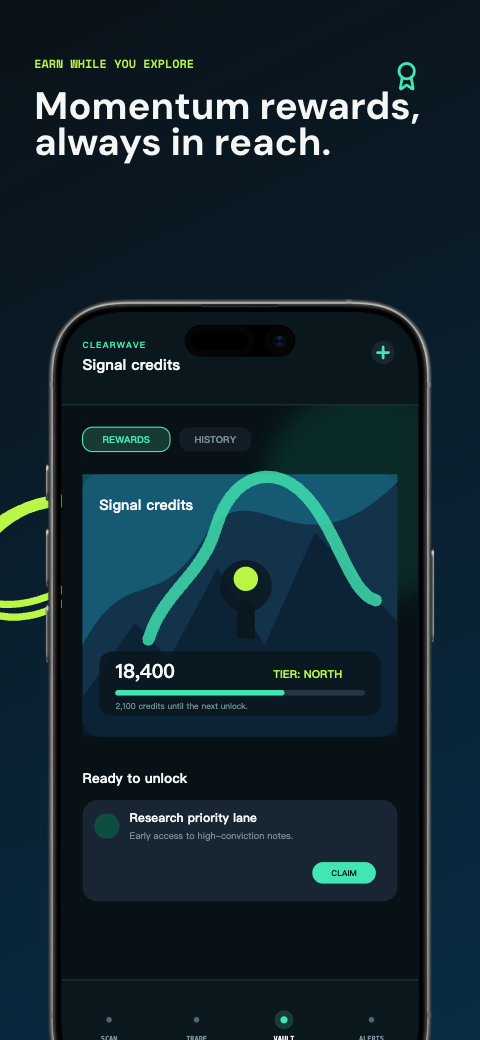
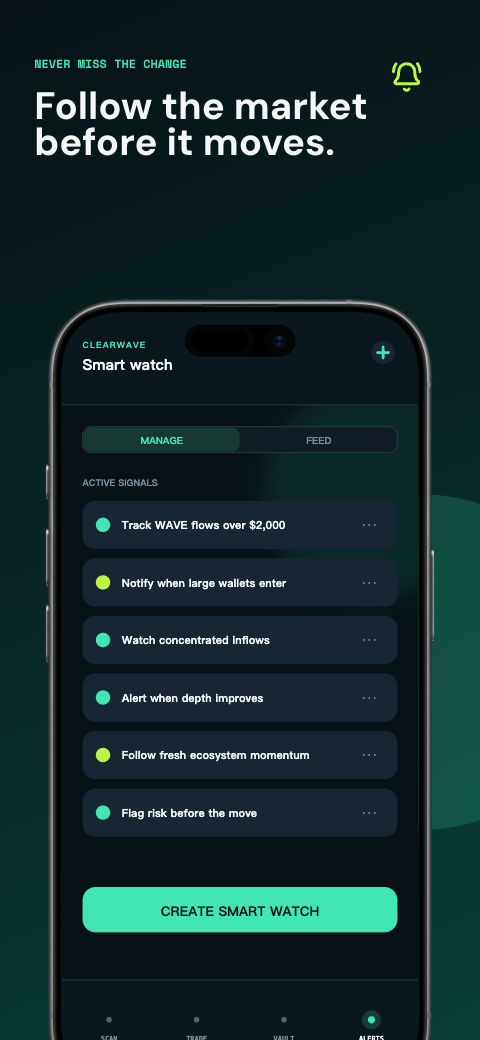
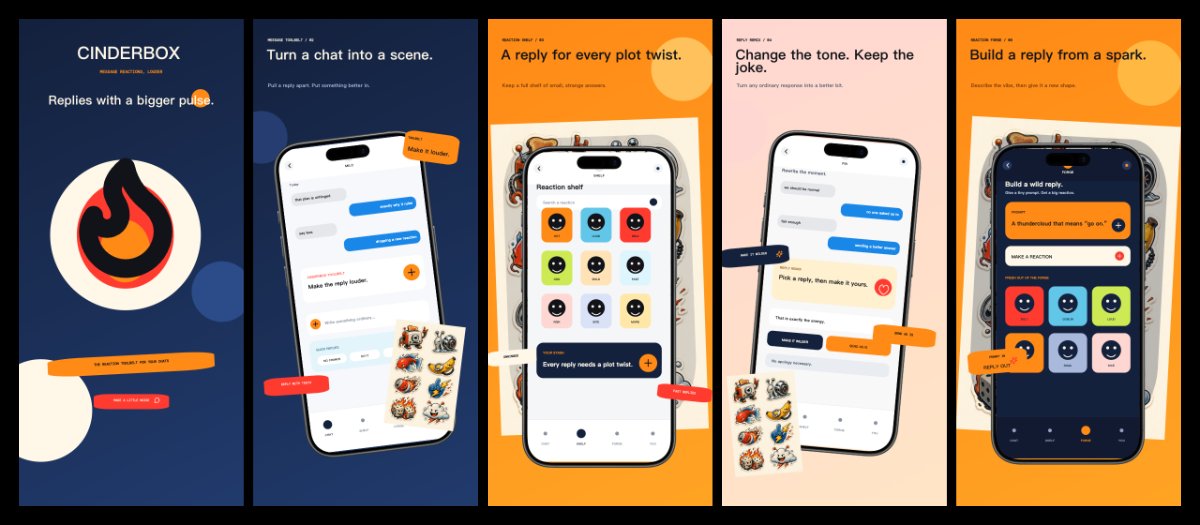
social · iphone

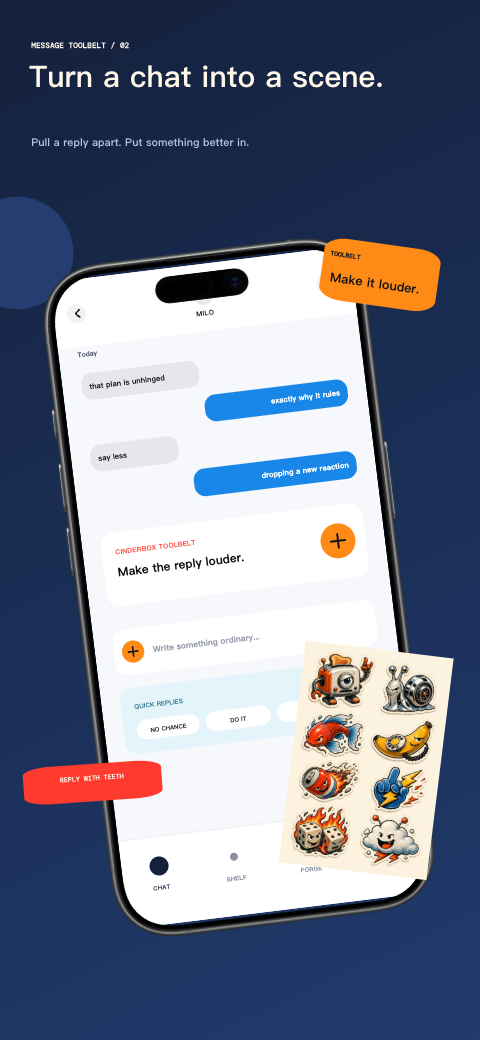
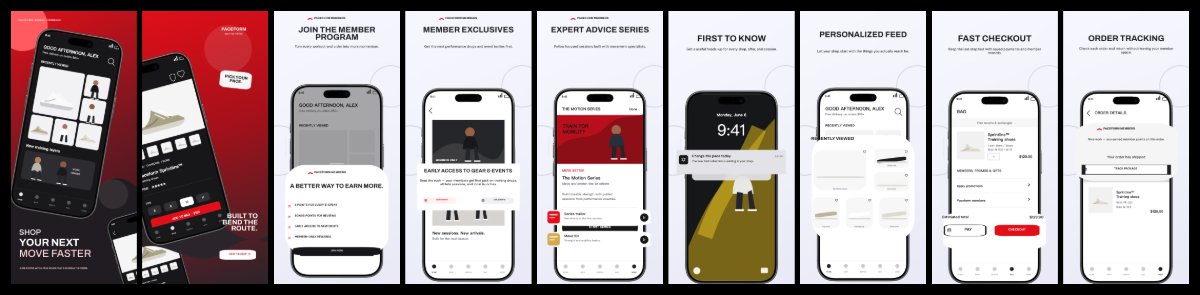
shopping · iphone
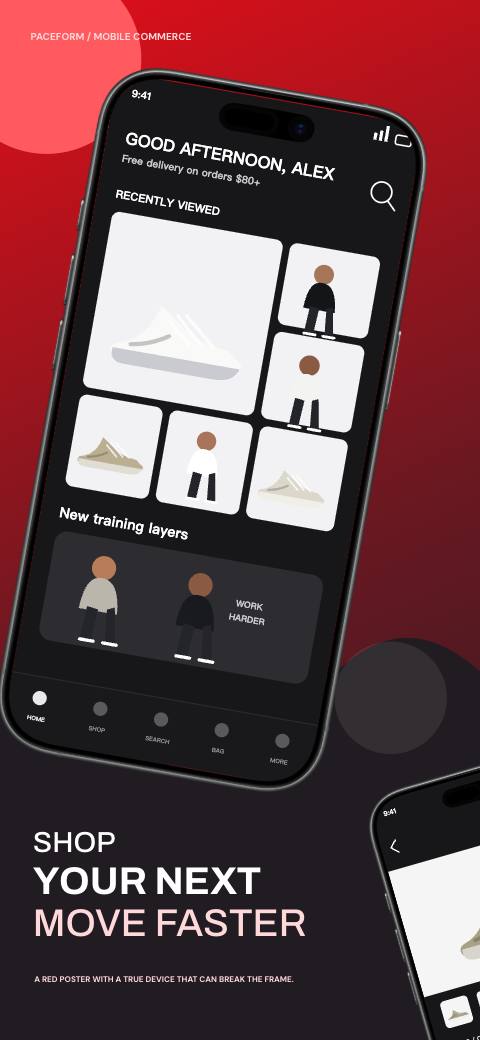
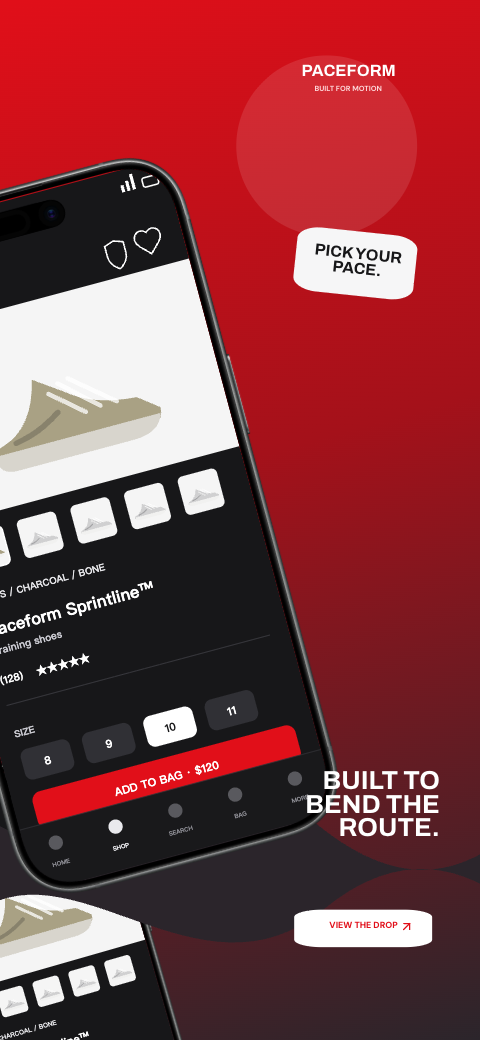
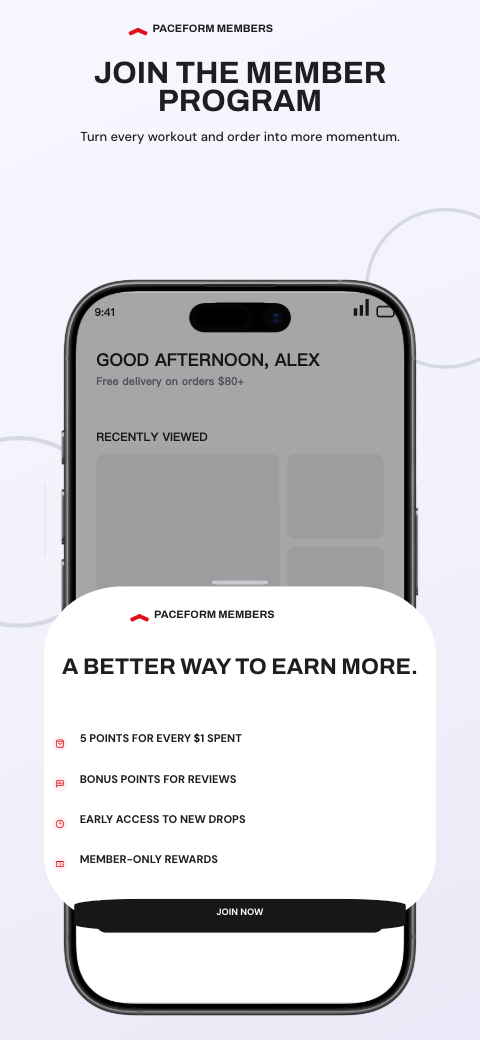
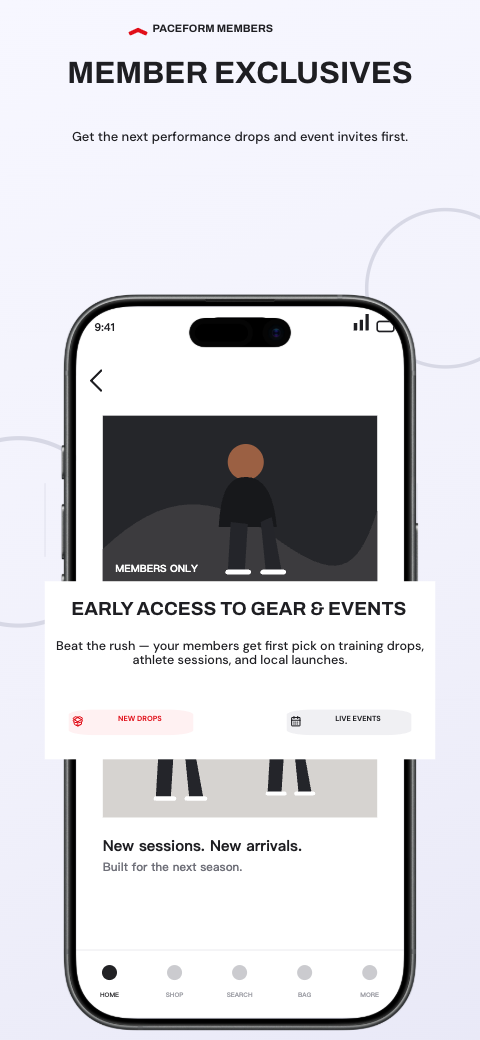
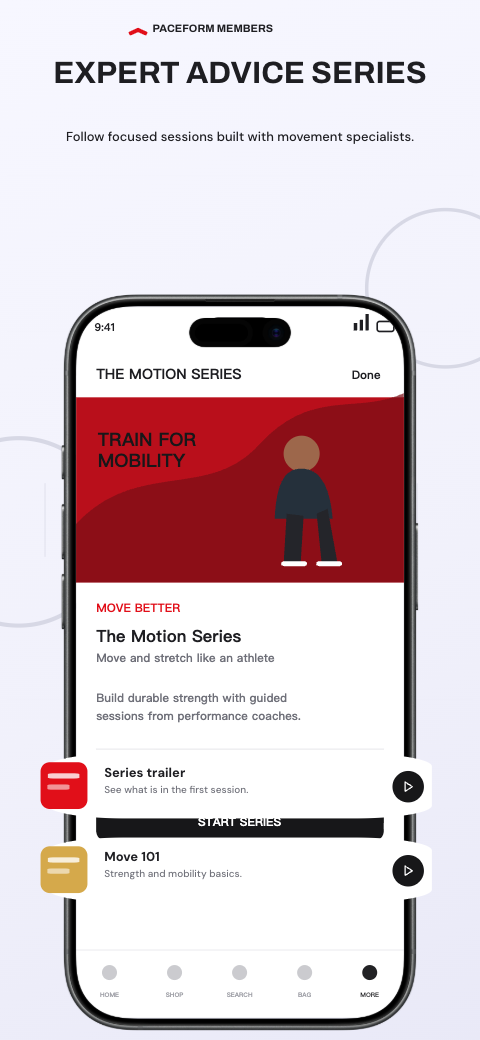
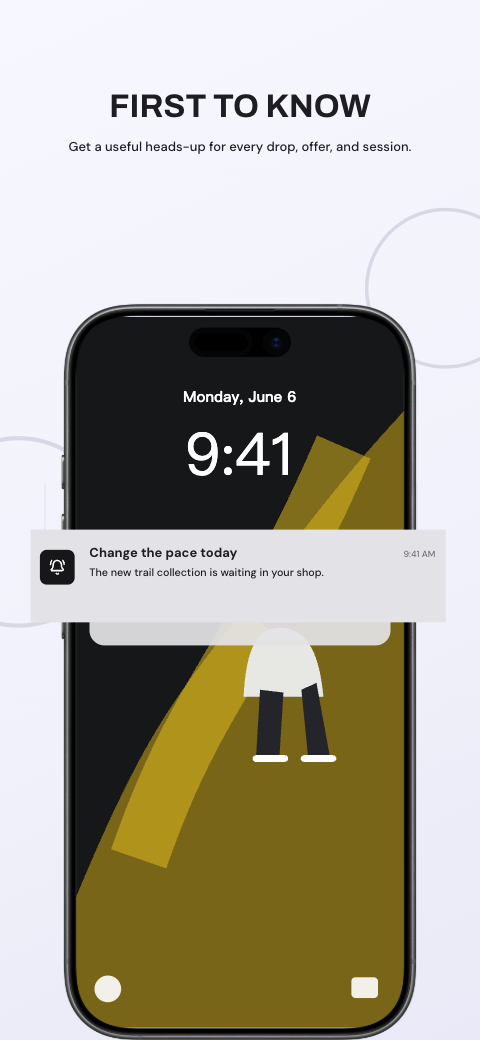
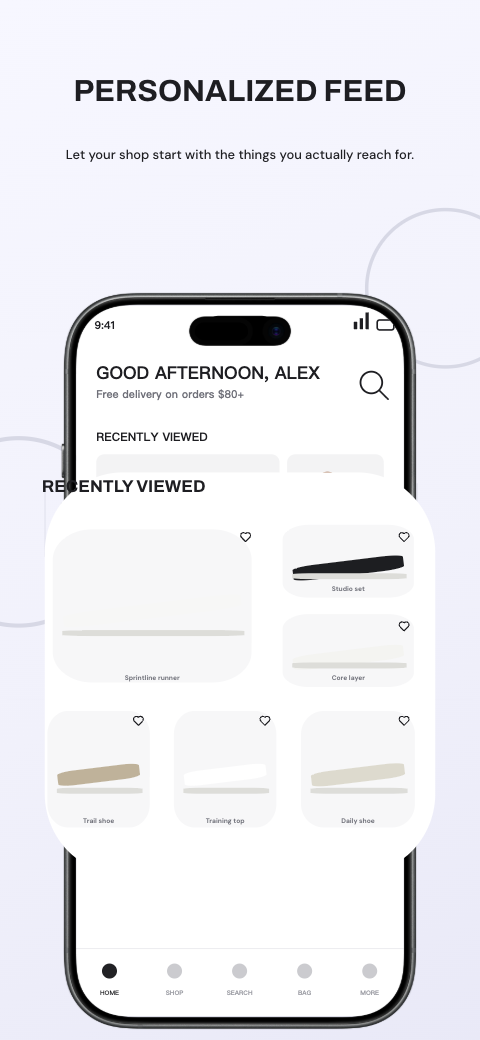
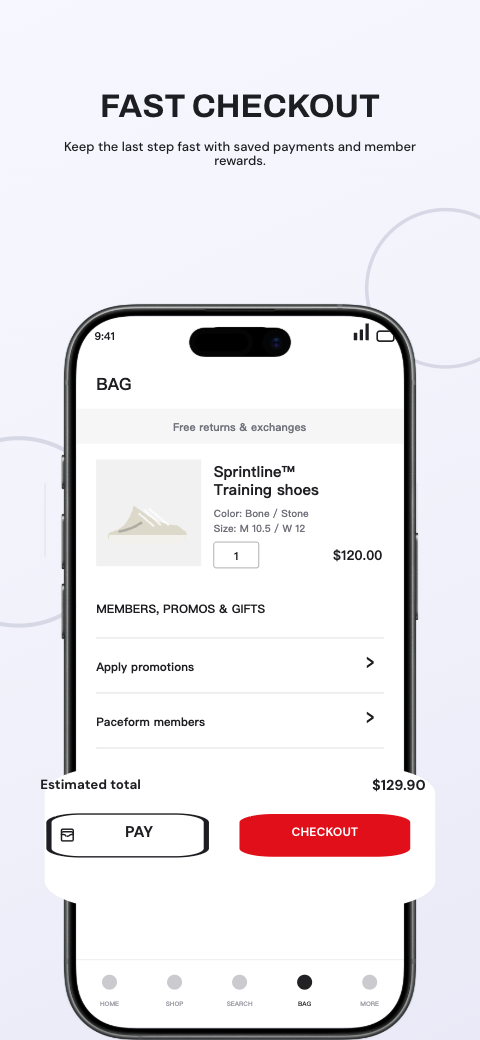
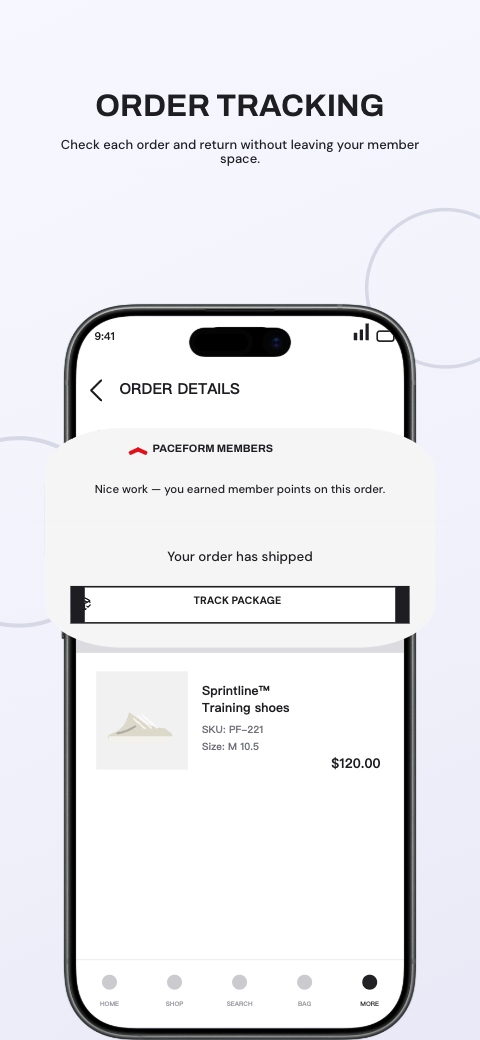
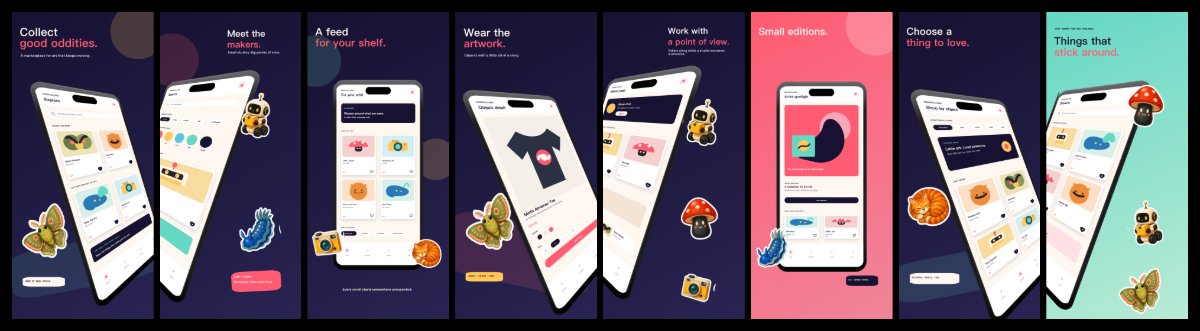
shopping · iphone
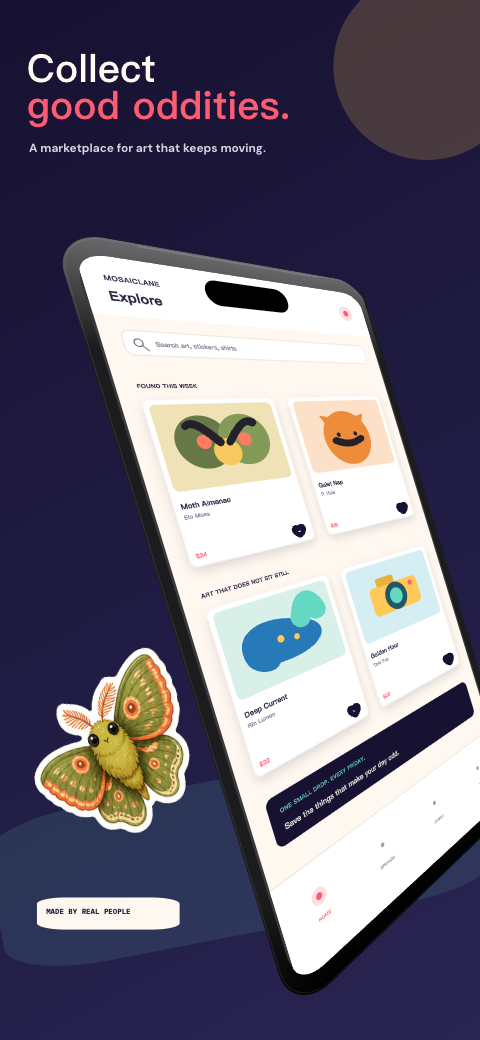

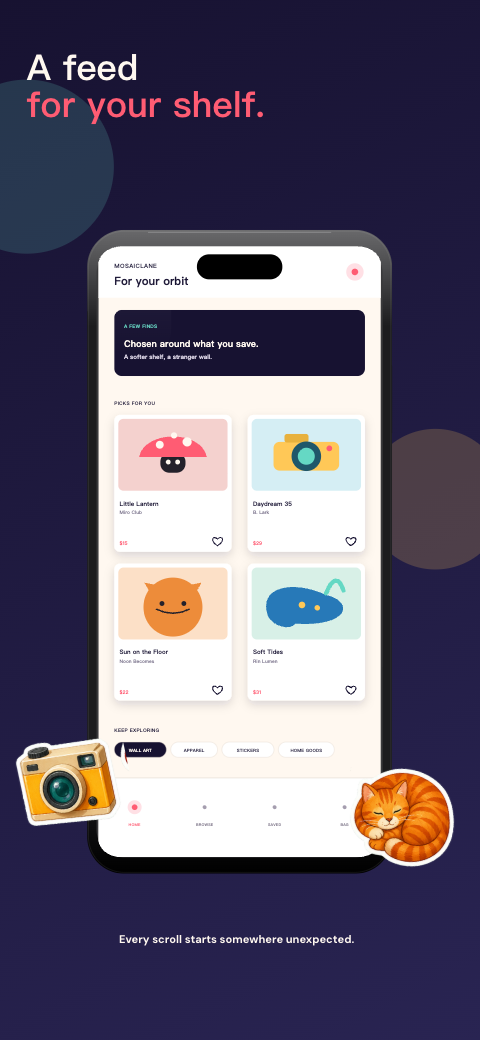
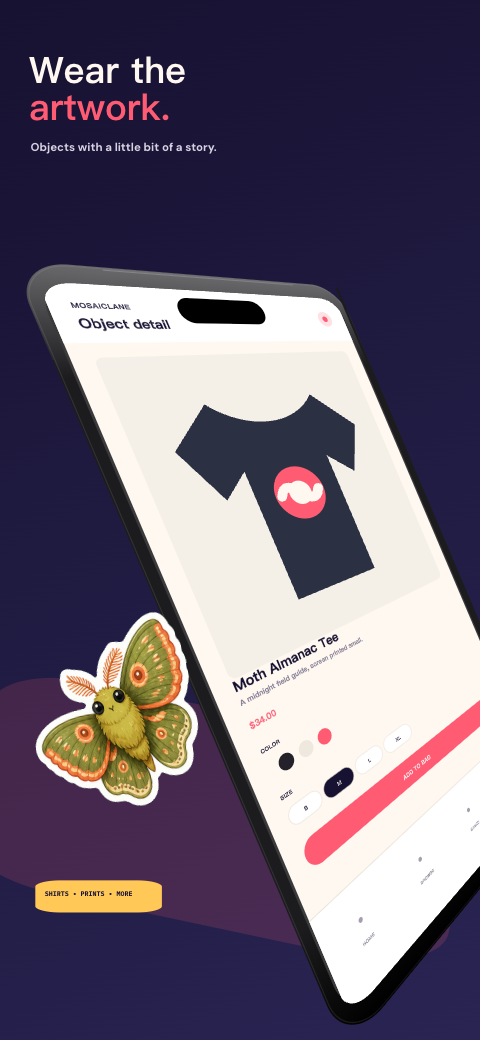
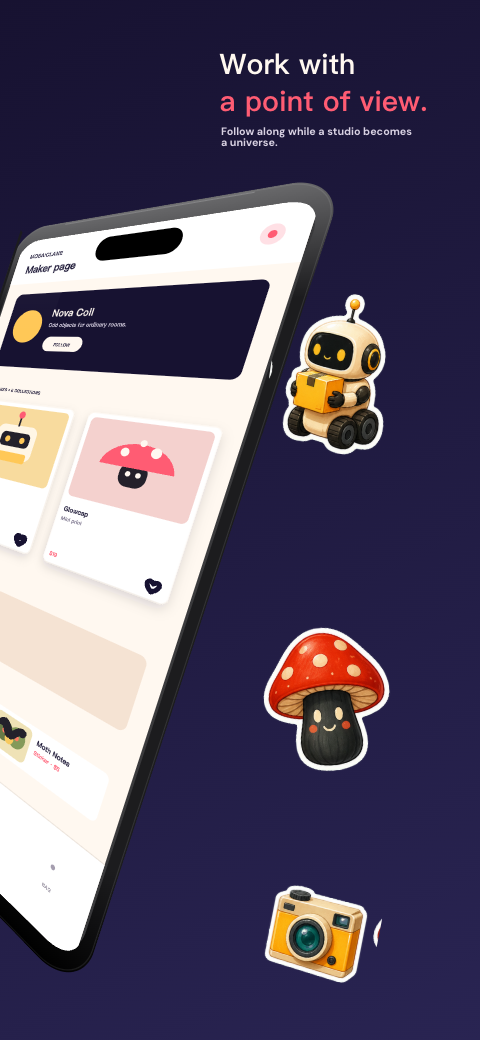
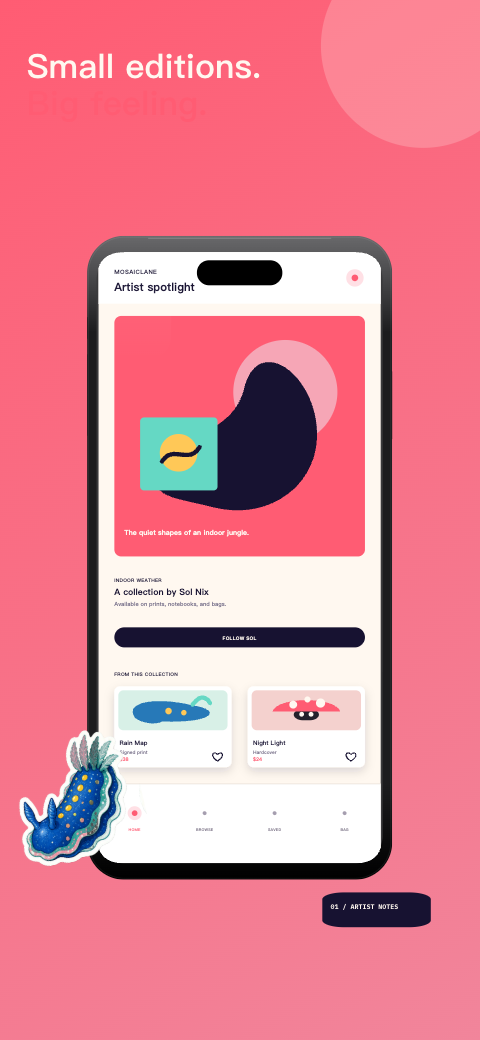
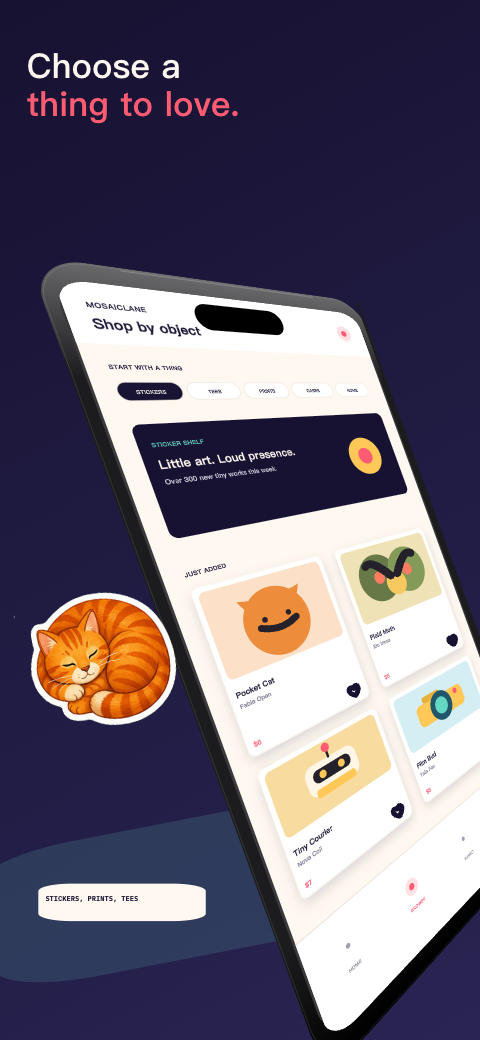

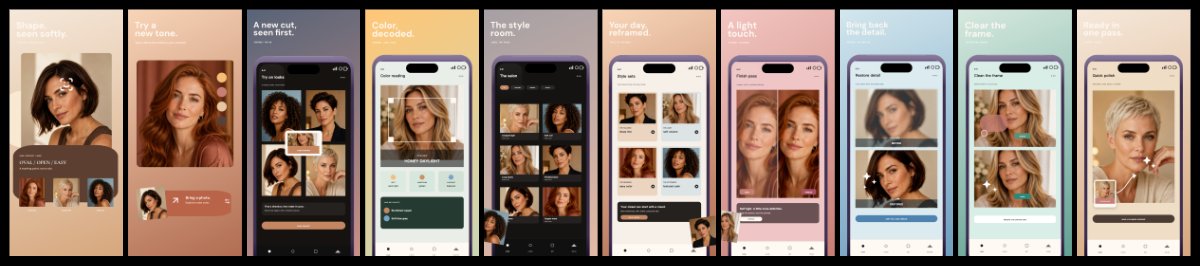
lifestyle · iphone

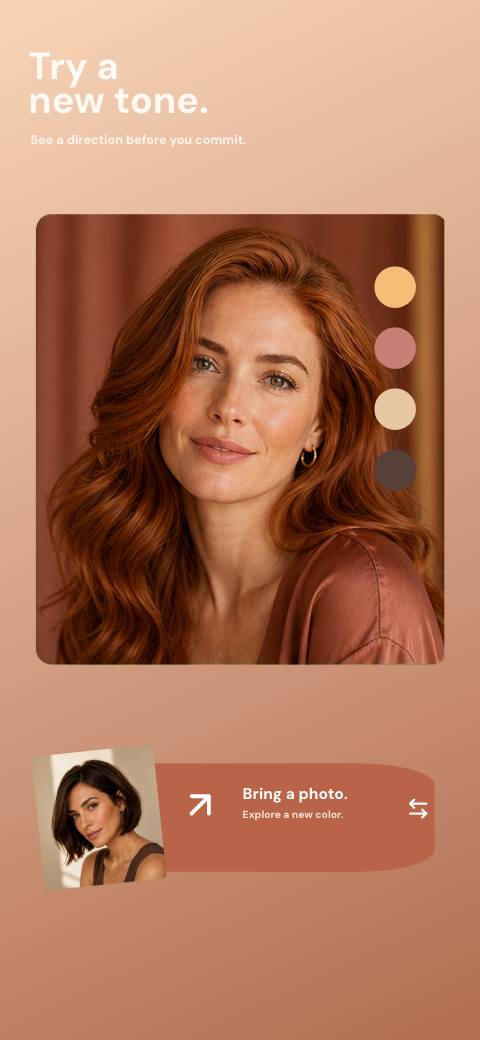
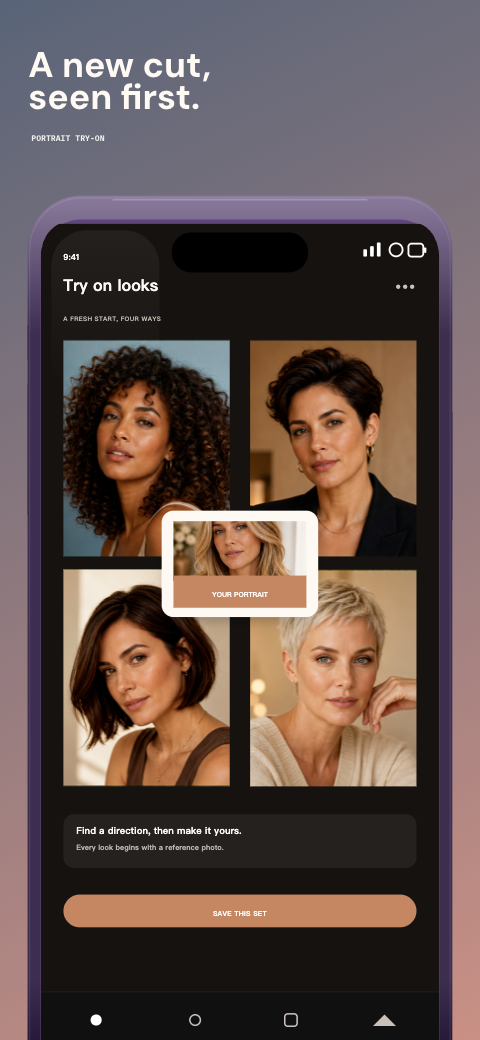
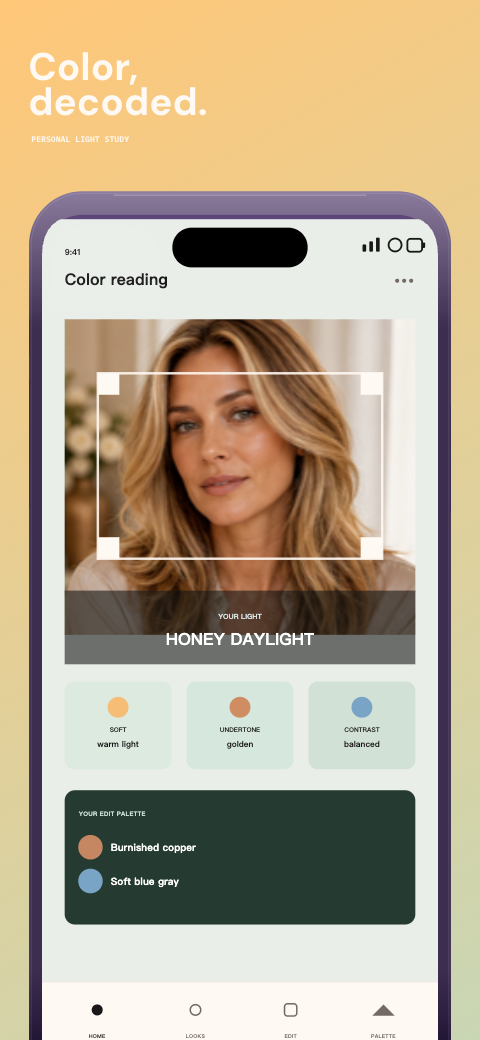
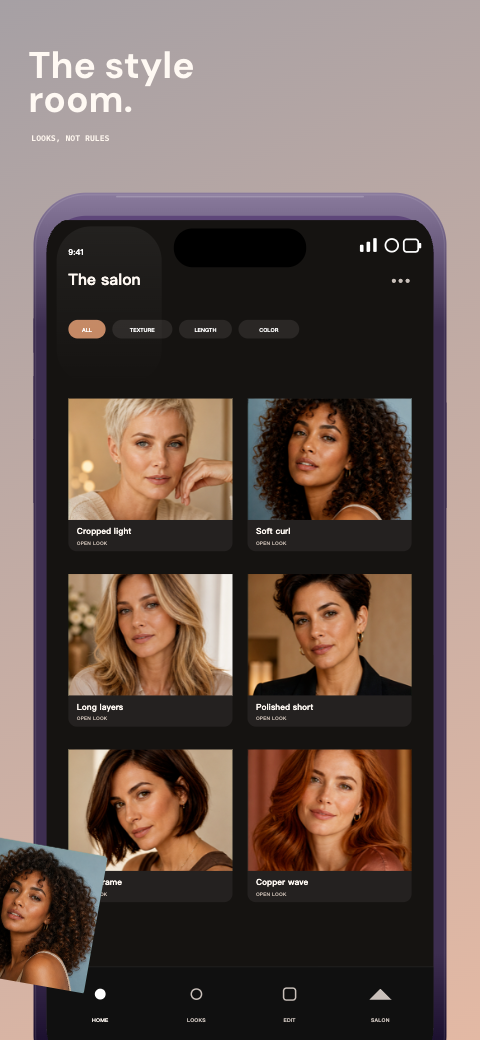
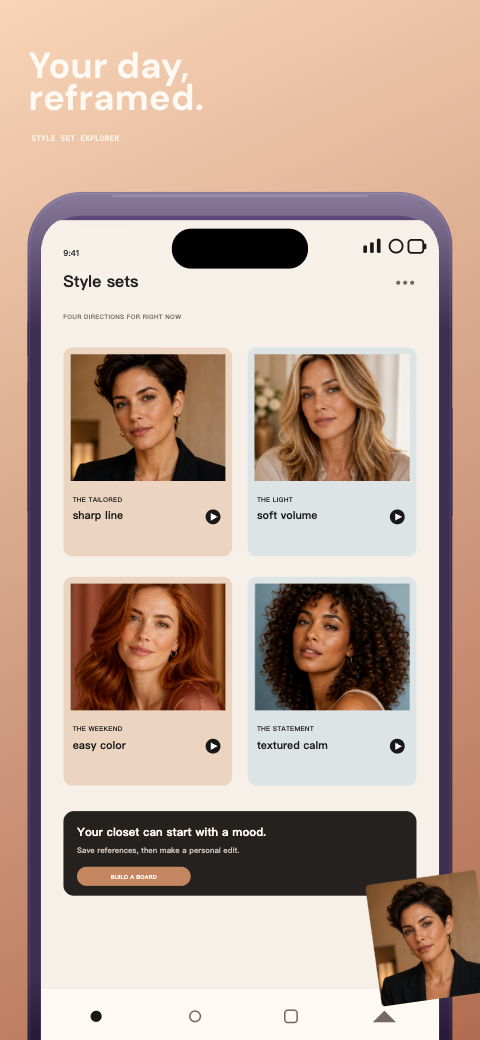
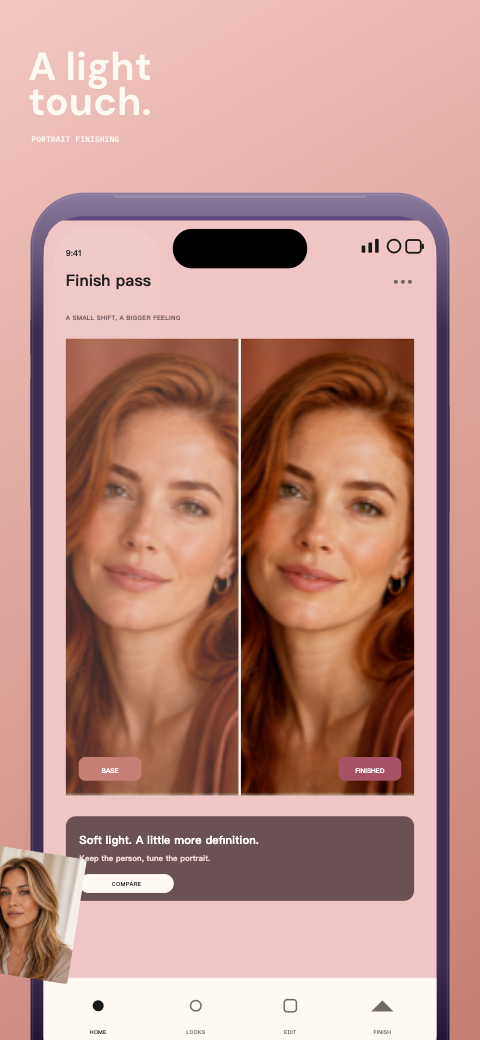
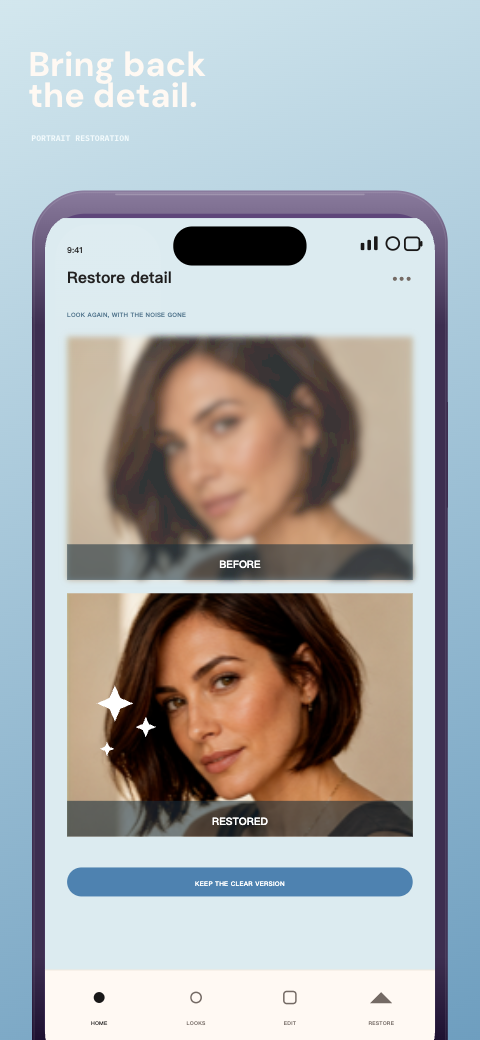
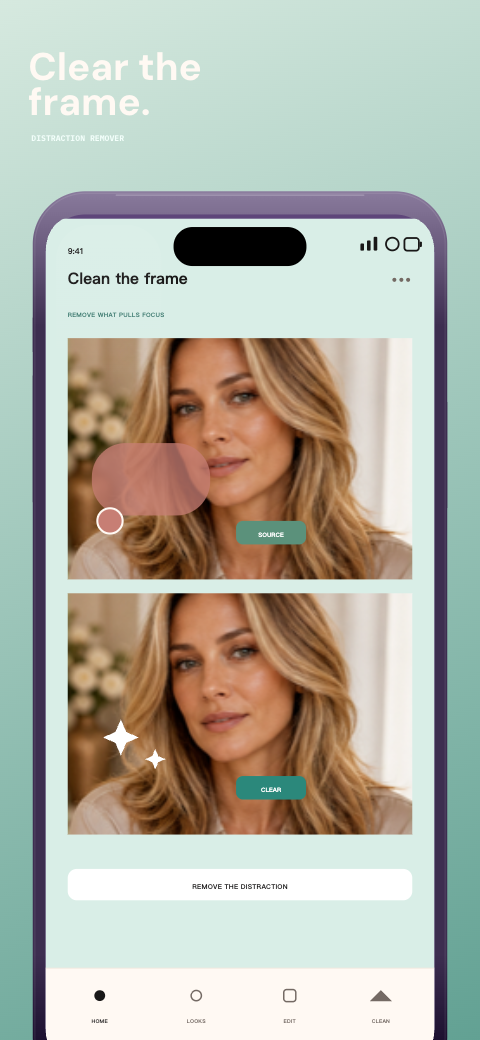
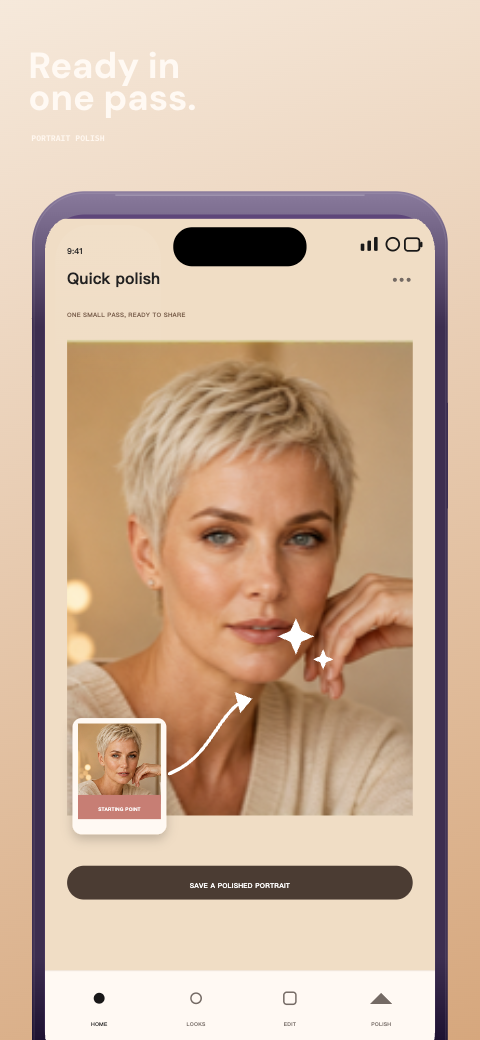
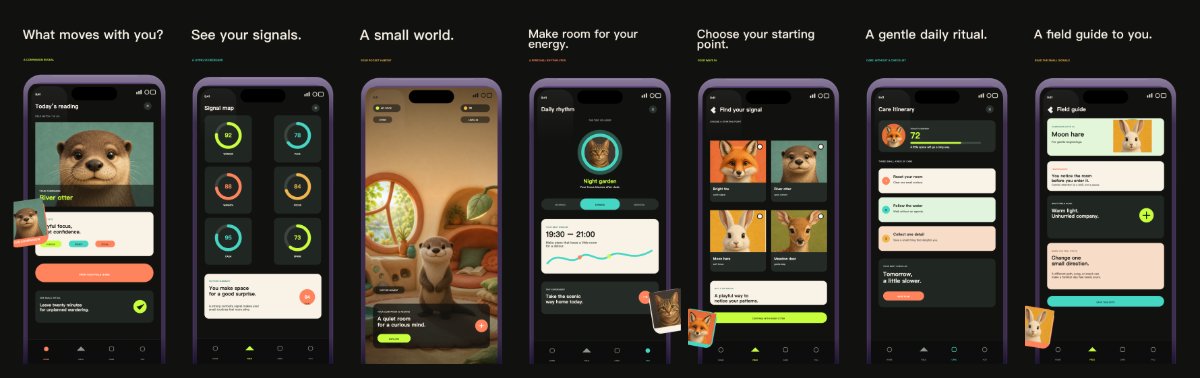
lifestyle · iphone
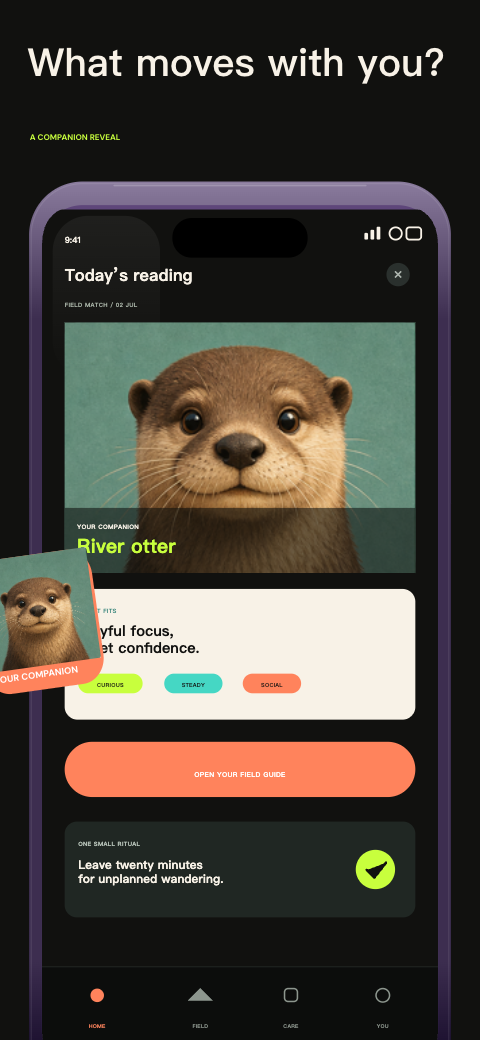
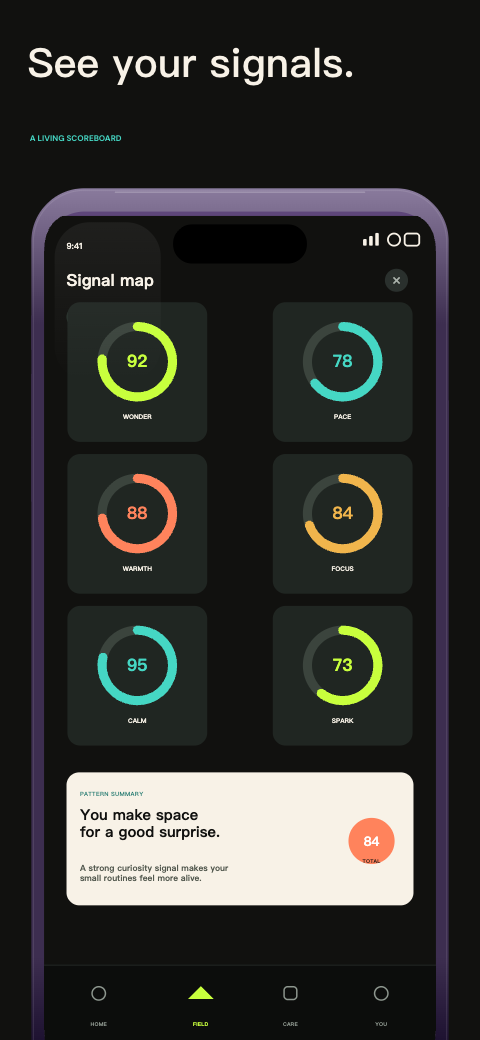
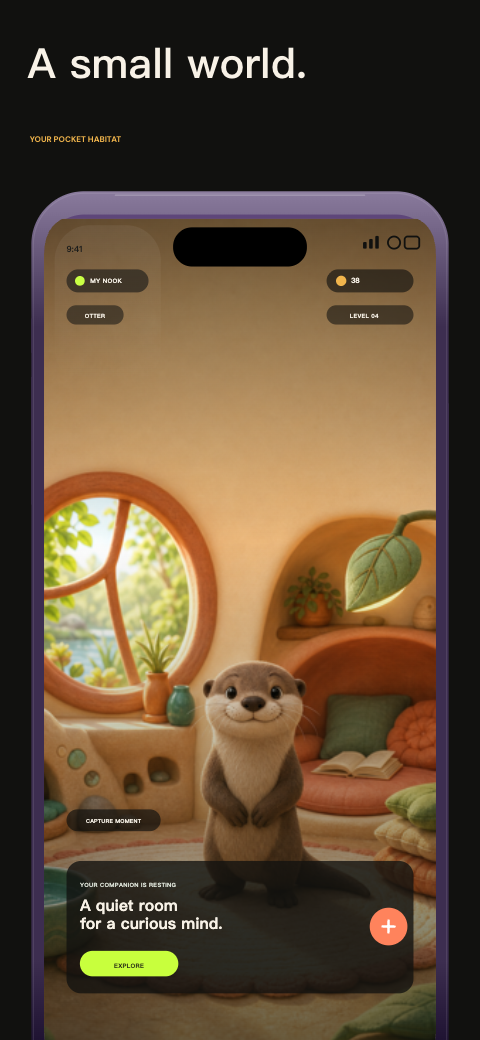
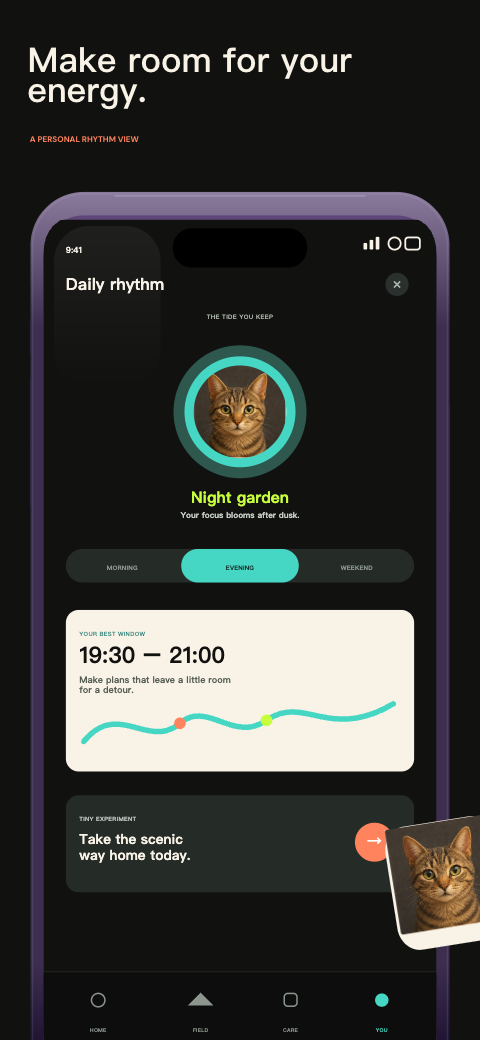
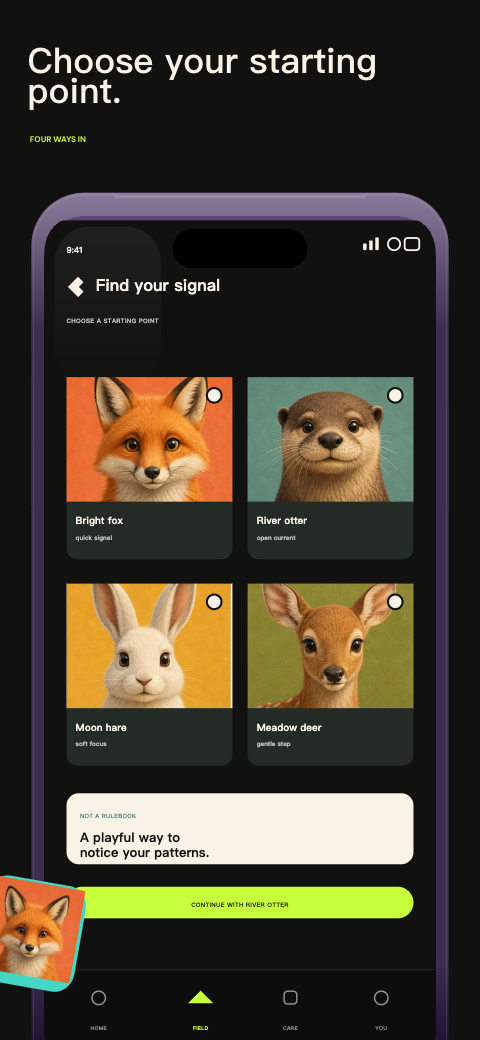
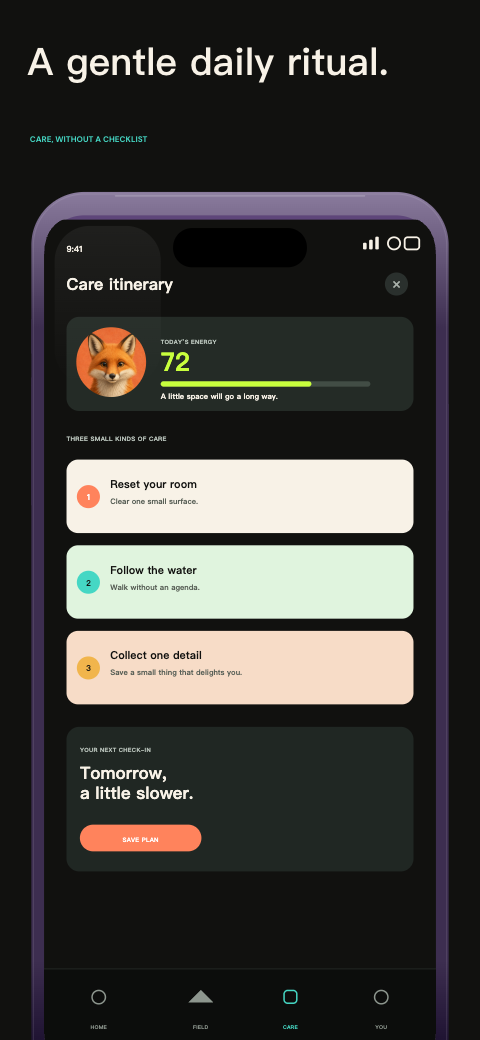
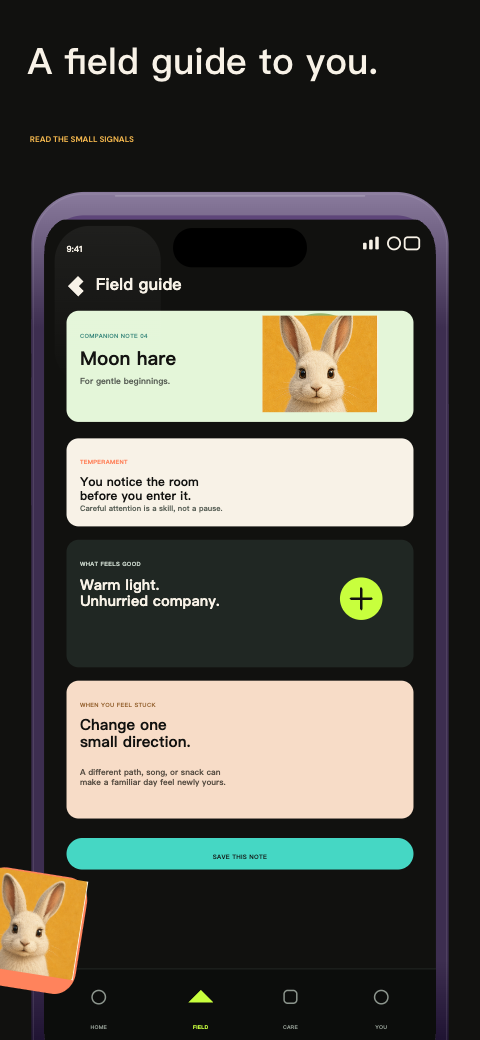
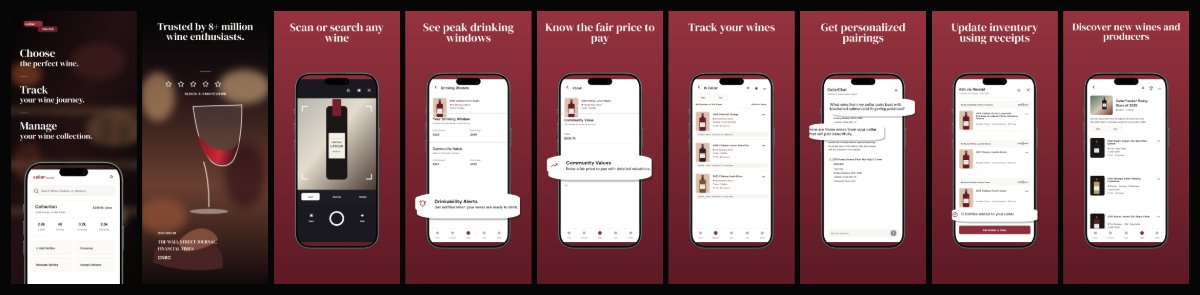
lifestyle · iphone
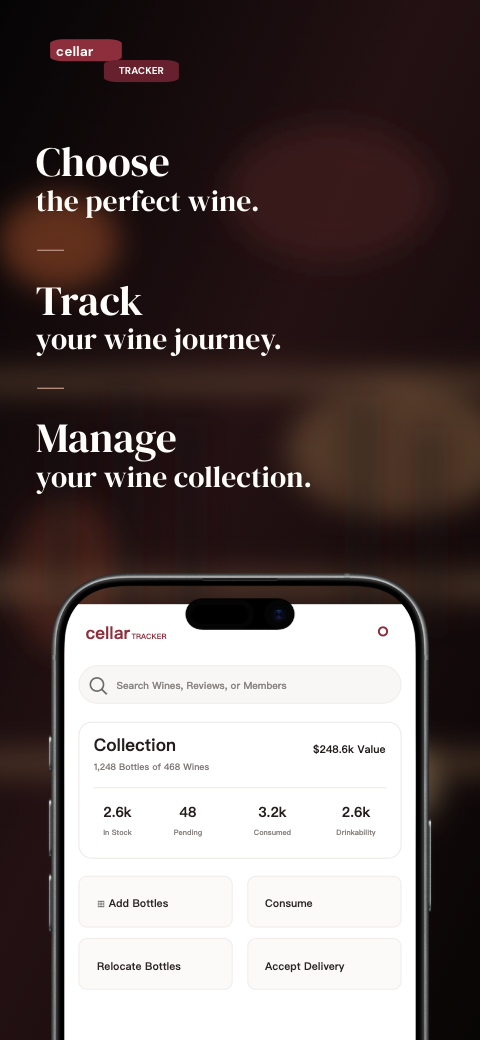

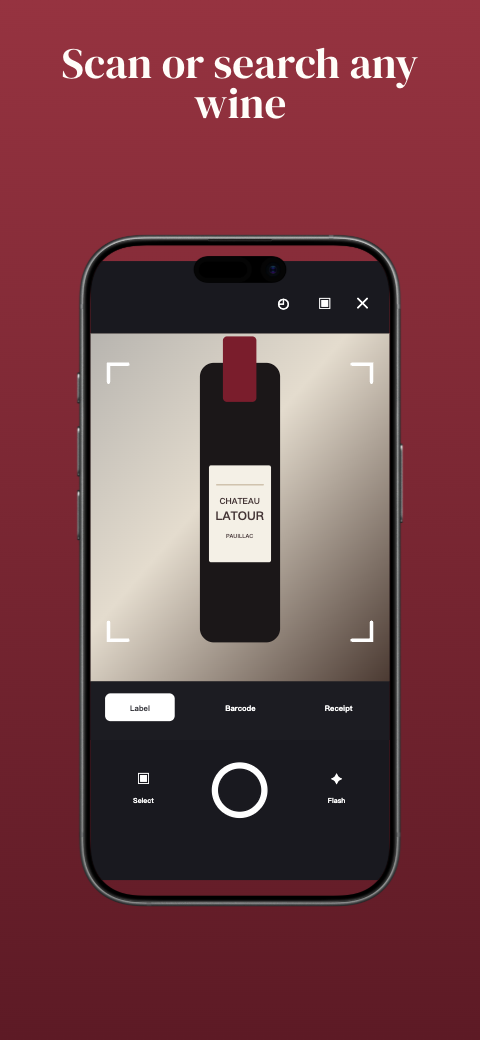
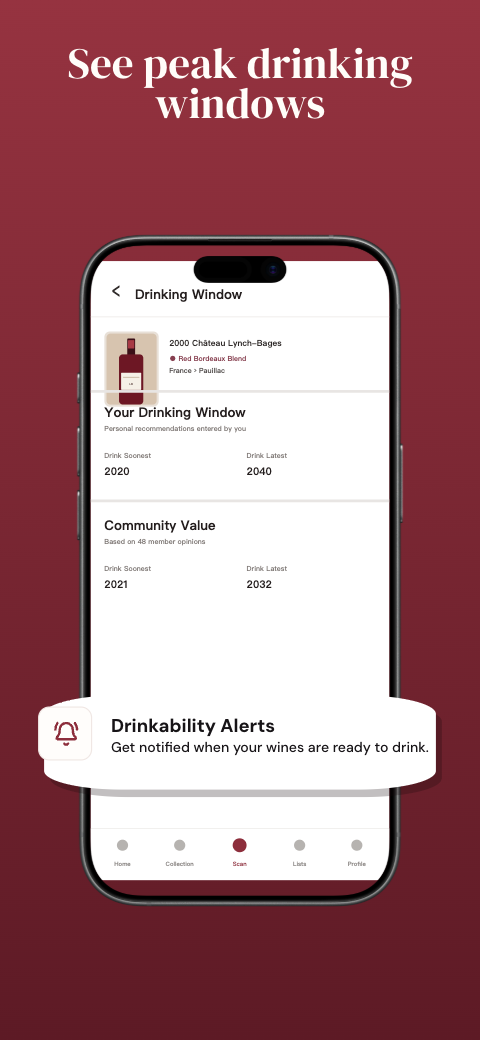
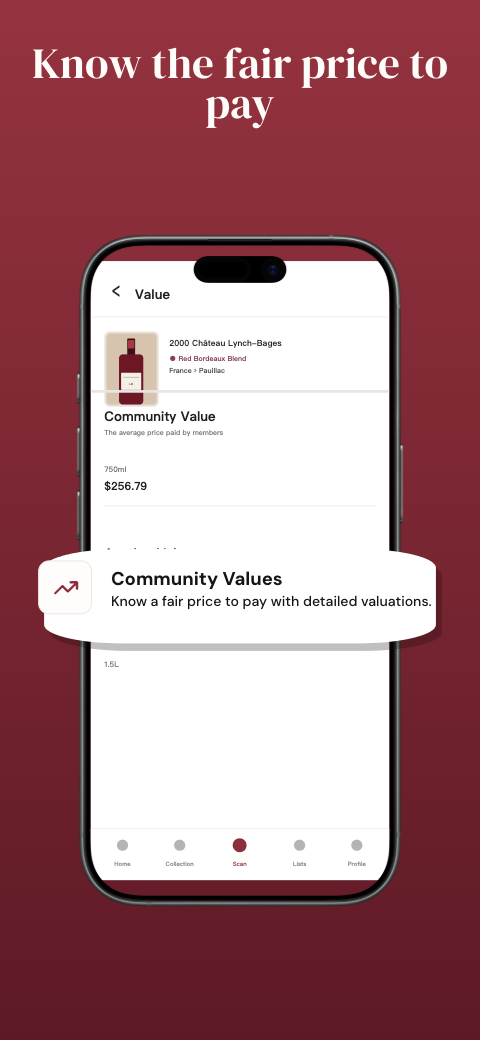
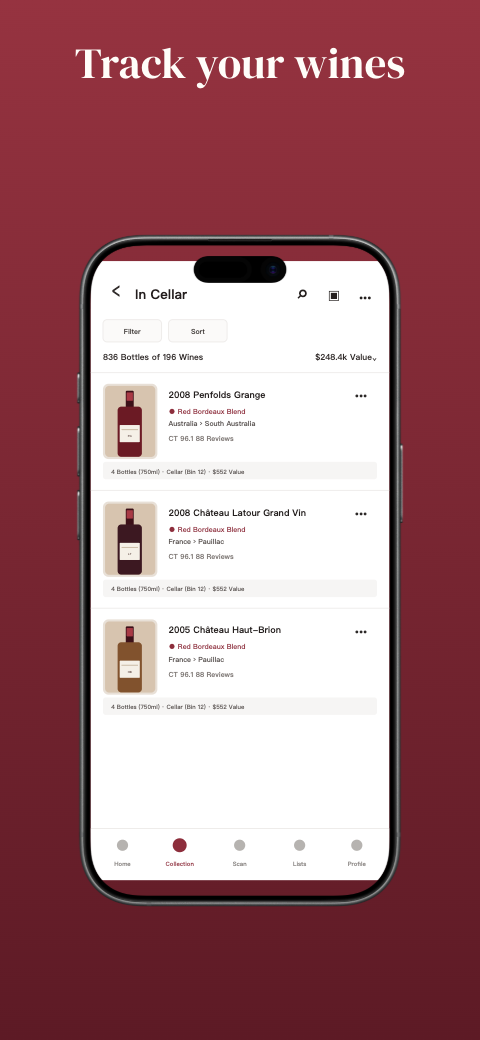
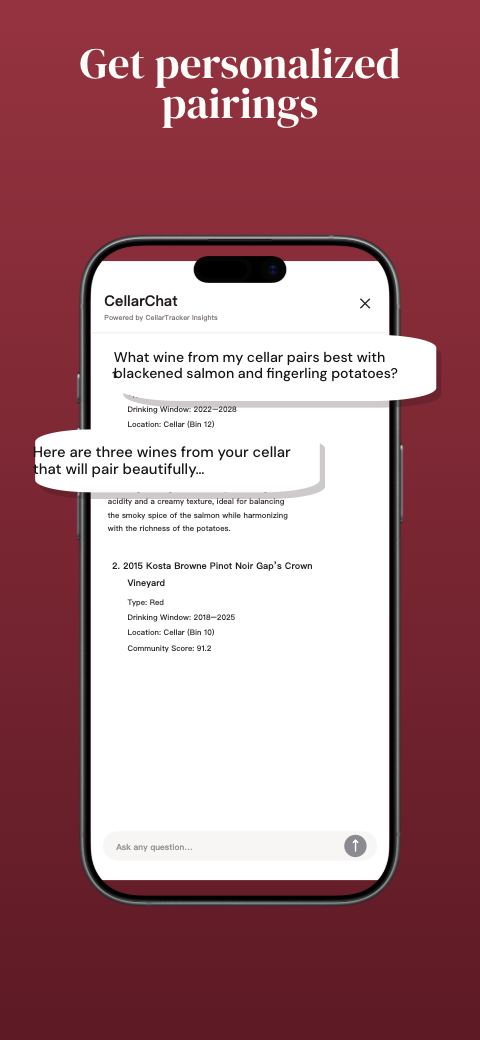
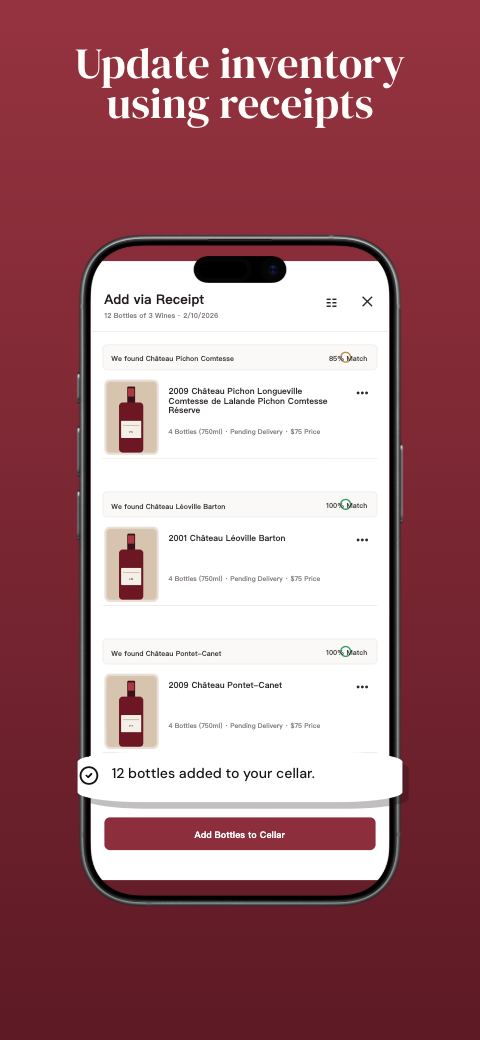
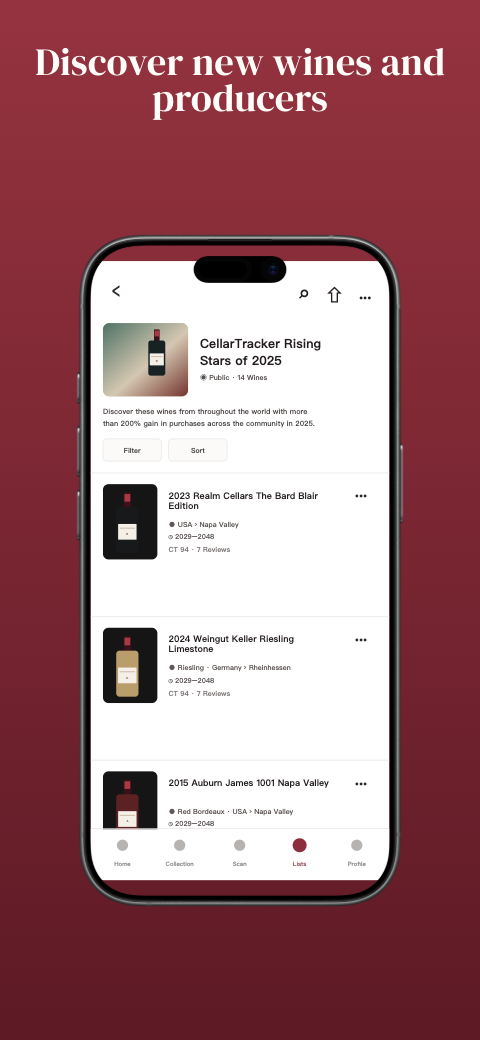
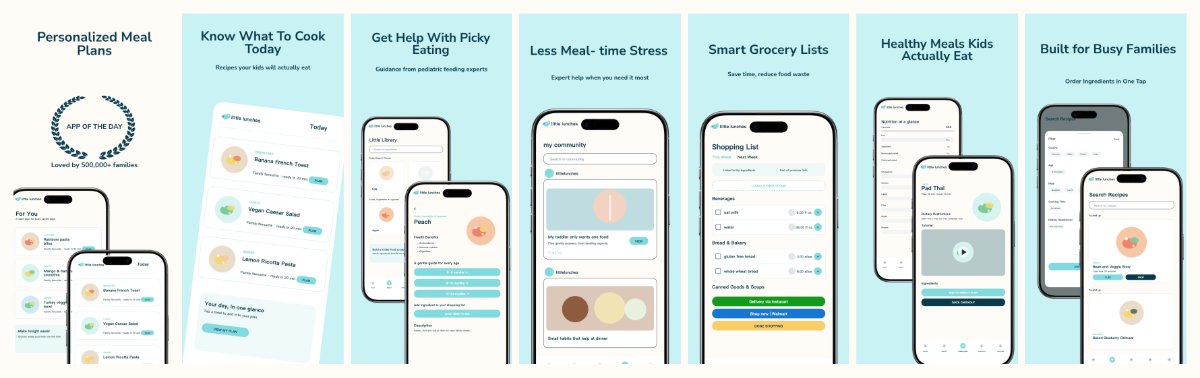
food · iphone
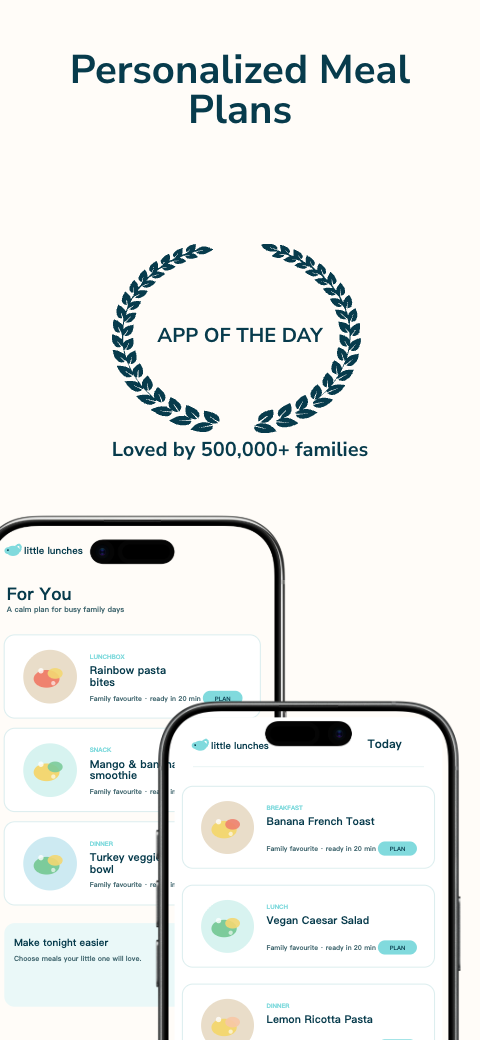
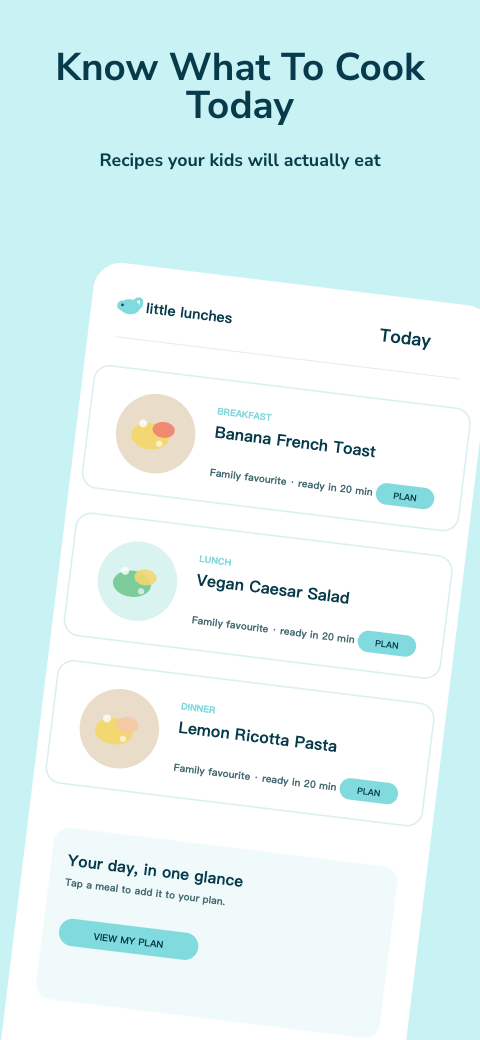
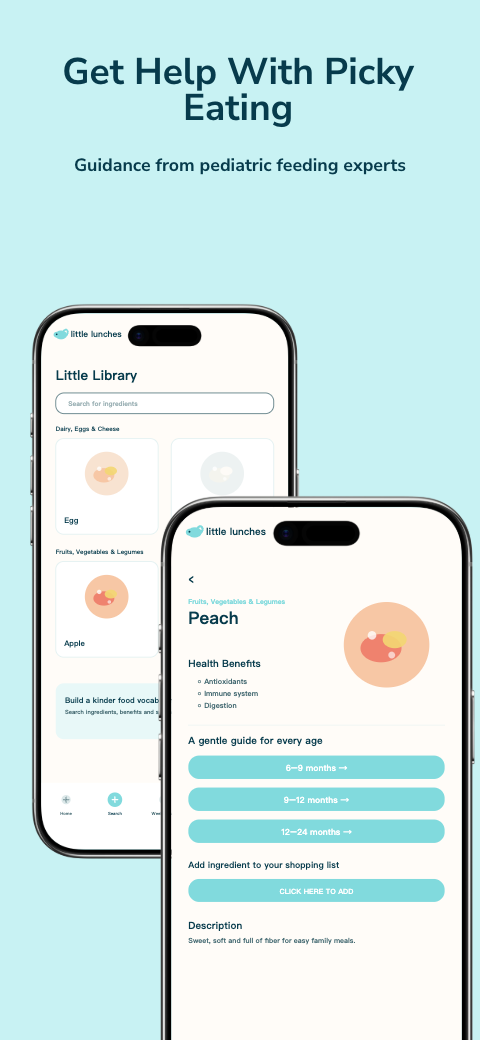
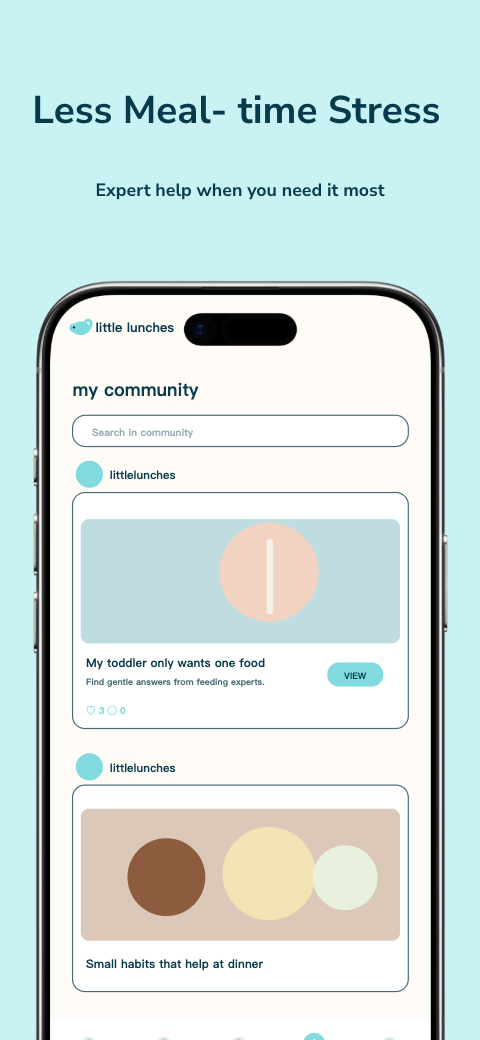
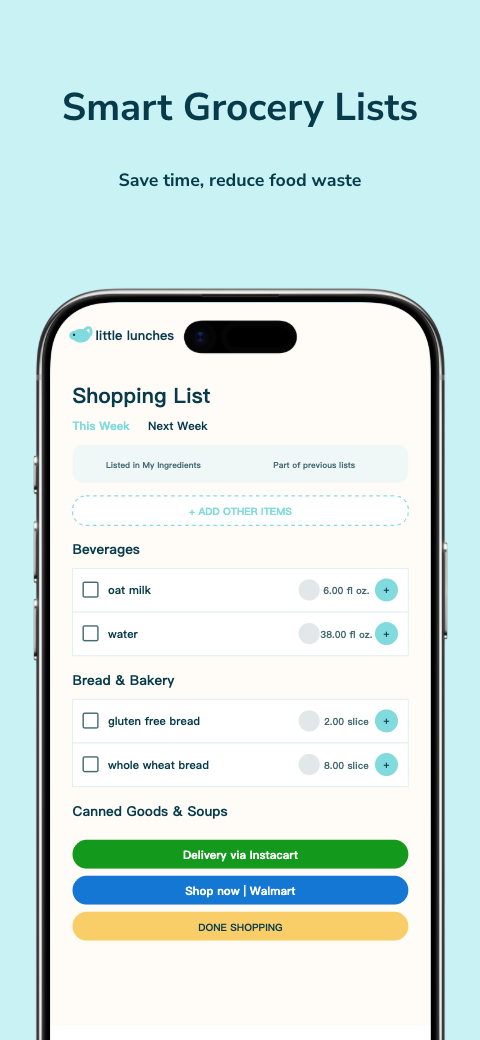
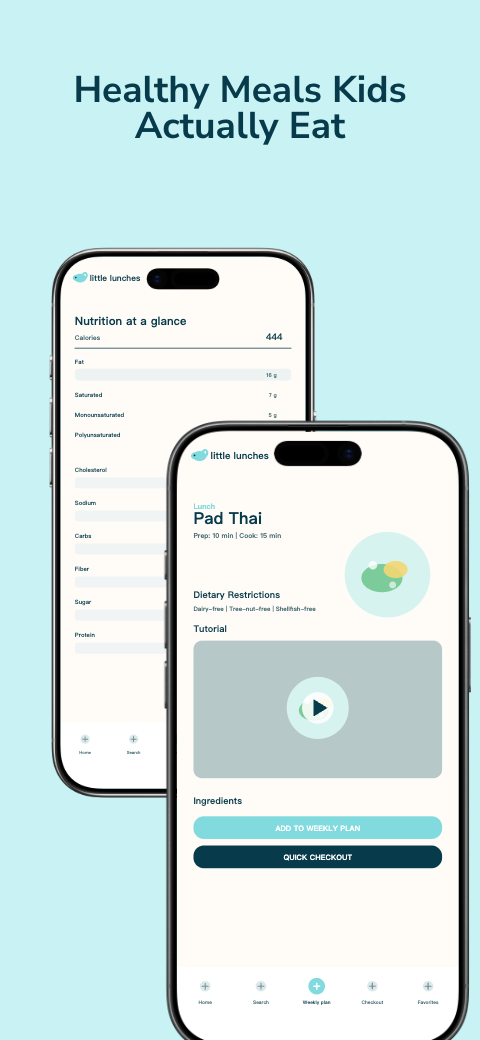
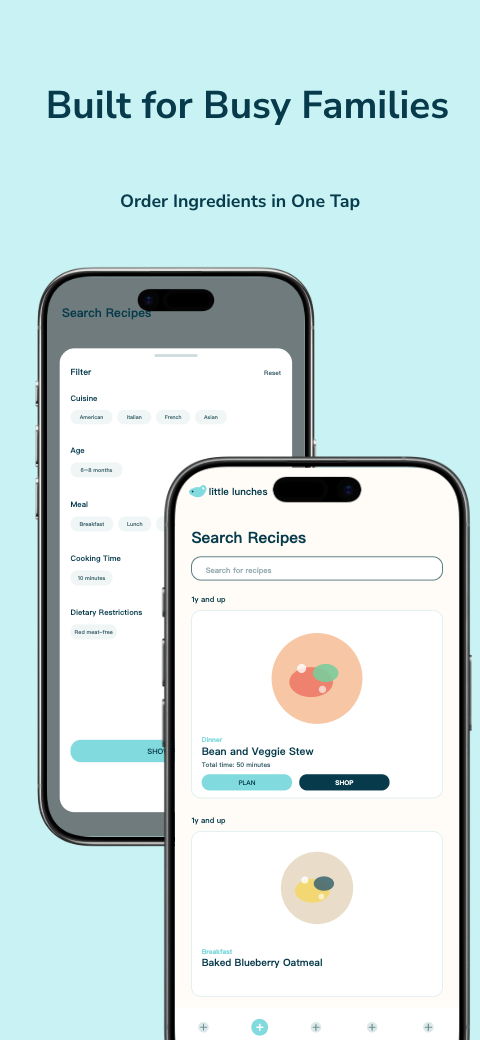
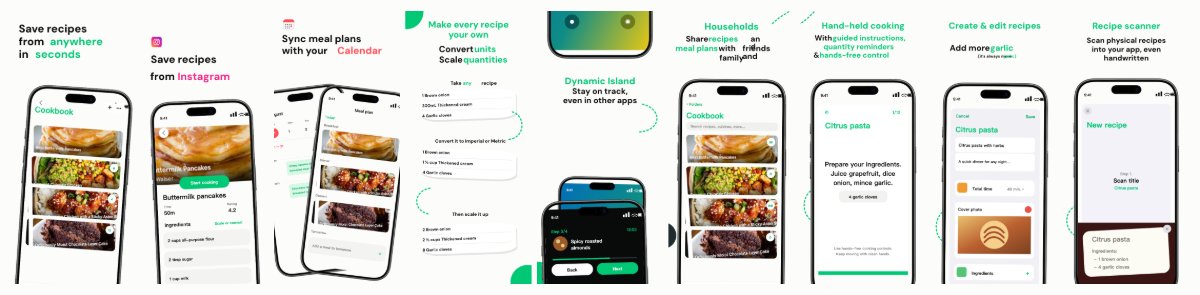
food · iphone
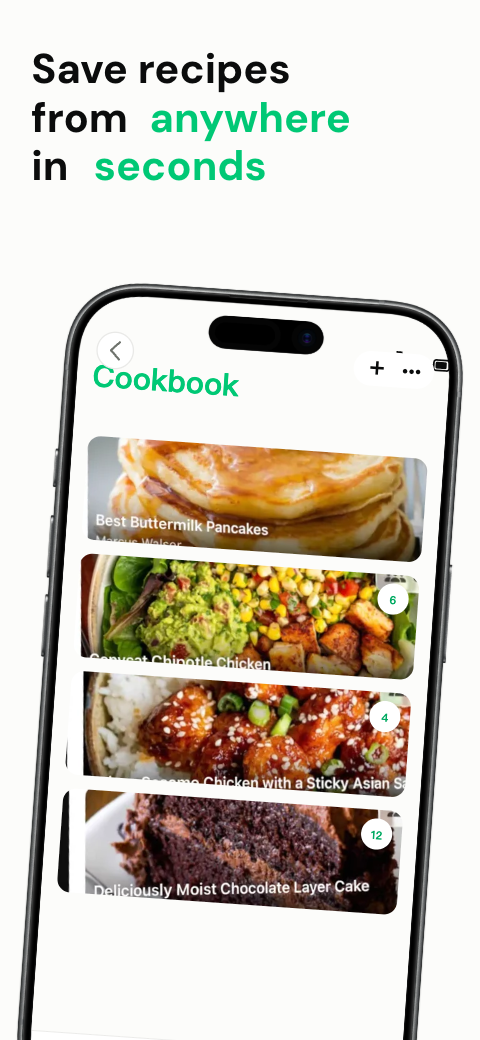
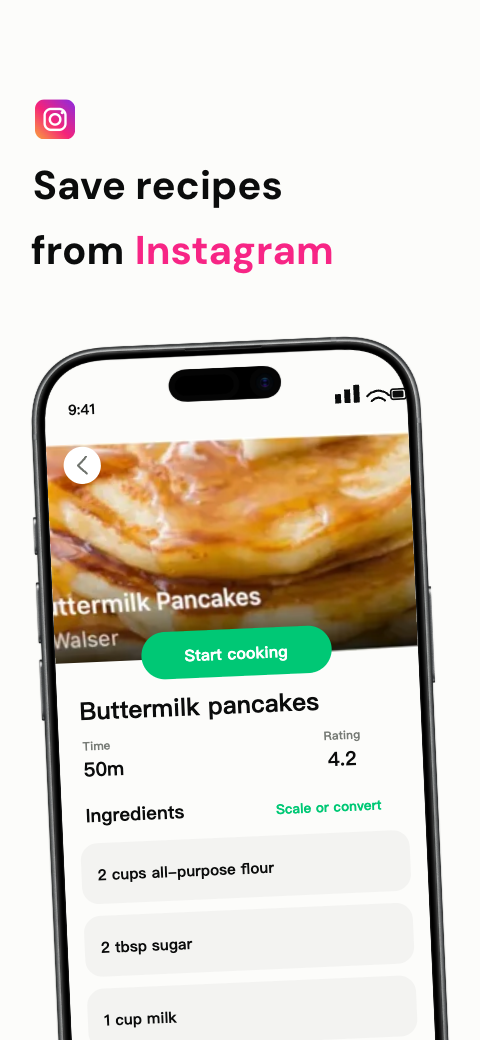
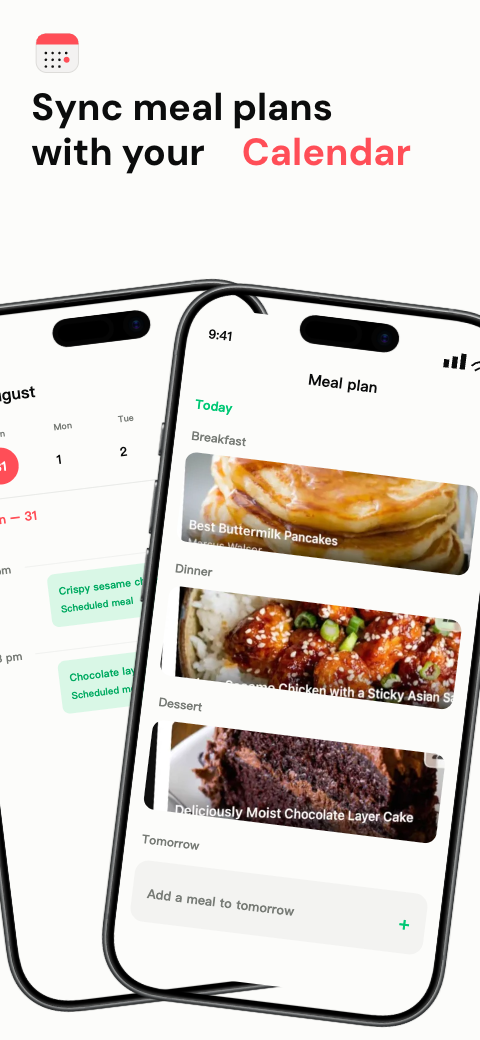
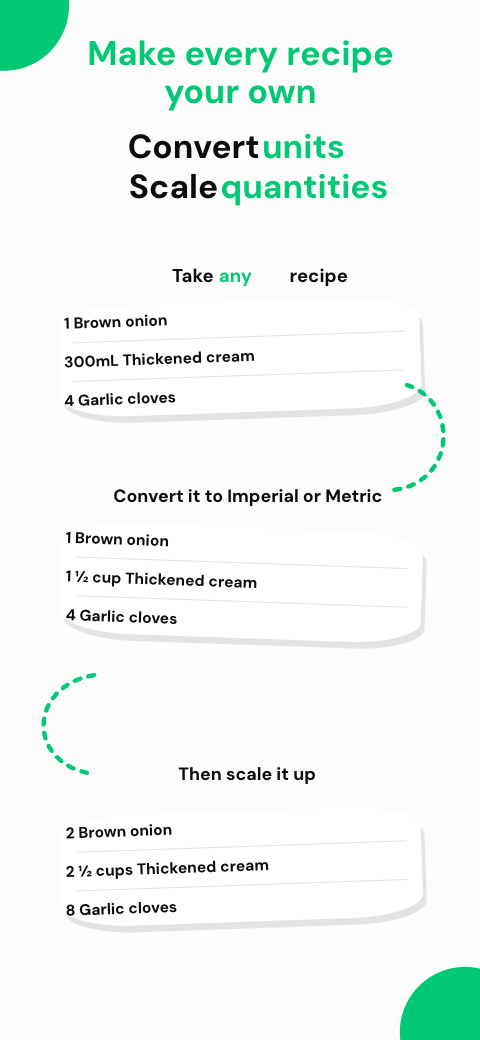
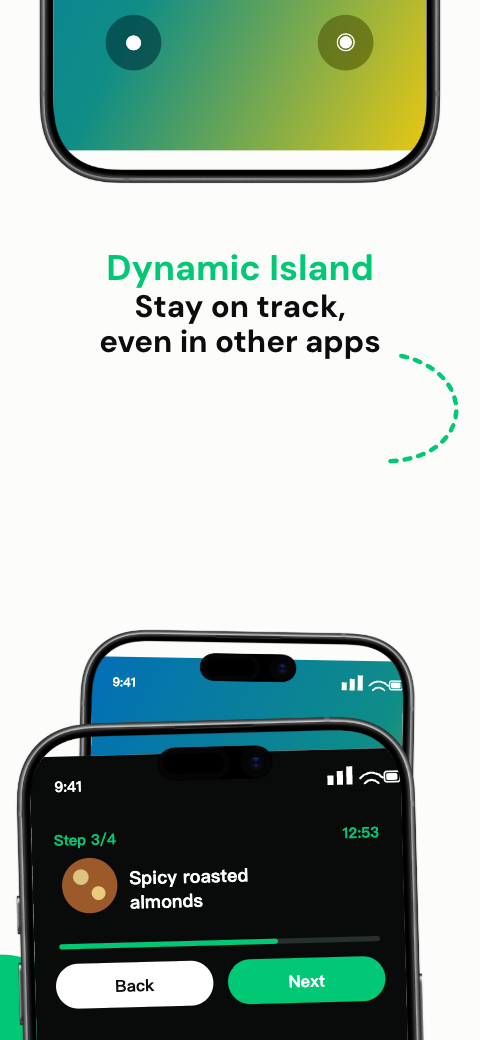
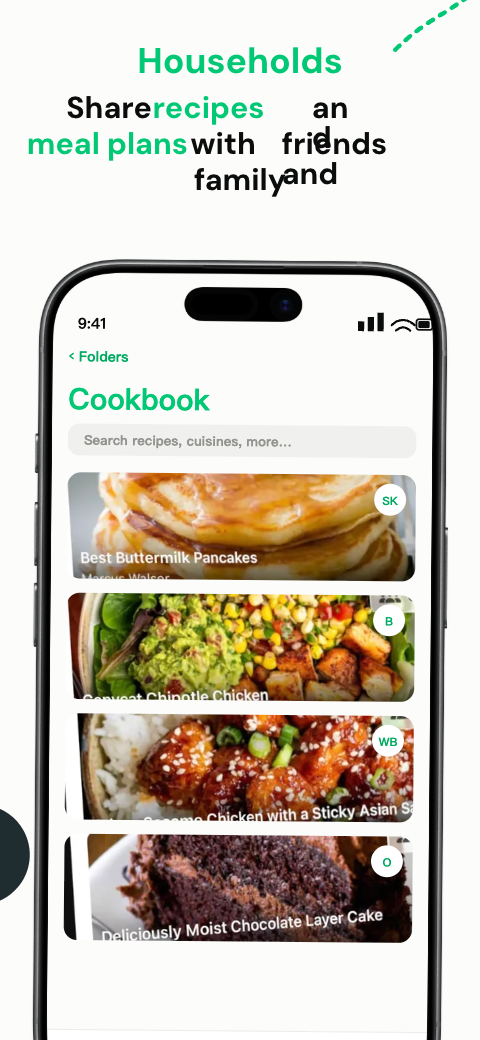
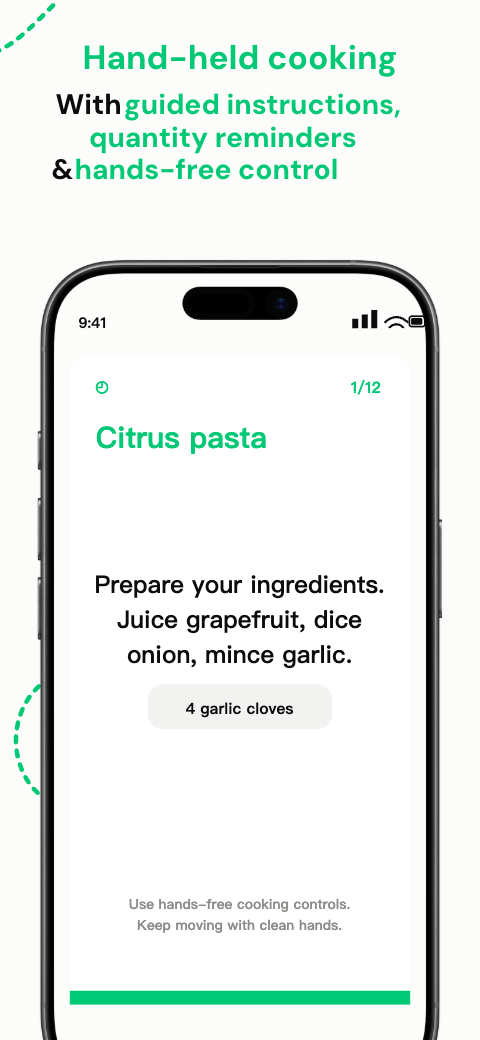
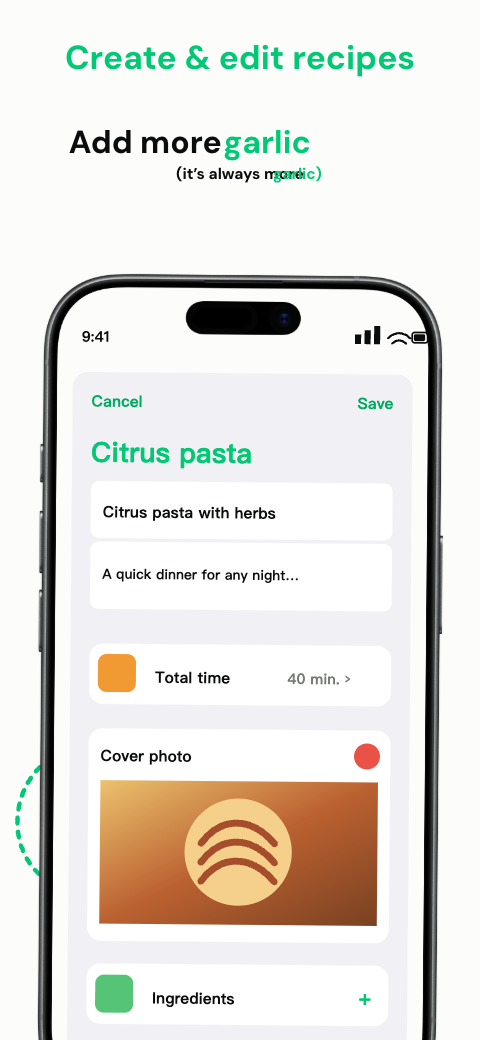
App Store sizes
Requirements depend on the platforms your app supports. iPad screenshots are required only for iPad apps. Check the current App Store Connect specification before uploading.
| Device | Accepted size (portrait) | Note |
|---|---|---|
| iPhone: Dynamic Island, standard display | 1179 × 2556 · 1206 × 2622 | Required iPhone group; choose one accepted size |
| iPhone: Dynamic Island, large display | 1260 × 2736 · 1290 × 2796 · 1320 × 2868 | Accepted example; check Apple’s display-group rules |
| iPad: 13-inch display | 2064 × 2752 · 2048 × 2732 | For iPad apps: choose one accepted 13-inch size |
| iPad 11" | 1668 × 2420 · 1668 × 2388 | Accepted example; check Apple’s display-group rules |
| Formats | JPEG / PNG | No alpha channels; 1–10 screenshots |
How to use
Filter by industry or style and preview complete screenshot sets designed for App Store listings.
Swap in your screenshots, edit headlines, fonts, colors and device frames — everything stays editable.
Download pixel-perfect screenshots at the required iPhone and iPad sizes, in one or many locales.
Browse iOS Templates
FAQ
Check specifications, choose a layout and review localized assets before uploading.
Create iPhone and iPad listing artwork in the visual editor.
Check accepted pixels, formats and counts for each store.
Review metadata, caption layout and destination languages.
Make the actual app task clear with captions and readable crops.
Find official artwork and check its marketing usage rules.