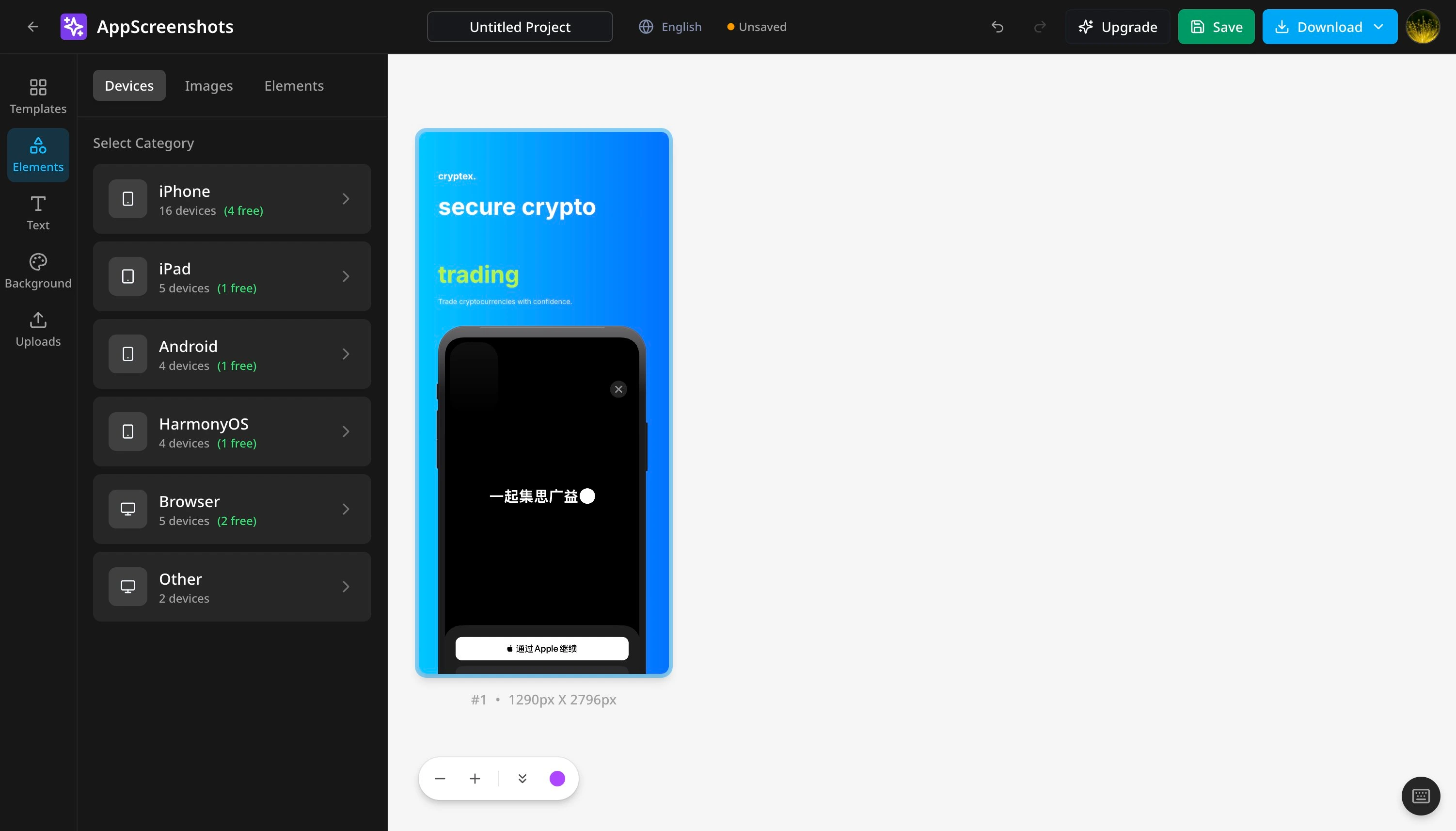
App Screenshot Generator for App Store & Google Play
AppScreenshots turns your real app captures into App Store and Google Play listing images. Add device frames and headlines in your browser, then export PNG screenshots.
Create Professional iOS and Android App Screenshots in Minutes
Start with the free plan; upgrade when you need premium features.
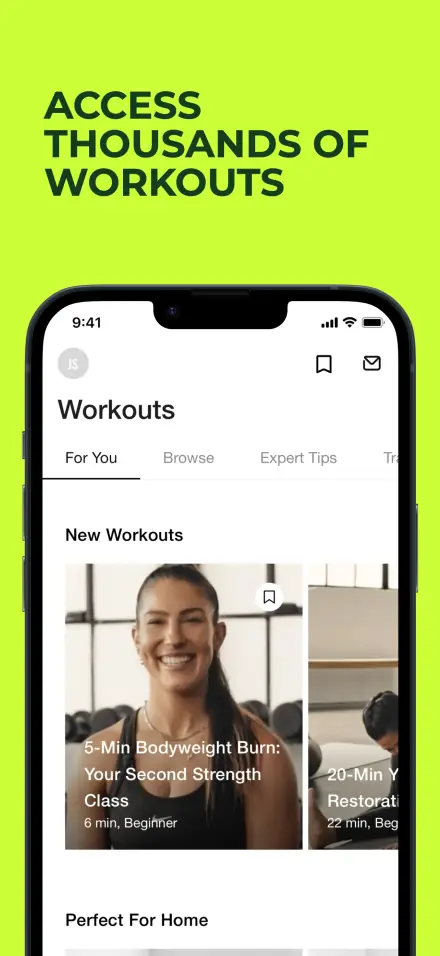
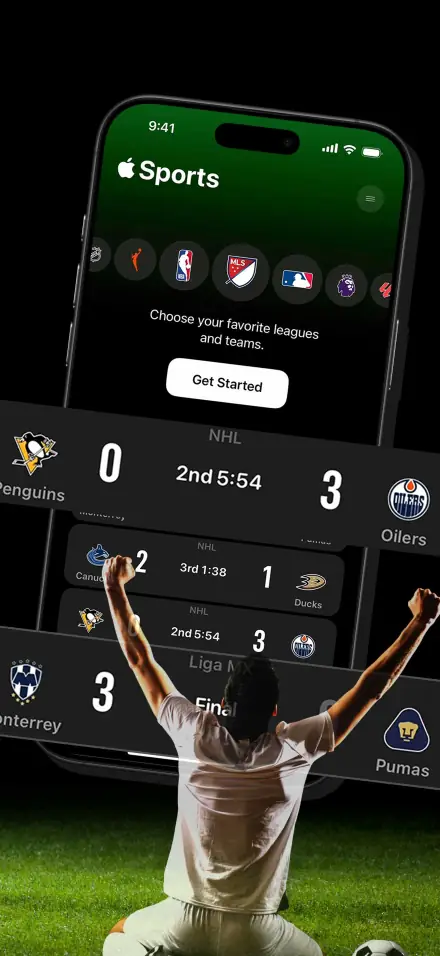
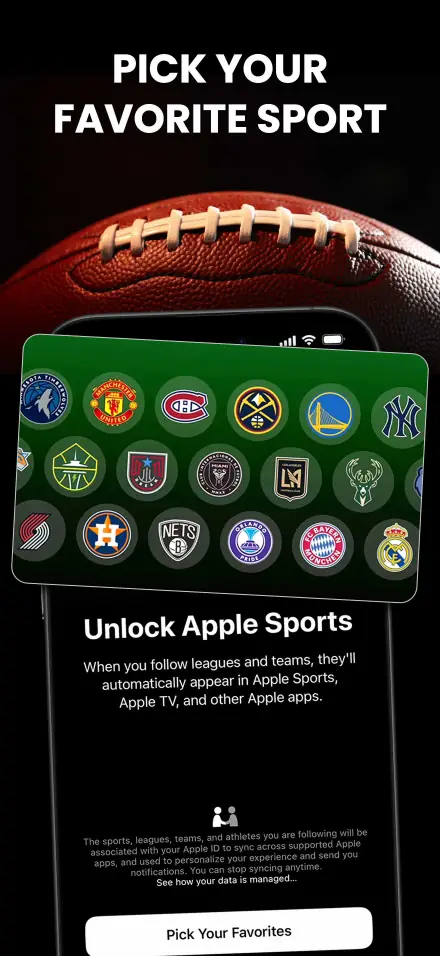
How to create app store screenshots
Start with your actual app UI and finish with files you can review for your target listing.
- 1
Prepare your app screens
Capture the current UI, choose one benefit per image, and decide on a store and language.
- 2
Build the screenshot set
Choose a template or blank canvas. Add your captures, device frames, headlines and background.
- 3
Export and review
Download a PNG or a ZIP of PNGs. Check dimensions, screen content and text in each exported image.
Cloud saving and AI require sign-in. Batch tools depend on your plan. Review translations and image rights before upload. Compare plans and limits.
Check current store requirements: App Store Connect · Google Play Console
SHOWCASE
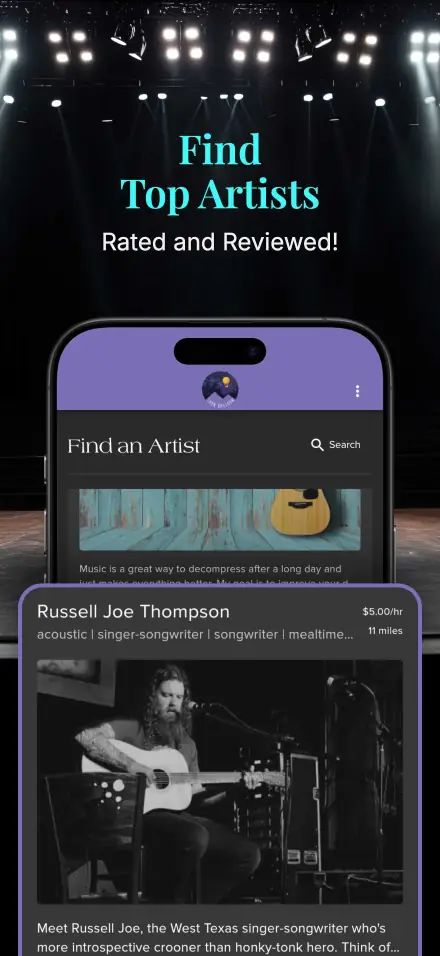
Beautiful Screenshots for Every App Category
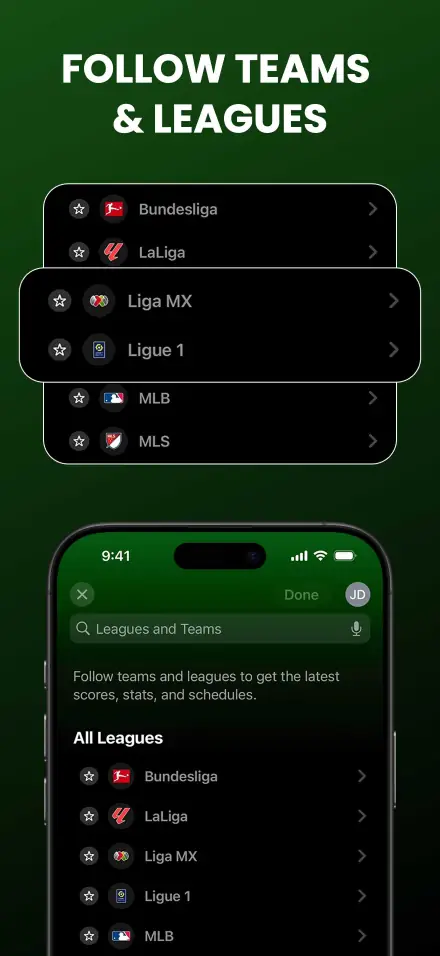
See how top apps present their screenshots. Get inspired and create your own stunning visuals.
FEATURES
Everything You Need to Create Stunning Screenshots
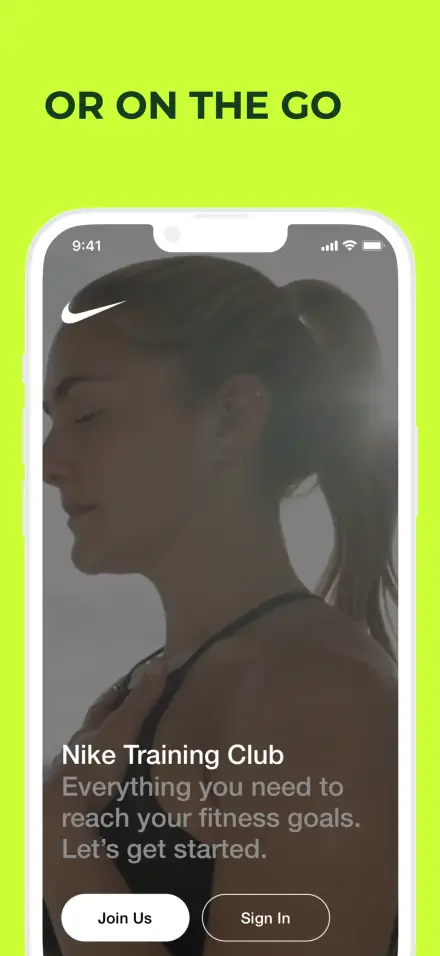
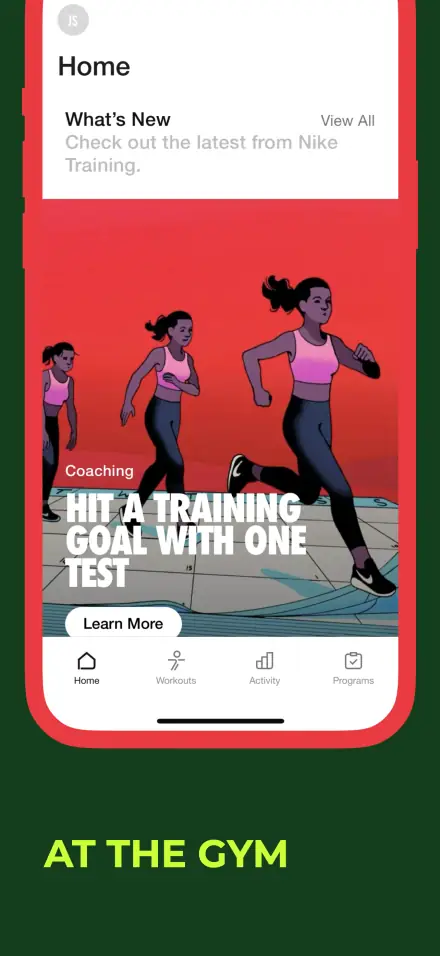
Design Anytime Anywhere
Create stunning screenshots from any device, anywhere in the world.
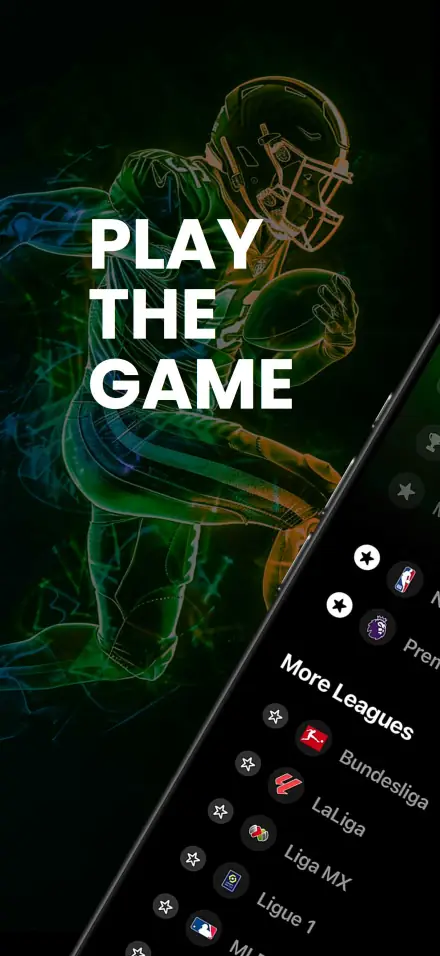
Highlight
Draw attention to key features with professional highlights.
Export and review
Download a PNG or a ZIP of PNGs. Check dimensions, screen content and text in each exported image.
DEVICES
Export sizes for your target stores
Choose a platform preset and verify the exported pixel dimensions against the current store requirements.
iPhone
1179 × 2556 / 1206 × 2622
iPad
2064 × 2752 / 2048 × 2732
Android
Phone & Tablet
Apple Watch
Series 9, Ultra
Generate Screenshots with AI
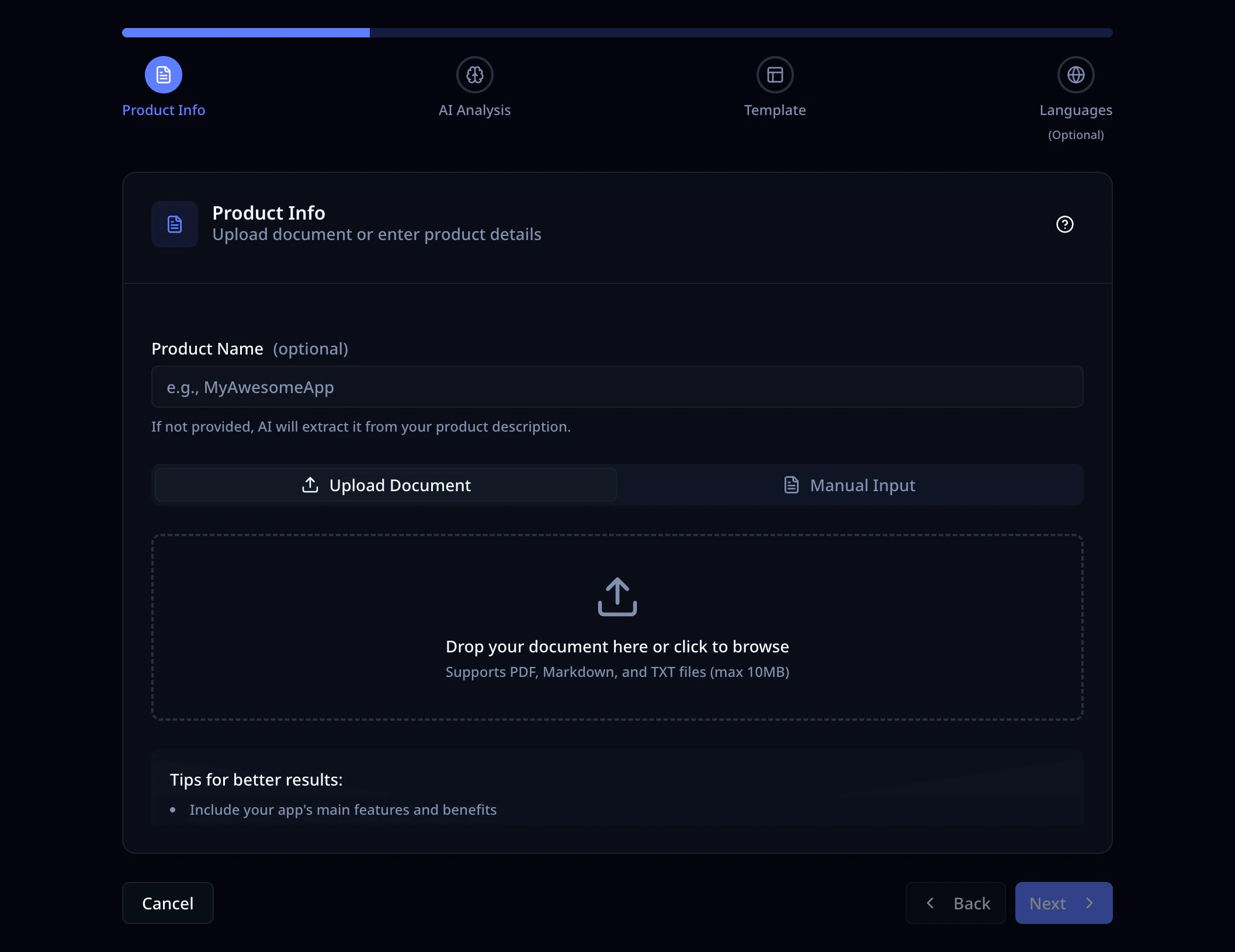
Turn a product brief into a screenshot draft, then replace sample screens with your real app UI and review the result.
AI-Powered Generation
Use a product description or document to start a draft screenshot project.
Smart Layouts
AI intelligently arranges elements for maximum visual impact.
Instant Export
Review the finished design and export at your selected canvas size.
Sign-in required. Usage depends on your plan.
One Design, All Languages
Keep language versions in one project. Edit locale text manually, or use paid batch translation and export after reviewing every version.
Project language versions
Manage content for English, Chinese, Japanese, Korean, Spanish, French, German, and more - all in one project.
AI-Powered Translation
Use batch translation with Pro or Lifetime, then review terminology and text wrapping in each locale.
Smart Font Recommendations
Check font coverage for CJK, Cyrillic, Arabic and other scripts before exporting.
Batch Export to ZIP
Pro and Lifetime can export selected languages as a ZIP with locale folders or filename suffixes.
CHROME EXTENSION · STORE SYNC
Designed here. Ready for your next store update.
Bring your AppScreenshots images and listing copy into one publishing workflow. Prepare your languages, check the destination, and review each update before you sync.
Explore Store Sync01 / 03
Your next store update
Screenshots + listing copy
Check the app, languages and images
You confirm every update
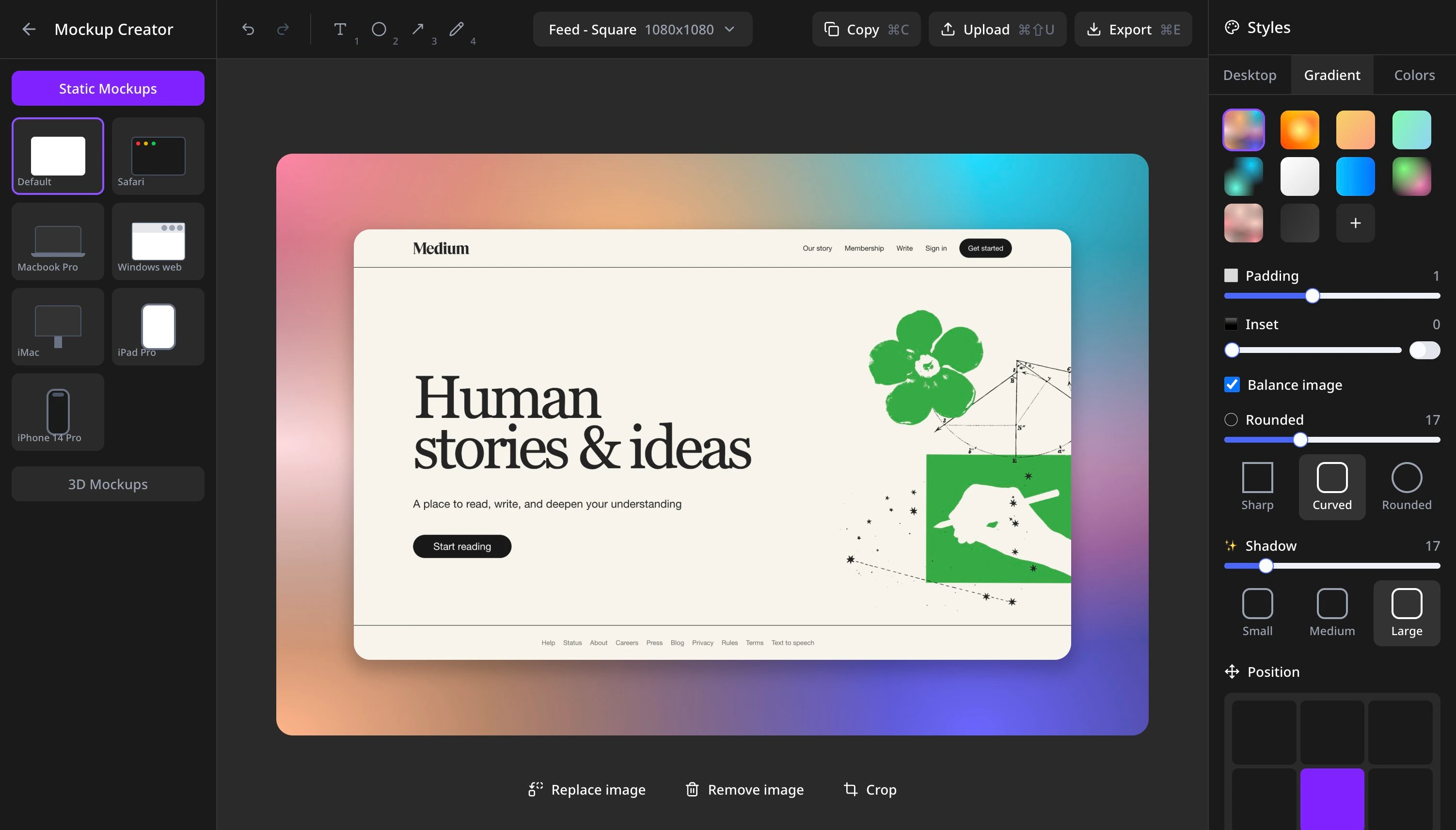
Professional App Mockup Creator
Create stunning device mockups for your app store listings. Add your screenshots to realistic iPhone, Android, and tablet frames with beautiful backgrounds.
Device Mockups
Realistic iPhone, iPad, and Android device frames for professional presentation.
Custom Backgrounds
Solid colors, gradients, or upload your own images to match your brand.
Export and review
Choose a platform preset and verify the exported pixel dimensions against the current store requirements.
Free to use. No signup required.
Plan your next store update
Choose the next step in your screenshot workflow.
App Store Screenshot Templates
Find a screenshot set for your app. Browse by platform or category, compare access options, and replace the sample screens with your own app captures.
Google Play Feature Graphic Generator
Create a Google Play feature graphic from the 1024 × 500 preset. Edit the artwork, export it and check Play Console requirements.
Choose screenshot sizes
Resize images with platform presets and check the dimensions before export.
Connect an AI tool
Use the MCP guide to connect your AI client and work with screenshot projects.
Prepare a store update
Bring screenshots and listing copy into Store Sync and review the destination before syncing.
Frequently Asked Questions
Everything you need to know about AppScreenshots
Is AppScreenshots really free to use?
Core editing and local PNG export are free. A free account can save up to 1 screenshot projects and start 1 AI workflow in total. Batch translation and multi-language export require Pro or Lifetime. Premium templates have separate access rules.
What platforms and devices are supported?
Create listing images for App Store, Google Play, Huawei AppGallery and Chrome Web Store. Choose a preset for your target platform and verify the exported dimensions against its current requirements.
Do I need design skills to create professional screenshots?
Start from a template or blank canvas, upload your app captures, and edit headlines, backgrounds and device frames. AI layouts are drafts: replace sample screens with your real app UI before export.
How does the multi-language feature work?
Manage 14 project languages and edit each locale manually. Batch translation and multi-language ZIP export require Pro or Lifetime. Review wording, fonts and text wrapping in every language.
Is my data safe? Where are my screenshots stored?
Local editing and export run in your browser. Cloud uploads, saved projects and AI features send the content needed for those features to our services.
Can I save and edit my projects later?
Sign in to save and reopen cloud projects. Free accounts can keep up to 1 screenshot projects. Use duplicates and exported files as checkpoints; local drafts stay in the browser where you created them.
What export formats and sizes are available?
The screenshot editor exports PNG files or ZIP packages containing PNGs. Select a platform preset, then check the downloaded pixel dimensions. Separate tools, such as Screenshot Resizer, have their own format options.
How do I get started?
Simply click 'Start Designing' to open the editor. Upload your app screenshots, choose a template or start from scratch, add text and customize the design, then export your finished screenshots. No account required to get started!
What is the difference between a screenshot, mockup and resize?
A store screenshot is a finished listing image. A device mockup places your capture inside a device frame. Resizing changes dimensions; it does not create missing app UI or translate text.
Does exporting screenshots publish my app?
Exporting creates image files. Upload them in the store console, or use Store Sync to prepare and review supported updates. Store approval and the app release are separate steps.