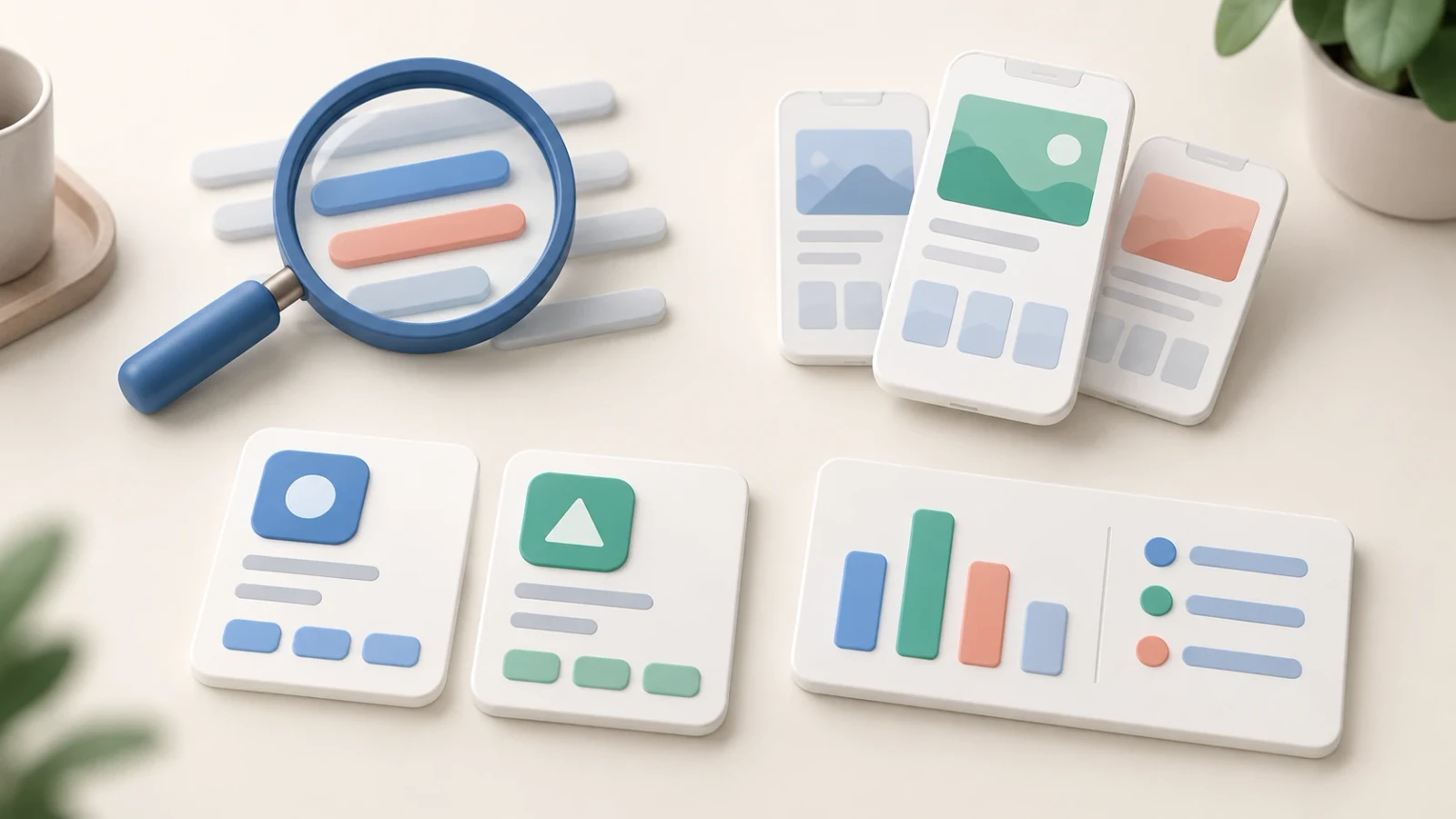
AppScreenshots vs AppLaunchpad: Compare Your Screenshot Workflow
Compare AppScreenshots and AppLaunchpad for app store screenshots, templates, localization and exports. Follow a practical checklist before choosing a plan.
AppScreenshots and AppLaunchpad both help turn app captures into App Store and Google Play screenshots. If you are considering an AppLaunchpad alternative, compare the complete job: choose a template, replace the sample screens, adapt the copy and inspect an exported set. A feature list alone cannot tell you how much work your next release will take.
Disclosure: We publish AppScreenshots. This comparison uses AppLaunchpad's public product information, checked on October 27, 2026, and AppScreenshots' current product documentation and access rules. We have not run a paid-plan benchmark of both tools. The evaluation below is a procedure you can follow, not a report of measured results.
What AppScreenshots and AppLaunchpad offer
AppLaunchpad's official homepage describes a browser-based editor for iOS and Android store screenshots. Its documented workflow includes templates, device frames, backgrounds, typography, localized designs and automatic scaling for store sizes. Those capabilities overlap with the core job AppScreenshots serves.
| Part of the job | AppScreenshots | AppLaunchpad's published information |
|---|---|---|
| Starting a design | Browse editable screenshot templates or begin with the platform generator | Prebuilt templates and device layouts |
| Customizing the composition | Edit captures, text, device frames and backgrounds in the screenshot editor | Portrait, landscape and custom layouts; colors, gradients, patterns and image backgrounds |
| Preparing another language | Review project translations and layout; batch translation requires a paid entitlement | Duplicate designs and update the text for each language |
| Preparing output sizes | Choose the destination canvas and review the export; batch export requires a paid entitlement | Automatic scaling for App Store and Google Play sizes |
| Checking access and cost | Read current AppScreenshots pricing for project, template and AI allowances | Check AppLaunchpad pricing for the selected plan |
The AppLaunchpad column summarizes its own descriptions. It does not establish which plan includes each feature or rule out capabilities absent from its homepage. Confirm the precise export, language and template access you need before paying.
When to evaluate AppScreenshots as an AppLaunchpad alternative
AppScreenshots is worth evaluating when your screenshot project sits alongside several smaller release tasks. You can make the main gallery in the App Store screenshot generator or Google Play screenshot generator, then use dedicated tools for other assets:
- The Google Play feature graphic generator prepares the separate wide banner used on Google Play.
- The screenshot resizer handles a sizing task when you already have an image to adapt.
- The template library lets you inspect a visual direction before committing to a complete set.
This is a reason to inspect the workflow, not evidence that AppLaunchpad lacks corresponding tools. If your existing AppLaunchpad project already produces the files you need, include the effort of rebuilding it in your decision. Do not assume that either editor imports the other's editable projects.
AppScreenshots also offers an AI screenshot generator. Treat its result as a first draft: replace example content with authentic app captures, verify the words and review every frame. An AI-generated layout does not demonstrate store acceptance or better conversion.
Compare access for the release you actually need
In AppScreenshots, new Free accounts can save one screenshot project and have one free AI workflow in total. Some older accounts retain a different project allowance. Batch export, batch translation and custom fonts have paid access requirements; opening a design does not mean every asset or operation is included for free.
For a single release, check whether the Launch Pass is available on the pricing page. The current offer is a one-time $4.99 purchase for seven days on one selected project. It includes Pro templates, batch export and three additional AI workflows. It excludes translation, custom fonts, signature credit-only templates and Store Sync. Confirm availability and checkout terms before relying on it.
For repeated localized releases, compare the recurring plan against your expected updates. Keep AI allowances, translation, project saving and export access as separate requirements. AppLaunchpad's current prices and plan-specific limits should come directly from its official pricing page; this article does not quote an unverified price or claim that it lacks a particular billing option.
Evaluate both editors with the same screenshot set
Use three authentic captures from your app, one target phone size and a longer translated headline. Add a real tablet capture if your app supports tablets. Keep the source files and copy identical across evaluations.
- Choose a starting template. Find a design that suits your app's content. Record whether the required template is included in the plan you are evaluating.
- Replace the sample screens. Check that important controls remain visible inside the frame. Try a second capture with a different aspect ratio to expose awkward cropping.
- Change the message. Edit a short benefit headline, then insert the longer translation. Inspect line breaks, alignment, font coverage and right-to-left text when relevant.
- Prepare a second device group. Review the composition with an authentic capture from that device. Resizing a phone image does not turn it into an accurate tablet screenshot.
- Export and reopen the files. Inspect the actual dimensions, format, alpha channel and text readability. Check whether the plan lets you export the complete set and edit the saved project again.
- Repeat a release edit. Replace one screen and revise one headline. Note the steps, errors or manual adjustments involved. These observations matter more than an advertised template count.
Keep a small decision record: the plan required, files produced, issues found and work needed for the next update. If you measure time, use the same starting conditions and identify your own test date. The procedure does not imply a speed advantage for either product.
Check the store requirements independently
The destination store determines whether an asset is suitable. Apple's screenshot specifications define accepted device sizes and image formats, including the requirement for images without alpha channels or transparency. Check the required groups for your app before exporting.
Google Play's preview asset requirements distinguish screenshots from the feature graphic. The feature graphic is exactly 1024 × 500 pixels, supplied as JPEG or 24-bit PNG without alpha. Use the dedicated banner workflow rather than assuming a gallery screenshot is interchangeable with it.
Neither an attractive preview nor an export button proves that your whole submission meets the current rules. Review the finished files and the relevant store-console fields.
Frequently asked questions
Is AppScreenshots an AppLaunchpad alternative?
Yes, for designing App Store and Google Play screenshot artwork. Compare your required device groups, languages, template access and exports using the same app captures. The better fit depends on the release work you need to repeat.
Which screenshot generator is cheaper?
This article does not establish a price winner. Check both current pricing pages, including renewal terms and the plan required for your complete set. A free starting point and a paid workflow with localization or batch exports are different purchases.
Can I transfer an AppLaunchpad project into AppScreenshots?
This comparison does not establish editable-project compatibility. Keep your original app captures and text available, and verify import options before switching. An exported flat image does not preserve the separate text, background and device layers of a design.
Does either tool guarantee store approval or more downloads?
This comparison provides no such guarantee. File preparation, store review and conversion measurement are separate tasks. Use current store specifications for submission and the relevant store analytics or experiment tools to assess results.
Choose the workflow you can repeat
Choose an AppLaunchpad alternative after completing one representative set, including a translation and a second device group when your release needs them. If AppScreenshots fits, start with a template and check the plan for your release. If your current editor already handles the task smoothly, weigh that working setup against the effort of rebuilding and reviewing it elsewhere.
Author
Creator of AppScreenshots. Building tools for screenshot design and app-release preparation.
Categories
More Posts
Best App Screenshot Generators: Choosing a Workflow (2026)
Compare screenshot generators, device mockup tools and design editors by workflow, using official product links and an export evaluation checklist.
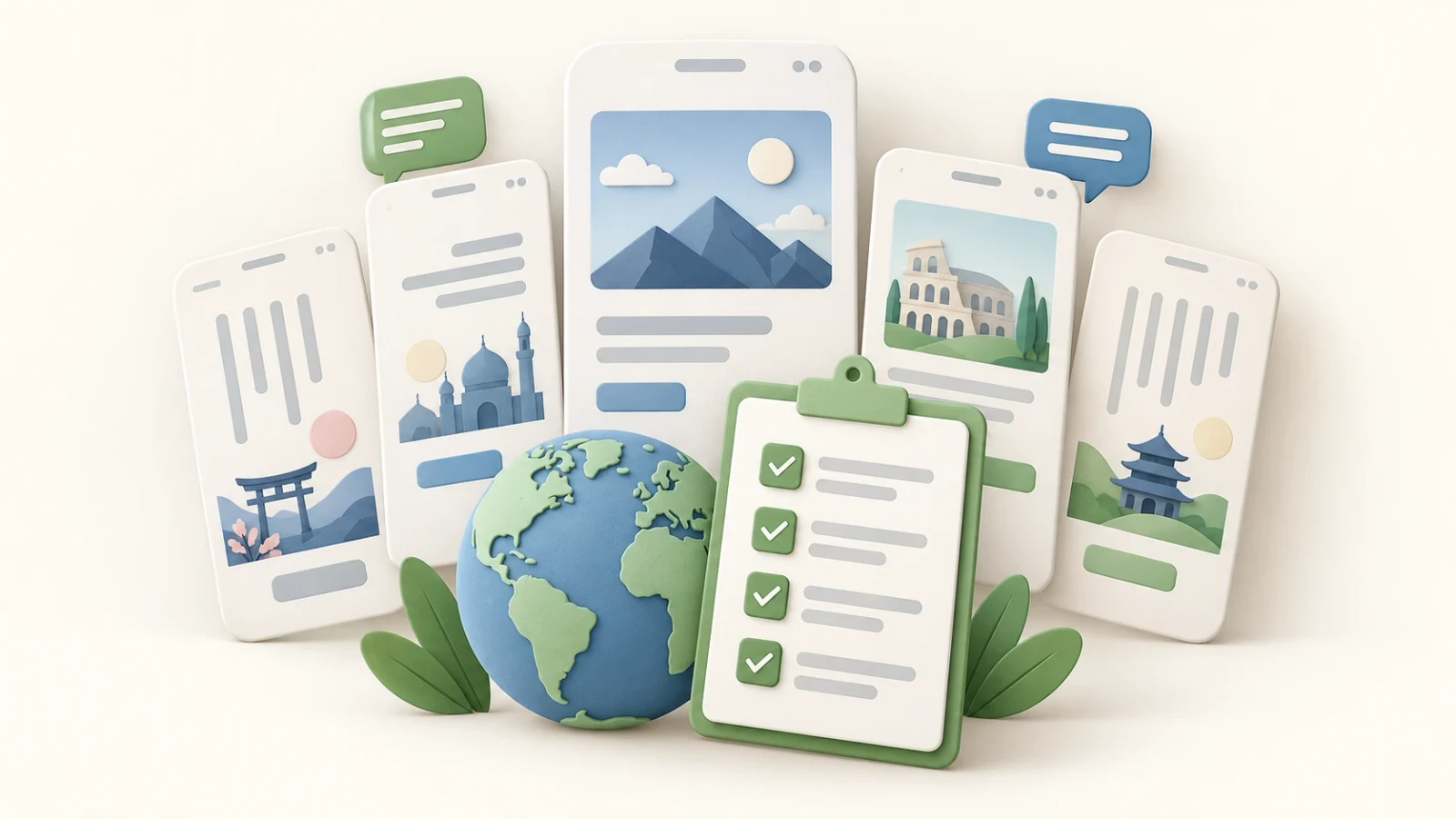
App Store Localization Checklist for Global Release
Use this App Store localization checklist to check metadata, screenshots, languages and upload readiness before a global release.
App Store Screenshot Sizes and Preview Video Dimensions
Check App Store, Google Play and Chrome screenshot sizes, plus App Preview video dimensions, formats and counts with official sources.
Newsletter
Stay Updated
Get the latest app design tips and icon trends delivered to your inbox.